

Quick answer: The most reliable way to extend Bluetooth range is to improve placement, reduce obstacles and interference, and test one variable at a time. Bluetooth version alone does not determine real-world range.
This guide gives you a repeatable way to find the weak point in a home or office Bluetooth link before you buy new hardware.
What actually determines Bluetooth range?
Real-world range is the result of the complete radio link, not a single version number. The most important variables are:
- Radio and antenna design: antenna position, orientation, enclosure materials, and device design all affect the signal.
- Transmit power and receiver sensitivity: both ends of the connection matter. A stronger source cannot fully compensate for a weak receiver.
- Path loss and obstacles: distance, walls, floors, people, metal, and dense furniture can weaken or reflect the signal.
- Interference and layout: crowded 2.4 GHz environments and poor equipment placement can make an otherwise adequate link unreliable.
The Bluetooth SIG range overview explains how radio spectrum, transmit power, receiver sensitivity, antenna gain, and path loss combine to determine usable range.

A five-step Bluetooth range field test
- Set a baseline. Confirm stable audio or data transfer with the devices in the same room and note the starting positions.
- Test line of sight. Move the receiving device away in small increments with as few obstacles as possible.
- Find the first failure point. Record where dropouts, latency, or disconnects begin instead of relying on a claimed maximum distance.
- Change one variable. Raise the transmitter, rotate a device, open a door, or move nearby wireless equipment, but do only one change per test.
- Repeat in both directions. Return to the baseline and repeat the route. A result that cannot be repeated is not a reliable improvement.
Improve range before buying hardware
- Place both devices in the open and above floor level when practical.
- Keep the radio away from metal cabinets, equipment racks, and dense structural barriers.
- Move Wi-Fi access points, USB 3 equipment, and other busy 2.4 GHz devices away from the Bluetooth path when possible.
- Update device firmware, operating-system Bluetooth components, and adapter drivers.
- Remove stale pairings, restart both endpoints, pair again, and repeat the same field test.
When a hardware change makes sense
Consider new hardware only after placement and interference tests produce repeatable results. First identify whether the source, receiver, or physical route is the limiting factor. An external adapter may improve a computer’s radio or antenna position, but the other endpoint still has to sustain the return link.
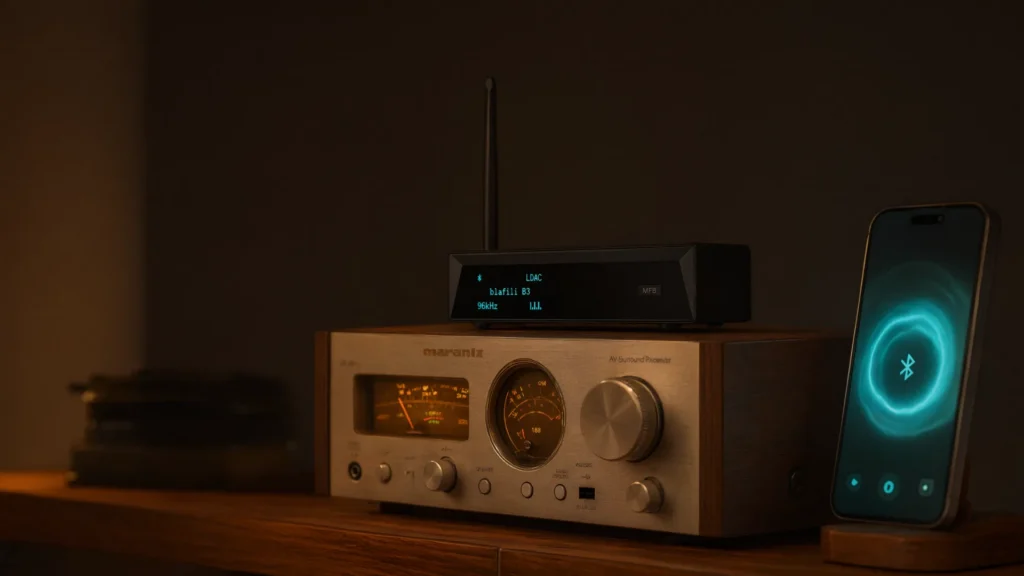
For a home stereo that needs a dedicated receiving endpoint, review the blafili B3 Bluetooth audio receiver and compare its connections and intended use with your system. Treat any hardware change as a new test variable rather than a guaranteed range fix.
Home and office placement checklist
At home
- Avoid hiding the transmitter behind a television, amplifier, or metal furniture.
- Test doors open and closed to isolate the effect of walls and room layout.
- For audio, keep the phone or computer in a consistent position while comparing changes.
At the office
- Test during both quiet and busy periods because the local radio environment can change.
- Keep Bluetooth endpoints away from access points, docks, hubs, and cable bundles where practical.
- Document the desk, room, and route used so another person can reproduce the result.
Troubleshooting recurring dropouts
- Works nearby but not across a room: focus on obstacles, antenna orientation, and placement.
- Fails only at busy times: compare the same route at a quieter time and investigate local interference.
- Only one device has the problem: update, reset, and independently test that endpoint.
- Audio drops but the connection remains: reduce competing activity and check the source device’s power-saving settings.
Frequently asked questions
Does a newer Bluetooth version automatically increase range?
No. Supported radio features can matter, but actual range depends on the complete implementation, both endpoints, antennas, power, sensitivity, obstacles, and interference.
Can I extend Bluetooth through several walls?
Sometimes, but there is no universal distance. Wall materials and the placement of both devices can change the result dramatically. Measure the real route and improve it one variable at a time.
Should I buy a Bluetooth repeater?
Do not assume a generic repeater will work with your profile or use case. Identify the role of each endpoint and verify compatibility before buying any intermediate hardware.