

Your music stalls mid-track, the speaker goes quiet, and a few seconds later the receiver reconnects as if nothing happened. When that loop repeats every evening, it helps to know the fault rarely lives where you think it does. A Bluetooth receiver keeps disconnecting for one of nine short-list reasons, and almost none of them point to a dead unit. The causes cluster into three groups: the crowded 2.4 GHz radio band your link shares with Wi-Fi, the power and cabling feeding the receiver, and the phone doing the streaming.
The repair rarely costs money. It is usually a USB port swap, a pairing reset, or a settings toggle, and the whole checklist below runs about fifteen minutes end to end. Most people land on congestion, power, or range. The table further down maps each symptom to its likeliest row, so you can jump straight to the section that treats your case.
Why Your Bluetooth Receiver Keeps Disconnecting
If a Bluetooth receiver keeps disconnecting, one of nine causes sits behind it in the overwhelming majority of cases: a crowded 2.4 GHz band, weak or noisy USB power, phone battery savers, two phones fighting over one receiver, distance and obstructions, outdated firmware, ground-loop noise, heat, and tired cables. Each cause breaks the link in its own way, and each fix takes minutes. Match your symptoms against the list before you blame the receiver.
Timing is your most reliable clue. The five patterns below cover where the fault usually shows itself, and a Bluetooth receiver keeps disconnecting for a reason that leaves traces in exactly one of them.
- Drops at the same time every evening. Points to the 2.4 GHz band: a router channel change, a neighbor’s new network, or the microwave running through dinner.
- Drops when the screen locks or the battery runs low. Points to the phone: battery saver and background limits are pulling the plug.
- Drops at the far end of the room or through walls. Points to distance, obstructions, or a metal cabinet around the receiver.
- Drops with a hum or buzz in the speakers. Points to power: an overloaded hub or a ground loop through shared cabling.
- Drops soon after another phone comes home. Points to the pairing list: two devices racing for the same receiver.
The Nine Causes at a Glance
The whole diagnostic fits in one table. Bluetooth hops across 79 channels in the unlicensed 2.4 GHz ISM band (the Bluetooth SIG’s technology overview), the same stretch of spectrum where Wi-Fi networks, microwave ovens and receivers collide (Wikipedia’s ISM radio band entry). Skim the symptom column, try the quick fix, and read the section underneath when the quick fix does not hold.
| Cause | Typical symptom | Quick fix |
|---|---|---|
| Crowded 2.4 GHz band | Cuts out when the microwave runs or at peak evening hours | Move the receiver away from the router, change the Wi-Fi channel, try another USB port |
| Weak or noisy USB power | Drops when other gear on the same hub spins up, or random reboots | Power from a 5V/1A or better wall adapter, skip overloaded hubs |
| Phone battery saver | Link dies when the screen locks or the charge runs low | Exempt the music app and Bluetooth from battery optimization |
| Two phones, one receiver | Connects, then drops when the second phone comes home | Clear the pairings, re-pair one device, keep the other out of range |
| Distance and obstructions | Cuts out in far corners, through walls, inside metal racks | Stay within about 10 m with a clear line of sight |
| Outdated firmware | Dropouts follow a fixed pattern across different phones | Update through the maker’s support pages |
| Ground loop and shared power | Hum or buzz in the speakers, plus dropouts when cables shift | Feed the gear from one power strip, remove unused cables |
| Heat buildup | Drops after long sessions inside a closed cabinet | Ventilate the shelf, stop stacking gear on top of the unit |
| Tired cables and oxidized ports | Crackling, or silence after each reconnect while the link light stays on | Reseat or swap the cable, clean the port |
How Do I Fix a Bluetooth Receiver That Keeps Disconnecting?
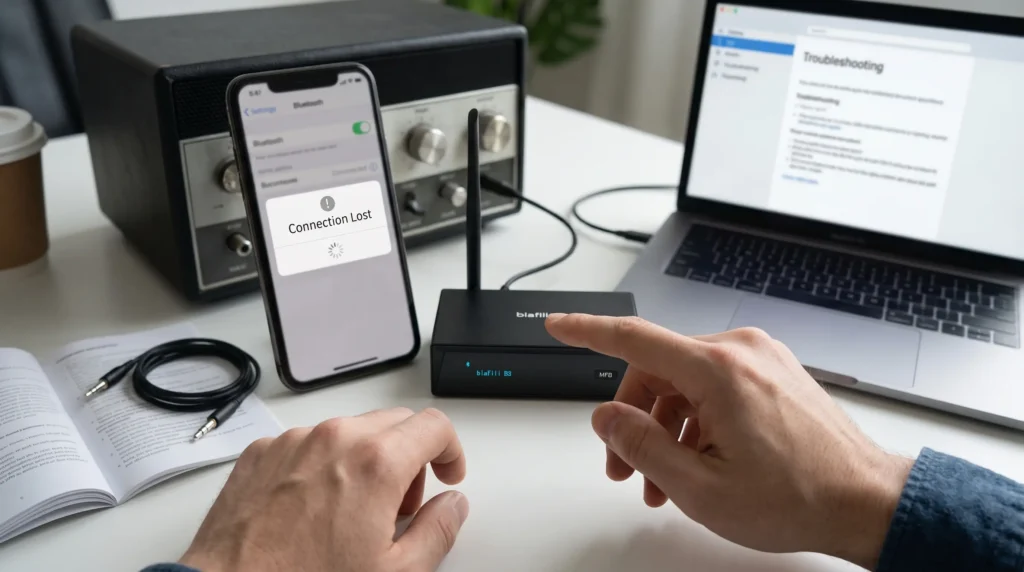
Work the fixes in this order. They run from cheapest to most involved, and the opening three settle most reports that begin with “my Bluetooth receiver keeps disconnecting.” Give each step a full day of listening before moving on, because a dropout that shows up twice a week takes patience to confirm as gone.
- Delete the pairing and pair again. Remove the receiver from the phone’s Bluetooth menu, put the receiver back into pairing mode, and connect once. A fresh link key clears stale handshakes that survive reboots.
- Feed it clean power. Move the receiver to a wall adapter rated 5V/1A or better. Multi-port hubs sag when drives and lights spin up elsewhere on the strip, and a sagging supply browns the radio out mid-song.
- Change the USB port and the spot. A different port, or a USB 2.0 port instead of a blue super-speed one, moves the radio away from local noise. Even a small shift across the shelf can clear a dead zone.
- Update the firmware. Check the maker’s support pages for your model; blafili keeps receiver firmware and update steps on the blafili support pages. A dropout that repeats on a schedule across different phones is the classic old-firmware signature.
- Retune the phone’s power settings. Exempt your music app from battery optimization, and keep a player open on screen during long listening sessions.
- Reseat or replace the cables. Unplug and replug the audio cable at both ends, then try a spare if crackle or post-reconnect silence persists.
Why Does Bluetooth Cut Out at Home?
Home is where the 2.4 GHz band gets crowded. Wi-Fi routers default to overlapping channels, an apartment building stacks dozens of networks within radio range, and the microwave leaks broadband noise across the band every time it reheats dinner. Bluetooth hops frequencies to dodge the traffic, but the hop table has fewer clean slots to land on as evening usage piles up. When a Bluetooth receiver keeps disconnecting mostly between 6 and 10 p.m., congestion is the likeliest cause on the list.
The gear on your own shelf matters as much as the neighbors’ networks. Intel and the USB-IF published a white paper on how USB 3.0 ports and cables radiate noise that lands inside the 2.4 GHz band (Intel’s USB 3.0 interference white paper), which explains a receiver that misbehaves on a laptop’s super-speed port yet holds steady on an older USB 2.0 port. Power adds a second failure mode on top of radio noise: a supply that sags whenever something else switches on can cut the link without any warning on the phone.
One distinction saves real time here. A ground loop makes a steady hum or buzz, it arrives through audio cables and shared power wiring, and the radio link stays up while it hums. Unplugging the audio cable kills the hum on the spot, which is how you confirm it. Dropouts sound different: the music stops outright, and the receiver’s light falls back to pairing mode before reconnecting. Hum calls for wiring work, dropouts call for radio and power work.
When a dropout ends with a loud thump through the speakers instead of silence, that companion fault has its own write-up on why a receiver pops when the music pauses.
What Limits Bluetooth Range Indoors?
Range has hard physics behind it. Bluetooth’s most widely used power mode caps transmission at 2.5 milliwatts, which works out to a range of up to about 10 m in open air (Wikipedia’s Bluetooth reference). A living room is a hostile place for that figure, and every wall, doorway, appliance and body between the phone and the receiver trims it further.
Distance failures hide behind other causes. A Bluetooth receiver keeps disconnecting at the far wall while the same phone a meter from the shelf holds for hours, and that contrast is the tell. Water absorbs 2.4 GHz energy efficiently, so a listener walking between the units trims the margin for as long as they stand there. Metal racks and closed cabinets behave like shields, which is why gear stowed inside one needs a slot near an opening or a cable long enough to let the receiver sit outside the metal.
Gigs compound the same limits. One B3 owner reported the link dropping twice within twenty minutes of a set, even with the phone ten feet away; crowds, back walls and rack metal each chip away at the same 2.5 milliwatt signal until the link has nothing left to spend.
Can Your Phone Drop the Link Without Warning?
Phone-side causes produce the most confusing dropouts, and the receiver gets the blame. Battery savers top the list: Google’s Android documentation says Battery Saver “limits or turns off background activity” (Google’s Android battery help page), and a streaming app parked in the background counts as exactly that. The music can continue for a while on the buffer, then the link idles out mid-album with nothing visibly wrong on either screen. When a Bluetooth receiver keeps disconnecting only while the phone screen is off, this is the section to reread.
The exemptions usually end the pattern, because battery throttling explains a large share of cases where a Bluetooth receiver keeps disconnecting on the move. Android lets you mark individual apps as unrestricted in the battery settings, and leaving a player open on screen keeps the stream in the foreground where power limits leave it alone. Ten seconds of settings work ends a week of mystery dropouts.
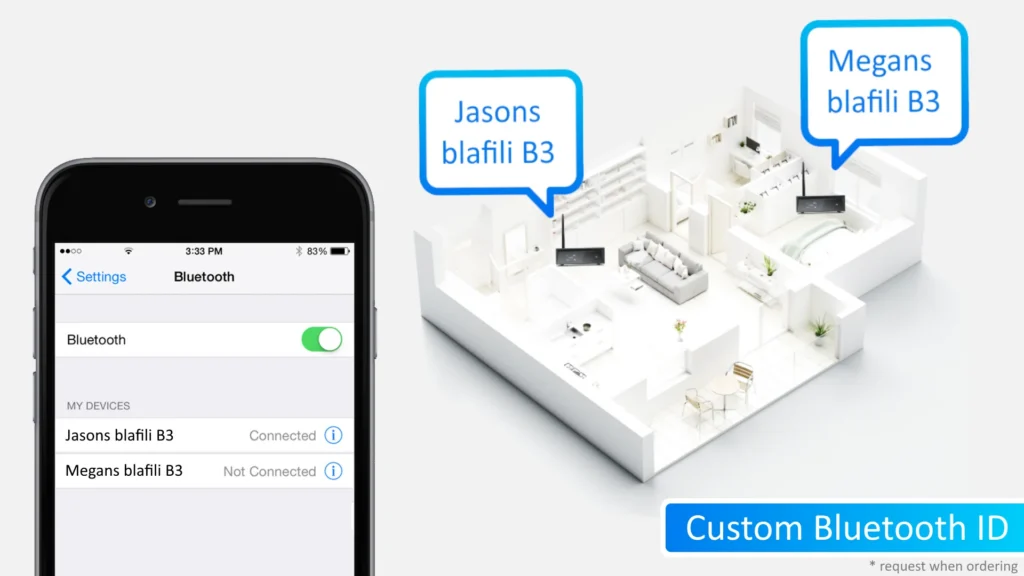
Pairing races are the second phone-side trap. A receiver that has paired with three phones over the years grabs whichever one broadcasts, drops the link when another device’s apps wake up, and flips again minutes later. Two fixes work: delete every pairing and re-pair a single device, or switch off Bluetooth on the phone that leaves the house. One owner of the blafili CAR Bluetooth receiver reported occasional mornings where the receiver would not connect at all until the phone’s Bluetooth was toggled off and on. That pattern belongs to the pairing race, and a fresh single-device pairing is the standard cure. The same rule holds when a Bluetooth adapter cuts out in the car, where power and pairings explain nearly everything.
Is the Receiver Itself Failing?
Hardware is the last suspect for a reason. Run the environment, power and phone sections with a second phone if you have one. When a Bluetooth receiver keeps disconnecting across two phones, two cables and two power sources, the unit itself moves to the top of the list, and the failure modes left standing are heat, firmware and ports.
Heat throttles radios quietly. A receiver mounted inside a closed amplifier cabinet, or stacked beneath warm gear, can cook until the radio gives up mid-session, so give the case air on every side and keep it out of afternoon sun. Old firmware explains another share of cases: a Bluetooth receiver keeps disconnecting on a schedule when its radio software carries a bug an update already fixed. Ports and cables fail last, because oxidation on a 3.5 mm plug or a tired aux lead can mute the analog leg after each reconnect so completely that the link looks dead. Reseat, clean, then swap before you order anything.
Reviews back the arithmetic. The blafili B3 Bluetooth audio receiver holds a 4.89 rating across 186 reviews, and one owner who replaced an aging adapter reported the dropouts stopped altogether. A setup change that ends the cuts is worth its cost many times over.
Stability and sound quality travel on separate tracks. Once the dropouts stop, the codec your link negotiates decides the character of the audio, and our Bluetooth codec listening test plays identical tracks through each format so you can hear the difference the radio was carrying all along. Then keep the checklist pinned somewhere handy: the next time your Bluetooth keeps disconnecting, the nine-row table near the top is the fastest route from symptom to fix.