

What Is a Bluetooth Receiver for Mixer?
A bluetooth receiver for mixer is a compact audio device that takes wireless signals from phones, tablets, or laptops and converts them into analog or digital outputs suitable for mixing consoles, PA systems, and powered speakers. Unlike a generic Bluetooth adapter for home stereos, this type of receiver needs to match the input requirements of professional audio gear, usually through XLR, RCA, or 6.35mm TRS jacks. The distinction is important because mixers and live sound rigs often need balanced signals, proper voltage levels, and low-latency codecs to prevent phase cancellation or dropouts during a set. When you are evaluating a bluetooth receiver for mixer, the output format, codec support, and power source deserve the most attention.
Bluetooth SIG establishes the baseline specifications for Bluetooth audio, but individual manufacturers decide how strictly to follow those standards.
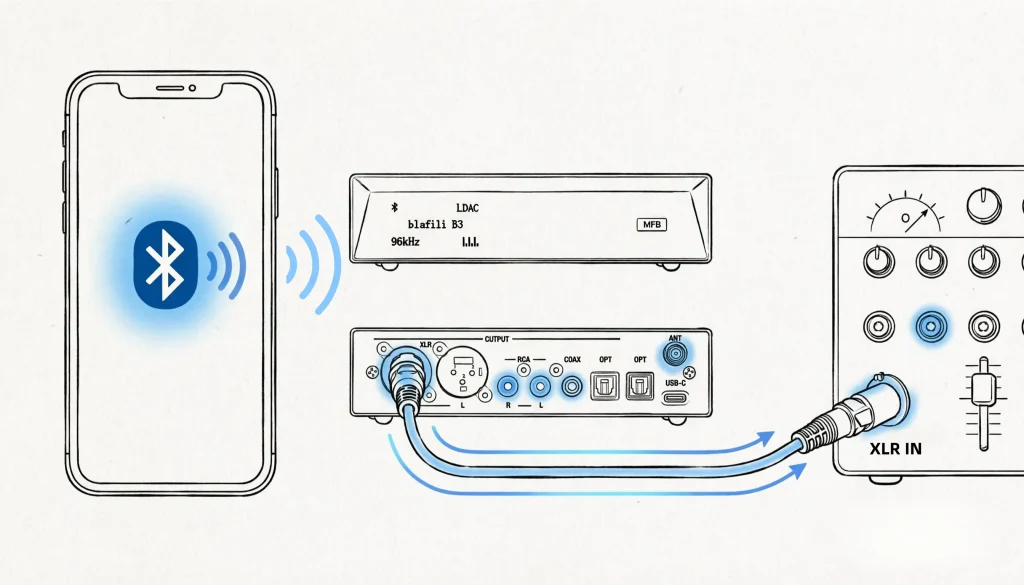
How a Bluetooth Audio Receiver Reaches Your Mixer
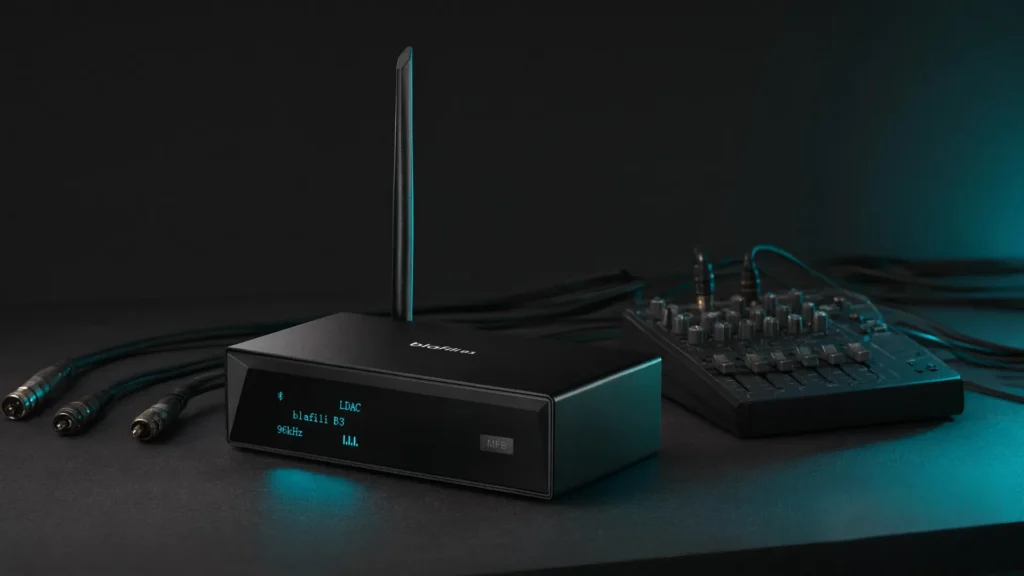
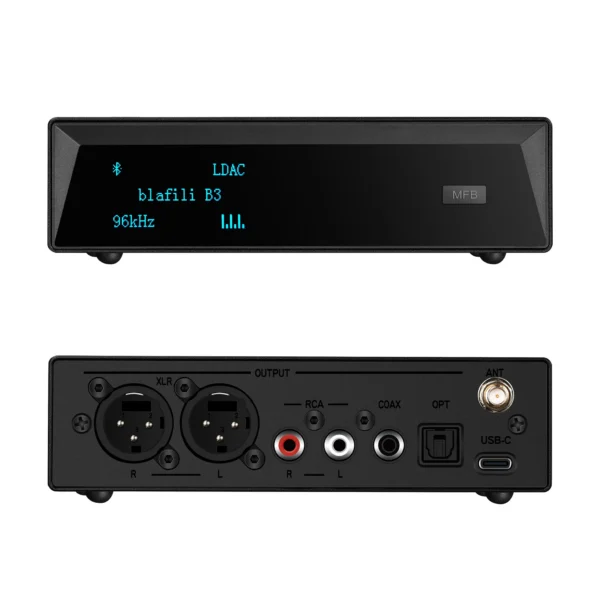
The signal path inside a Bluetooth audio receiver for a mixer follows three stages: wireless reception, audio decoding, and signal conversion. First, the unit pairs with a source device via the A2DP profile. Second, it decodes the stream using a built-in codec, SBC, aptX, and LDAC are the most common. Third, it outputs the audio through a physical port. For mixer integration, the most useful ports are XLR (for long balanced runs to a PA), RCA (for DJ booths or home studios), and 6.35mm TRS (for direct channel inserts). The T6.35 Bluetooth Transmitter from blafili is built for this scenario with 1/4″ outputs and mixer/PA labeling, while the blafili B3 Bluetooth Music Receiver provides multi-format outputs for flexible routing.
aptX and LDAC reduce compression artifacts, but both the source device and the receiver need to support the same codec to realize the benefit.

Buying a Bluetooth Receiver for Mixer: Key Features
Not every Bluetooth adapter works well with a mixing console. When evaluating a bluetooth receiver for mixer, focus on these features:
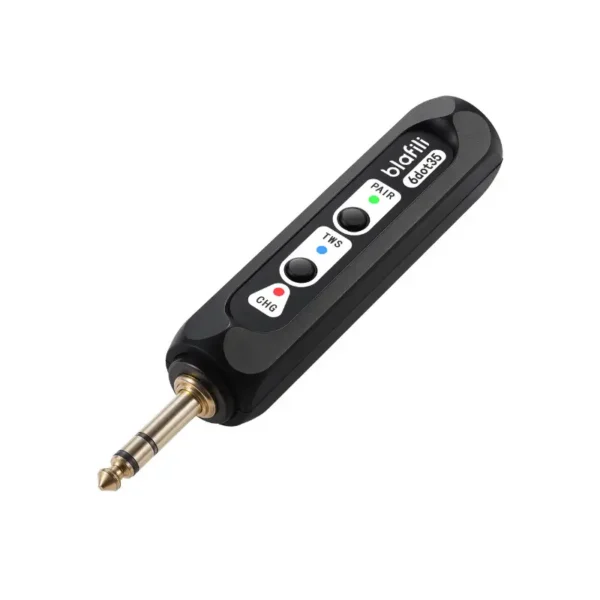
- Output type: XLR is preferred for stage use because it carries a balanced signal and rejects noise over long cable runs. RCA works for DJ booths or home studios. TRS 6.35mm fits direct mixer channel inserts. The 6dot35 1/4″ TRS Bluetooth v5.1 Music Receiver shows how a TRS-first design targets mixer integration.
- Codec support: aptX and LDAC deliver higher bitrates than SBC. For live monitoring or DJ beatmatching, low latency matters; aptX Low Latency or LC3plus are worth seeking out.
- Bluetooth version: 5.2 and 5.3 improve range, stability, and power efficiency over older versions.
- Power source: Some receivers draw power from the mixer or PA system; others need an external DC adapter or internal battery. Battery-powered units like the BTFLEX are convenient for outdoor gigs, but they require charging between sets.
- Mono vs. stereo: Many PA systems and broadcast mixers expect mono signals. A stand-alone Bluetooth receiver for mixing consoles that can sum stereo to mono avoids phase cancellation when sending audio to multiple speakers.
| Output Type | Best For | Signal | Typical Cable | Noise Rejection |
|---|---|---|---|---|
| XLR | Live sound, long runs | Balanced | XLR-XLR | Excellent |
| RCA | DJ booth, home studio | Unbalanced | RCA-RCA | Moderate |
| 6.35mm TRS | Mixer channel insert | Balanced or unbalanced | TRS-TRS | Good |
Connecting to XLR or RCA Inputs
Setting up a Bluetooth receiver for a mixer takes roughly five minutes if the output matches your console. First, place the receiver within 10 meters of the source device and keep it in line-of-sight to avoid 2.4 GHz interference. Second, power on the unit and enter pairing mode, usually by holding a button until an LED flashes. Third, pair your phone, tablet, or laptop through the device’s Bluetooth settings. Fourth, connect the output to the mixer: use XLR for PA systems, RCA for DJ mixers, or 6.35mm TRS for channel inserts. Finally, adjust the mixer channel gain so the wireless audio sits in the same ballpark as your other inputs; sudden level jumps often occur when the Bluetooth signal first engages. If you need both XLR and USB-C connectivity for recording and streaming, the Bicast XLR & USB-C Bluetooth Audio Transmitter covers both analog output and digital capture.
On sale products
-
Sale!
 Original price was: $149.00.$109.00Current price is: $109.00.
Add to cart
-
Sale!
 Original price was: $59.99.$40.99Current price is: $40.99.
Add to cart
-
Sale!
 Original price was: $29.99.$21.99Current price is: $21.99.
Add to cart
-
Sale!
 Original price was: $59.99.$44.99Current price is: $44.99.
Add to cart
External vs. Built-In Bluetooth for Mixers
Many modern mixers and powered speakers now include built-in Bluetooth, so buyers often ask whether a separate Bluetooth receiver for mixer is still necessary. Built-in Bluetooth is convenient for casual playback, but it usually supports only SBC or basic aptX, offers no choice over output type, and cannot be upgraded. An external receiver gives you control over the codec, output format, and antenna placement. It also lets you keep the Bluetooth module outside a rack case, which can improve wireless range. For users who already own a mixer without wireless capability, or who want to add aptX HD or LDAC support to an existing PA, an external Bluetooth receiver for mixer remains the more flexible path. The trade-off is extra cabling and a separate power source, but for most live sound and DJ workflows that trade-off is minor compared to the audio quality and routing control you gain.
Frequently Asked Questions
Can a Bluetooth receiver for mixer connect to any PA system?
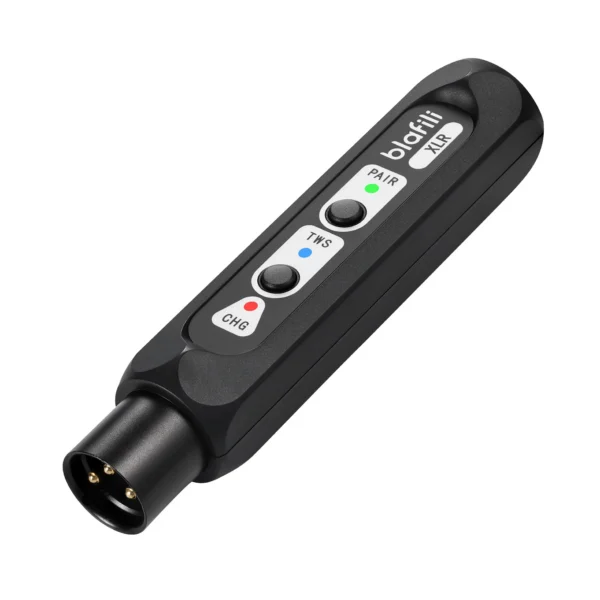
Most PA systems with XLR or RCA inputs will accept a Bluetooth receiver for mixer, provided the output level matches the mixer’s expected line level. Some professional consoles expect +48V phantom power on XLR inputs, so check whether the receiver is phantom-powered or requires a passive connection. The blafili XLR Bluetooth Audio Receiver is designed for XLR-ready consoles, but not every mixer supports the same pinout or voltage standard.
Does a Bluetooth receiver for mixer add noticeable latency?
Latency depends on the codec. SBC introduces roughly 200 to 300 ms of delay, which is audible during live monitoring or DJ beatmatching. aptX Low Latency reduces this to around 40 ms, while LDAC varies between 30 and 200 ms depending on the bitrate setting. For live performances, choose a receiver that explicitly lists low-latency codec support.
What is the difference between a bluetooth transmitter and a bluetooth receiver for mixer use?
A bluetooth receiver for mixer takes a wireless signal and turns it into a wired input for the mixer. A bluetooth transmitter does the opposite: it takes a wired signal from the mixer and sends it wirelessly to headphones or speakers. Some devices, such as the T6.35 Bluetooth Transmitter, operate in both modes, but the wiring and signal flow are reversed.
Are stereo or mono receivers better for live sound?
Stereo is better for home studios and DJ previews. Mono is better for live sound and PA systems because it avoids phase cancellation when the signal is sent to multiple speakers. Many Bluetooth receivers for mixers can switch between stereo and mono output; choose mono for live gigs.
How far can a bluetooth receiver for mixer be from the source device?
Under ideal line-of-sight conditions, Bluetooth 5.2 and 5.3 receivers typically reach 10 to 30 meters. Obstacles, crowded 2.4 GHz environments, and phone cases can reduce this to 5 to 10 meters. If the receiver will be on stage while the DJ booth is in another room, consider a model with an external antenna or a Bluetooth extender.