

Let’s be real – in a world where wires seem to constantly get in the way, wireless technology is a game changer. Bluetooth technology has taken the world by storm, allowing us to connect devices without the tangled mess of cords. If you’ve ever wanted to listen to music through your old stereo system or stream sound from a TV to your headphones, you’ve probably heard of a Bluetooth transmitter and receiver. But what exactly do they do, and why should you care?
In this article, we’re diving into everything you need to know about Bluetooth transmitters and receivers. Whether you’re a tech newbie or a seasoned gadget geek, we’ve got something for you! From the basics of how they work to their practical uses, we’ll cover it all.

What is a Bluetooth Transmitter and Receiver?
Before we get into the nitty-gritty, let’s break it down.
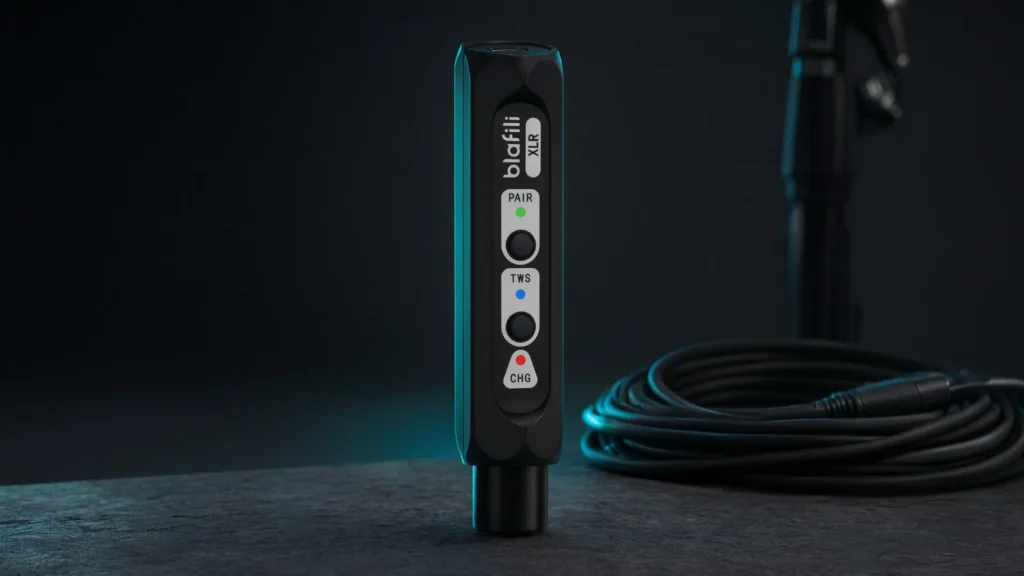
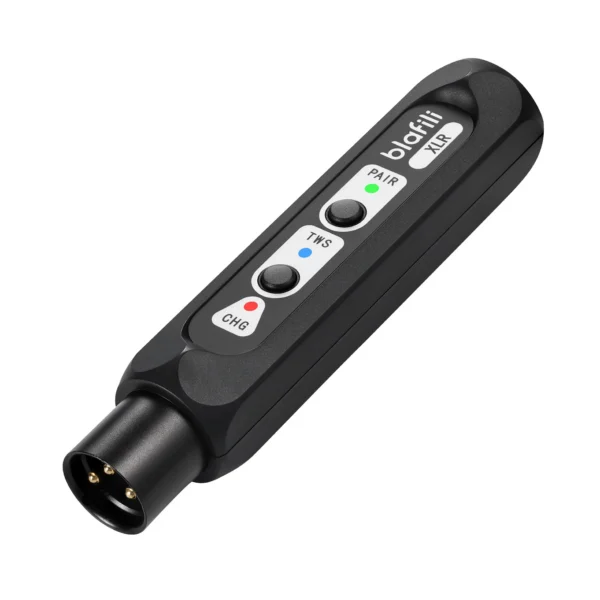
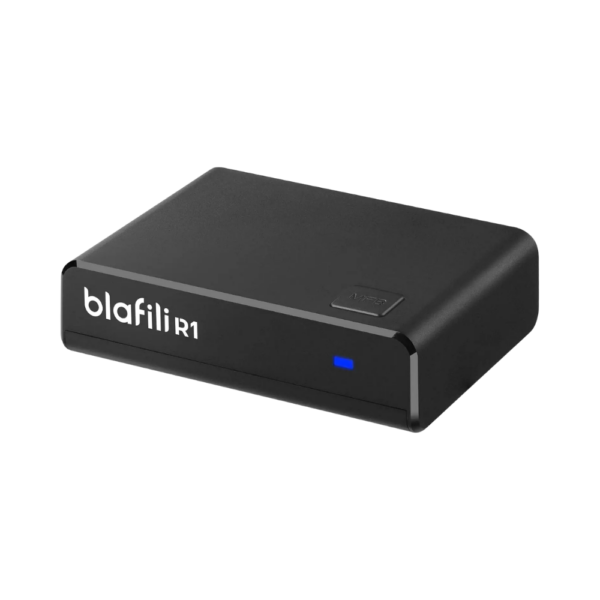
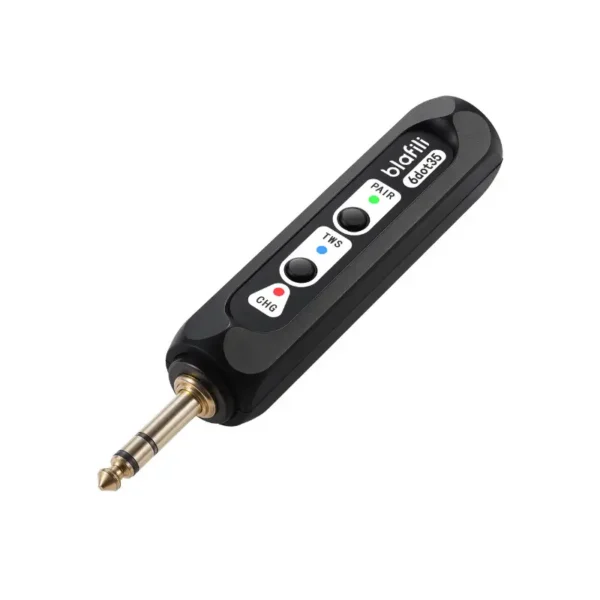
- Bluetooth Transmitter: This device takes audio or data from a source (like your TV, computer, or even a car stereo) and sends it wirelessly to a Bluetooth-enabled device (such as a speaker, headphones, or another compatible receiver).
- Bluetooth Receiver: In contrast, the receiver grabs that Bluetooth signal and translates it back into audio or data so it can be played through a speaker or another device.
In short, a Bluetooth transmitter sends the signal, and the receiver catches it, like a perfect game of catch – just without the need for a ball or mitt.

How Do Bluetooth Transmitters and Receivers Work?
Bluetooth transmitters and receivers work on the same principle: short-range wireless communication. These devices communicate via a radio frequency, usually within the 2.4 GHz band. This allows for a relatively simple, low-energy connection that can be used to transmit audio, data, or other signals over short distances (typically up to 100 meters or so, depending on the device).
The Inner Workings of a Bluetooth Transmitter
When you plug a Bluetooth transmitter into an audio source (say, your television or a music player), it converts the audio signal into a Bluetooth-compatible signal. The transmitter will then send this signal out to any nearby Bluetooth-enabled receiver.
The Role of a Bluetooth Receiver
On the flip side, the Bluetooth receiver takes that signal and translates it back into sound. Whether you’re streaming music to a speaker or sending audio to a pair of headphones, the receiver makes sure that you hear the audio as it was intended.

The Practical Uses of Bluetooth Transmitters and Receivers
Alright, so we’ve covered the theory. But what are some real-world scenarios where Bluetooth transmitters and receivers can improve your life? Let’s dive in!
Listening to TV Audio Wirelessly
Do you ever want to enjoy TV shows or movies without waking up the entire household? A Bluetooth transmitter plugged into your TV or set-top box will allow you to send audio wirelessly to Bluetooth headphones or speakers. It’s a fantastic solution for late-night Netflix binges or gaming marathons.
- No more tangled headphone cables.
- Enjoy crisp, clear sound without disturbing others.
Old-School Speakers, New Technology
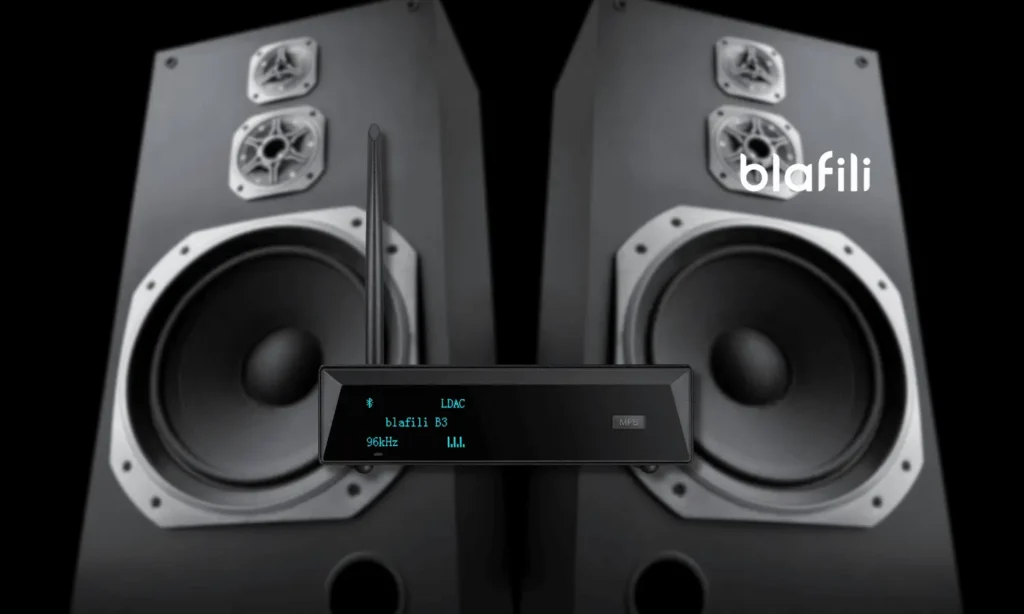
Got a classic stereo system that still sounds great but lacks Bluetooth? No problem! A Bluetooth receiver can give it a second life by allowing you to connect your smartphone, tablet, or computer wirelessly.
- No more messy wires between devices.
- Easily switch between playlists from your phone or laptop.
-
Sale!
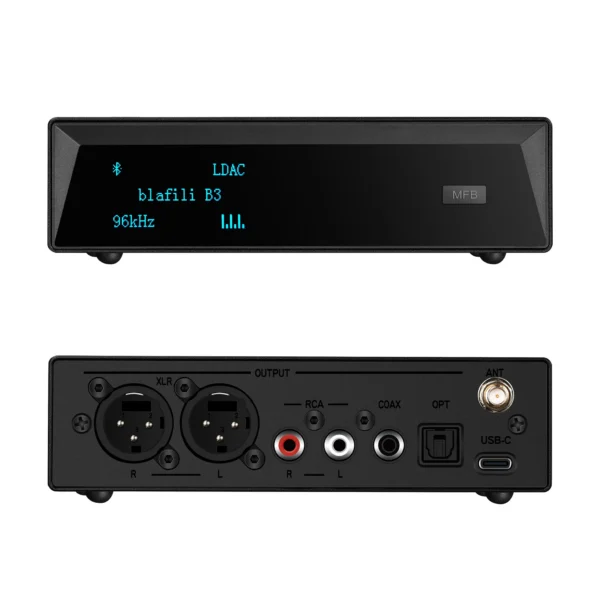 Original price was: $149.00.$109.00Current price is: $109.00.
Add to cart
-
Sale!
 Original price was: $59.99.$40.99Current price is: $40.99.
Add to cart
-
Sale!
 Original price was: $29.99.$21.99Current price is: $21.99.
Add to cart
-
Sale!
 Original price was: $59.99.$44.99Current price is: $44.99.
Add to cart
Car Audio Upgrade
Tired of using AUX cables or FM transmitters in your car? A Bluetooth transmitter and receiver combo can bring modern convenience to your ride. Plug a transmitter into your car’s AUX input or USB port, and voilà – you can stream music from your phone to your car’s sound system without any wires involved.
- Stream music seamlessly from your smartphone.
- Hands-free calls and easy connectivity.
Portable Audio Streaming
On the go and want to stream music from your phone to your portable speaker? A Bluetooth transmitter can send audio to any Bluetooth-enabled device, giving you a hassle-free experience. Whether you’re at the beach or a picnic, wireless sound is always within reach.

Top Features to Look for in a Bluetooth Transmitter and Receiver
So you’re convinced that Bluetooth transmitters and receivers are the way to go, but how do you pick the best one? Here are some things to keep in mind when shopping for the right device:
Bluetooth Version
Bluetooth technology evolves over time. The higher the Bluetooth version, the better the performance, range, and energy efficiency. Look for Bluetooth 4.0 or higher for optimal results. The newer versions (like 5.0 or 5.1) will give you faster data transfer and longer range.
Range
The range refers to the distance over which the Bluetooth signal can travel. Most Bluetooth transmitters and receivers have a range between 30 to 100 feet, but some premium models can go even further. Make sure you select one that fits your needs, especially if you need to stream audio over longer distances.
Audio Quality
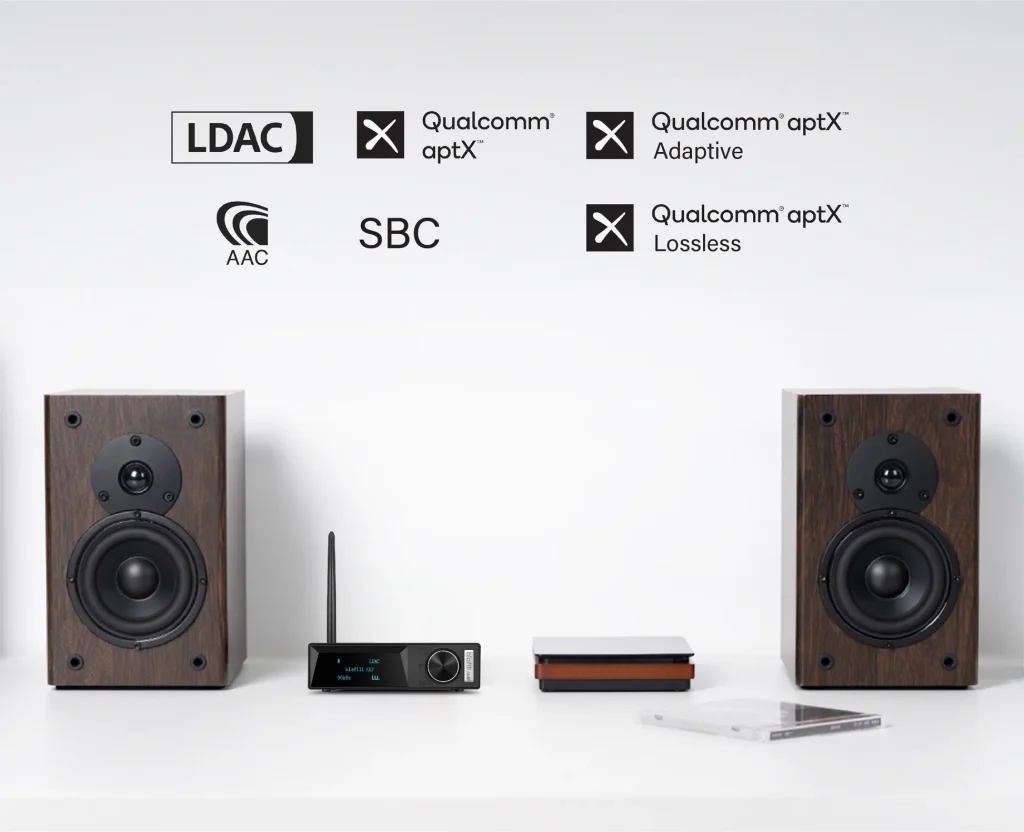
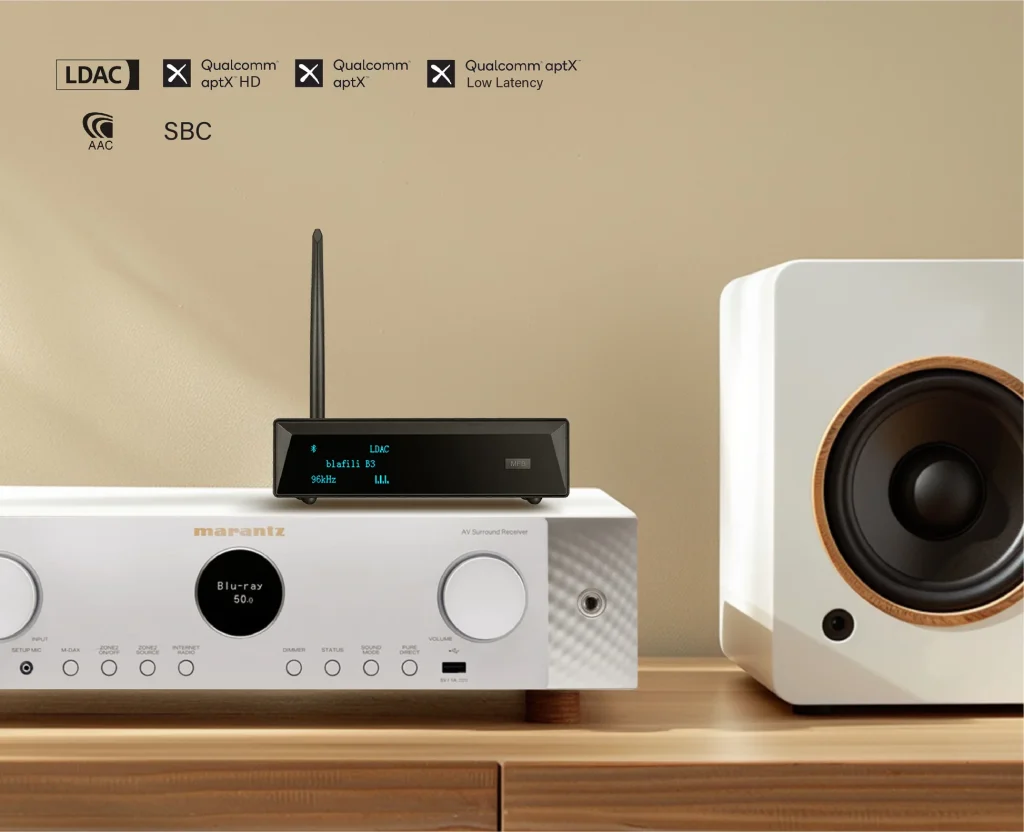
Not all Bluetooth devices are created equal when it comes to audio quality. If you’re an audiophile or simply care about crystal-clear sound, look for a device that supports high-quality codecs like aptX or AAC. These ensure better audio clarity and less lag during streaming.
Battery Life (If Applicable)
For portable Bluetooth transmitters and receivers, battery life is crucial. You don’t want to be halfway through your favorite playlist and have the device die on you! Look for devices with long-lasting batteries or the option to charge while in use.
Dual Functionality (Transmit and Receive)
Some devices allow you to toggle between transmitter and receiver modes. This dual functionality is especially useful if you want a device that can serve both purposes, reducing the need for multiple gadgets.

FAQs About Bluetooth Transmitters and Receivers
Can I use a Bluetooth transmitter and receiver at the same time?
Yes! Some devices are designed to handle both transmitting and receiving simultaneously. For example, you could send audio from your TV to Bluetooth headphones while receiving signals from your phone to a Bluetooth speaker.
How do I pair my Bluetooth transmitter with my receiver?
Pairing is usually a breeze. Simply turn on both the transmitter and receiver, put them into pairing mode, and they should automatically connect. If you run into issues, consult the manual for specific instructions, as different devices may have slightly different steps.
Do Bluetooth transmitters and receivers work with all devices?
Most modern Bluetooth transmitters and receivers are compatible with a wide range of devices, including smartphones, TVs, computers, and speakers. However, you should double-check the device’s specifications to ensure compatibility, especially if you’re working with older tech.
Can I use a Bluetooth transmitter with wired headphones?
Yes, absolutely! A Bluetooth transmitter can turn your wired headphones into wireless ones by transmitting the audio from your source device (like a smartphone or TV) to your headphones.

The Freedom of Wireless Technology is Just a Bluetooth Away
Bluetooth transmitters and receivers are the unsung heroes of the wireless world. Whether you’re looking to stream audio to a pair of headphones, make your old stereo system Bluetooth-compatible, or enjoy music without the mess of cables, these devices are a must-have.
The best part? With Bluetooth technology continually improving, there’s no better time than now to invest in a high-quality Bluetooth transmitter and receiver. From enhanced sound quality to more versatility than ever before, these little devices bring big results.
So, are you ready to cut the cord and step into the future of wireless audio? The possibilities are endless!