

Introduction
The Growing Popularity of Bluetooth Technology
In an era dominated by wireless connectivity, Bluetooth technology has become a cornerstone of modern gadgets and devices. From smartphones to car stereos, Bluetooth is now embedded in countless products, enhancing user convenience by eliminating the need for tangled wires. Whether it’s a wireless speaker, headphones, or even home entertainment systems, Bluetooth technology has revolutionized how we interact with sound and data transfer. This surge in popularity has fueled the development of Bluetooth transmitters and receivers, each serving distinct yet complementary functions.
Why Understanding Transmitters vs Receivers is Important
While Bluetooth transmitters and receivers may seem similar at first glance, they serve different purposes and cater to specific needs. Understanding the key differences between these two devices is essential for making informed decisions, especially when upgrading or building your audio setup. Knowing which device to choose can drastically improve the user experience, whether you’re streaming music from a non-Bluetooth device or connecting Bluetooth headphones to a TV.

What is a Bluetooth Transmitter?
Definition and Key Functions
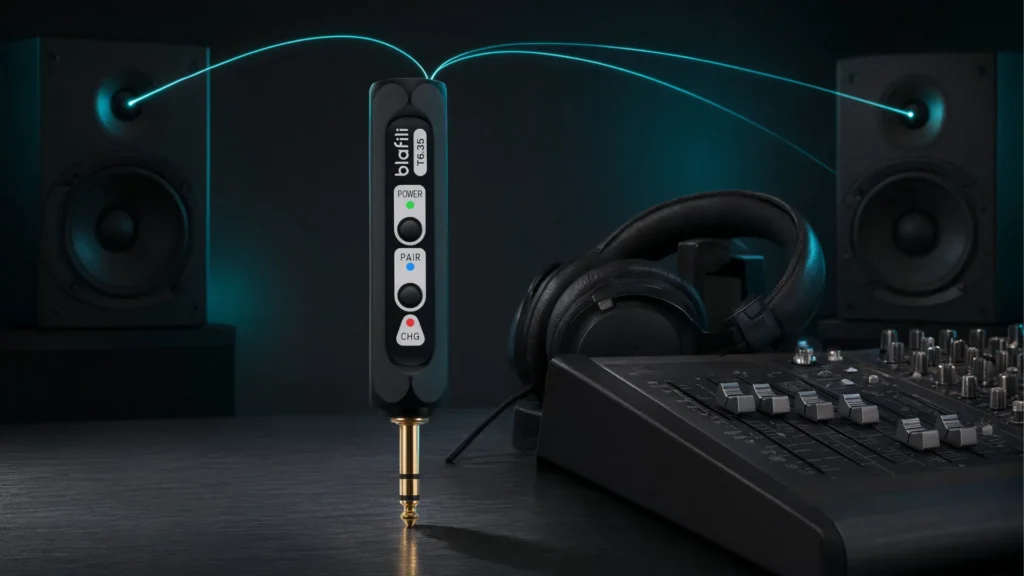
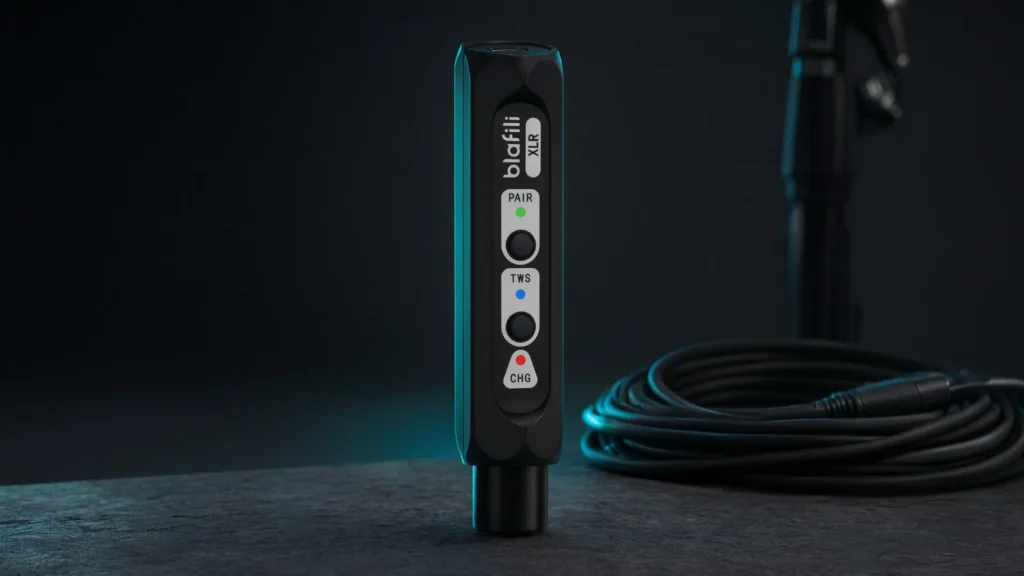
A Bluetooth transmitter is a device designed to send audio or data signals wirelessly to another Bluetooth-enabled device. Think of it as a bridge between a non-Bluetooth device, like a television or stereo system, and Bluetooth accessories such as headphones, speakers, or car audio systems. Transmitters primarily focus on broadcasting signals, enabling Bluetooth connectivity for devices that lack this feature.
How It Works: A Simple Breakdown
Bluetooth transmitters work by converting the audio signal from a device (like your TV or laptop) into a radio frequency that can be received by Bluetooth-enabled headphones or speakers. These transmitters generally have a 3.5mm audio jack, RCA outputs, or optical inputs to connect to non-Bluetooth devices, and they pair wirelessly with compatible receivers.
The transmitter constantly searches for available Bluetooth receivers and establishes a connection once the appropriate device is detected. Upon successful pairing, the audio is transmitted over the airwaves, offering a smooth wireless listening experience.
Common Uses of Bluetooth Transmitters
Bluetooth transmitters are often used in situations where you need to add Bluetooth capability to a non-Bluetooth device. Some of the most common applications include:
- TV to Bluetooth headphones: Transmitting audio from a TV to Bluetooth headphones for private listening.
- Stereo system to Bluetooth speakers: Sending audio from a traditional home stereo system to Bluetooth-enabled speakers.
- Laptop to Bluetooth speakers: Connecting a laptop without built-in Bluetooth to wireless speakers for enhanced sound.

What is a Bluetooth Receiver?
Definition and Key Functions
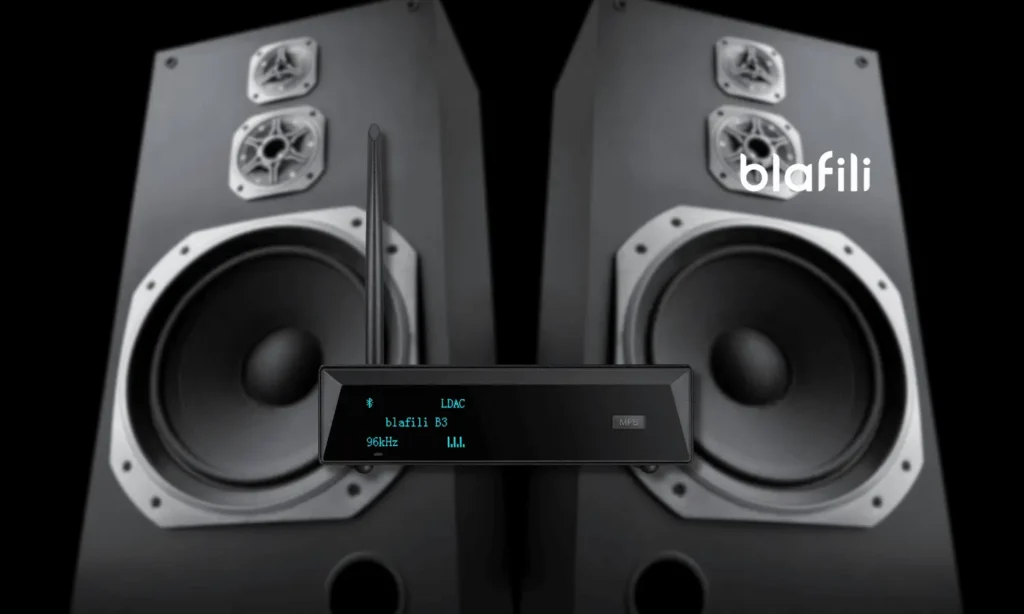
A Bluetooth receiver is the counterpart to the transmitter. It receives the Bluetooth signal transmitted by a device (such as a transmitter or smartphone) and converts it into a usable audio signal. Receivers are typically plugged into speakers, car stereos, or home theater systems, allowing them to receive wireless audio streams from compatible Bluetooth sources.
How It Works: A Simple Breakdown
Bluetooth receivers function by pairing with a Bluetooth-enabled transmitter (or a source device like a smartphone). Once the connection is established, the receiver decodes the Bluetooth signal and transmits it to the connected audio output (headphones, speakers, or stereo system). This setup eliminates the need for physical cables while providing high-quality sound.
Receivers usually come with standard connectors like 3.5mm aux jacks, RCA plugs, or optical ports to link to various audio equipment.

Common Uses of Bluetooth Receivers
Bluetooth receivers are ideal for integrating wireless audio technology into existing wired setups. Some of their most common applications include:
- Car audio systems: Adding Bluetooth connectivity to older car stereo systems for hands-free calls and wireless music streaming.
- Home stereo systems: Turning any old stereo system into a Bluetooth-enabled speaker by adding a receiver.
- Wired headphones: Using a receiver to add Bluetooth functionality to wired headphones for wireless listening.

Bluetooth Transmitter vs Receiver: Key Differences
Functionality Comparison
The primary difference between a Bluetooth transmitter and a receiver lies in their functionality. Transmitters send audio signals from a device to a Bluetooth receiver, while receivers simply collect and convert incoming signals to audio. In essence, a transmitter generates a signal, and the receiver catches and decodes it.
| Bluetooth Transmitter | Bluetooth Receiver |
|---|---|
| Sends audio signals to Bluetooth devices. | Receives audio signals from Bluetooth sources. |
| Used for non-Bluetooth devices to connect wirelessly. | Used to make existing devices Bluetooth-enabled. |
| Typically connected to TVs, stereo systems, or laptops. | Connected to speakers, car stereos, or wired headphones. |
Compatibility Considerations
Compatibility plays a critical role in the performance of both transmitters and receivers. Transmitters need to be compatible with the input/output ports of the source device (such as a TV’s headphone jack or optical port). Receivers must match the input options of the audio equipment they’re connected to (like aux input, RCA, or HDMI ports).
Additionally, Bluetooth versions matter—Bluetooth 4.0 or later supports aptX for high-quality sound, and Bluetooth 5.0 offers improved range and data transfer rates.
Range and Signal Strength: Which One Wins?
The range and signal strength of both transmitters and receivers vary based on the Bluetooth version and device specifications. Typically, Bluetooth transmitters have a longer range than receivers, especially when using Bluetooth 5.0, which can reach distances of up to 100 meters in optimal conditions. However, obstructions like walls or interference from other wireless devices can reduce the range.
Bluetooth receivers usually work within the range of 10-30 meters, depending on their specifications and environment. The signal quality remains stable in a relatively short distance, but quality degrades with interference.

Pros and Cons of Bluetooth Transmitters
Advantages of Bluetooth Transmitters
- Seamless Audio Streaming: Bluetooth transmitters enable wireless streaming of audio, eliminating the clutter of cables and providing a seamless experience.
- Versatile Compatibility: Transmitters are compatible with various non-Bluetooth devices, offering a wide range of applications across different audio systems.
Drawbacks of Bluetooth Transmitters
- Limited Range: Bluetooth transmitters typically have a limited range, often between 30-100 feet, and their signal can be obstructed by walls or other devices.
- Potential for Signal Interference: Other electronic devices operating on the same frequency band (2.4 GHz) can cause interference, leading to lag or degraded sound quality.

Pros and Cons of Bluetooth Receivers
Advantages of Bluetooth Receivers
- Easy to Set Up: Bluetooth receivers are often simple plug-and-play devices, allowing for quick installation and immediate use with minimal setup.
- Cost-Effective for Upgrading Non-Bluetooth Devices: Receivers provide an affordable way to modernize old audio equipment, enabling wireless connectivity without purchasing new devices.
Drawbacks of Bluetooth Receivers
- Limited Transmission Range: Similar to transmitters, Bluetooth receivers have a restricted range, and their performance can suffer from obstacles or interference.
- Audio Quality Considerations: While Bluetooth provides decent audio quality, it’s not always on par with wired connections, and some compression may occur.

Choosing Between Bluetooth Transmitter and Receiver
Which Device Suits Your Audio Setup?
Deciding between a Bluetooth transmitter or receiver depends on your specific audio needs. If you have non-Bluetooth equipment and want to send audio to Bluetooth headphones or speakers, a transmitter is your go-to solution. However, if you’re aiming to add Bluetooth functionality to your existing speakers or stereo, a receiver will be the better option.
How to Make the Best Decision Based on Your Needs
Consider factors like:
- Device compatibility: Check the types of ports on your devices and ensure that the transmitter or receiver matches those inputs and outputs.
- Audio quality: If sound fidelity is important, choose devices that support aptX or other high-definition Bluetooth standards.
- Range: If you need to transmit audio over long distances or through multiple rooms, focus on Bluetooth 5.0 devices for better range.
Factors to Consider: Range, Budget, and Compatibility
Before making a final choice, ensure that your budget aligns with your needs. Bluetooth 5.0 devices offer superior range and speed but may come at a higher price. Likewise, make sure that the Bluetooth version of the device is compatible with your existing setup, ensuring optimal performance.

Conclusion
Recap of the Bluetooth Transmitter vs Receiver: Pros and Cons
Bluetooth transmitters and receivers serve distinct yet complementary roles. Transmitters are ideal for sending audio to Bluetooth-enabled devices, while receivers are best for making old, non-Bluetooth devices compatible with modern wireless technology. Each has its own set of advantages and drawbacks, with range and compatibility being key factors to consider.
Final Thoughts: Which One Should You Go For?
The decision between a Bluetooth transmitter and receiver hinges on your specific needs. If you’re looking to wirelessly stream audio from non-Bluetooth devices, a transmitter is the way to go. Conversely, if you want to upgrade older audio equipment for Bluetooth functionality, a receiver will be your best option. Evaluate your setup, budget, and intended use to make the right choice for an enhanced audio experience.
On sale products
-
Sale!
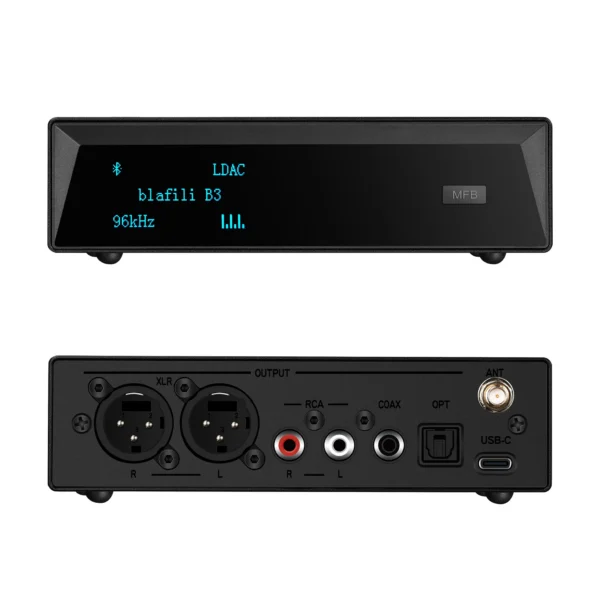 Original price was: $149.00.$109.00Current price is: $109.00.
Add to cart
-
Sale!
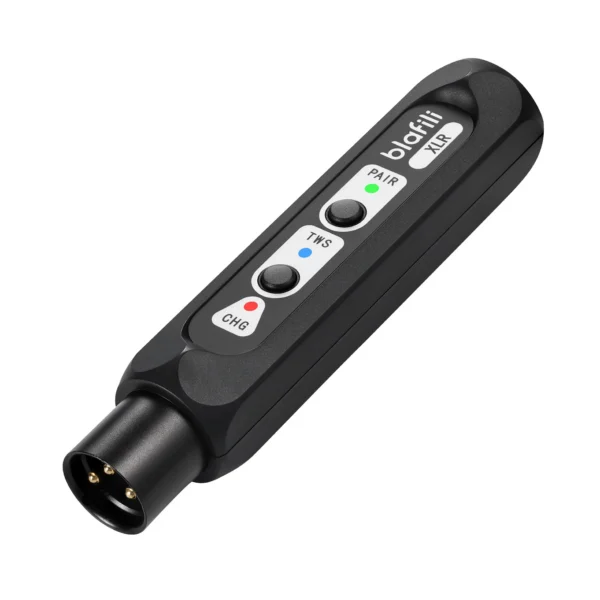 Original price was: $59.99.$40.99Current price is: $40.99.
Add to cart
-
Sale!
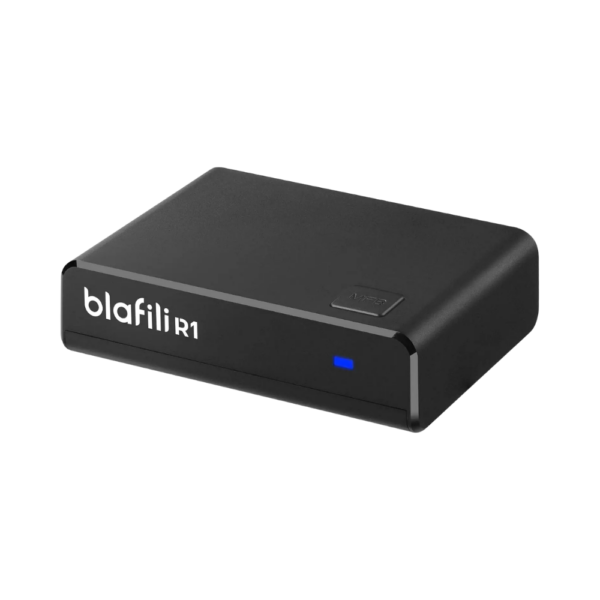 Original price was: $29.99.$21.99Current price is: $21.99.
Add to cart
-
Sale!
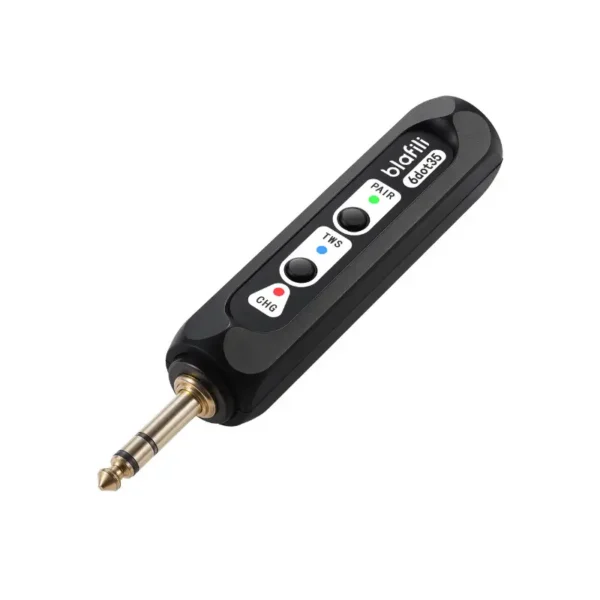 Original price was: $59.99.$44.99Current price is: $44.99.
Add to cart