

How RCA Bluetooth Adapters Can Improve Your Listening Experience
RCA Bluetooth adapters plug into a classic stereo’s RCA input and receive audio over Bluetooth from a modern phone or tablet. These compact devices let older stereo systems stream music from smartphones, tablets, and laptops. A good adapter improves sound quality through better codecs, removes cable clutter, and keeps the stereo working with current devices.
Understanding the RCA Bluetooth Adapter
What is an RCA Bluetooth Adapter and How Does It Work?
An RCA Bluetooth adapter is a small, versatile device designed to add Bluetooth functionality to non-Bluetooth-enabled sound systems. It connects to your stereo via RCA or auxiliary ports, receiving audio signals wirelessly from paired devices. These signals are then converted into analog sound, ensuring compatibility with traditional audio equipment.
Key Features of RCA Bluetooth Adapters That Affect Audio Quality
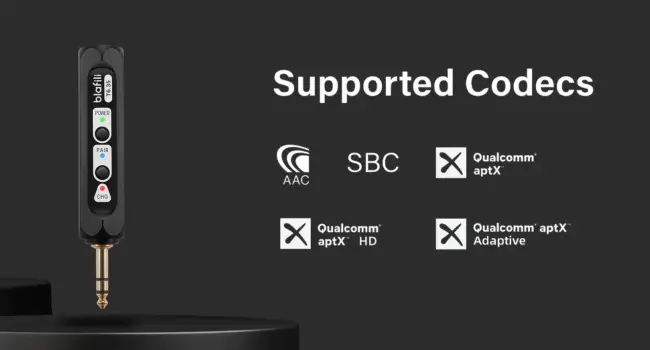
- Audio Codecs: Support for codecs like AAC and aptX ensures high-fidelity sound with minimal compression.
- Bluetooth Version: Adapters with the latest Bluetooth 5.0 or above offer greater range, stability, and speed.
- Multipoint Connectivity: Some adapters allow pairing with multiple devices, adding versatility.
- Built-in Amplifiers: Models with amplifiers enhance sound output for richer audio experiences.
Types of RCA Bluetooth Adapters: Choosing the Right Adapter for Your Needs
RCA Bluetooth adapters come in two primary types:
- Receivers: Ideal for streaming music to your stereo.
- Transmitters: Used to send audio from a stereo system to wireless headphones or speakers.
Selecting the right type depends on your intended use case.
Optimizing RCA Bluetooth Adapter Settings
Ensuring Compatibility with Stereo or Speaker Systems
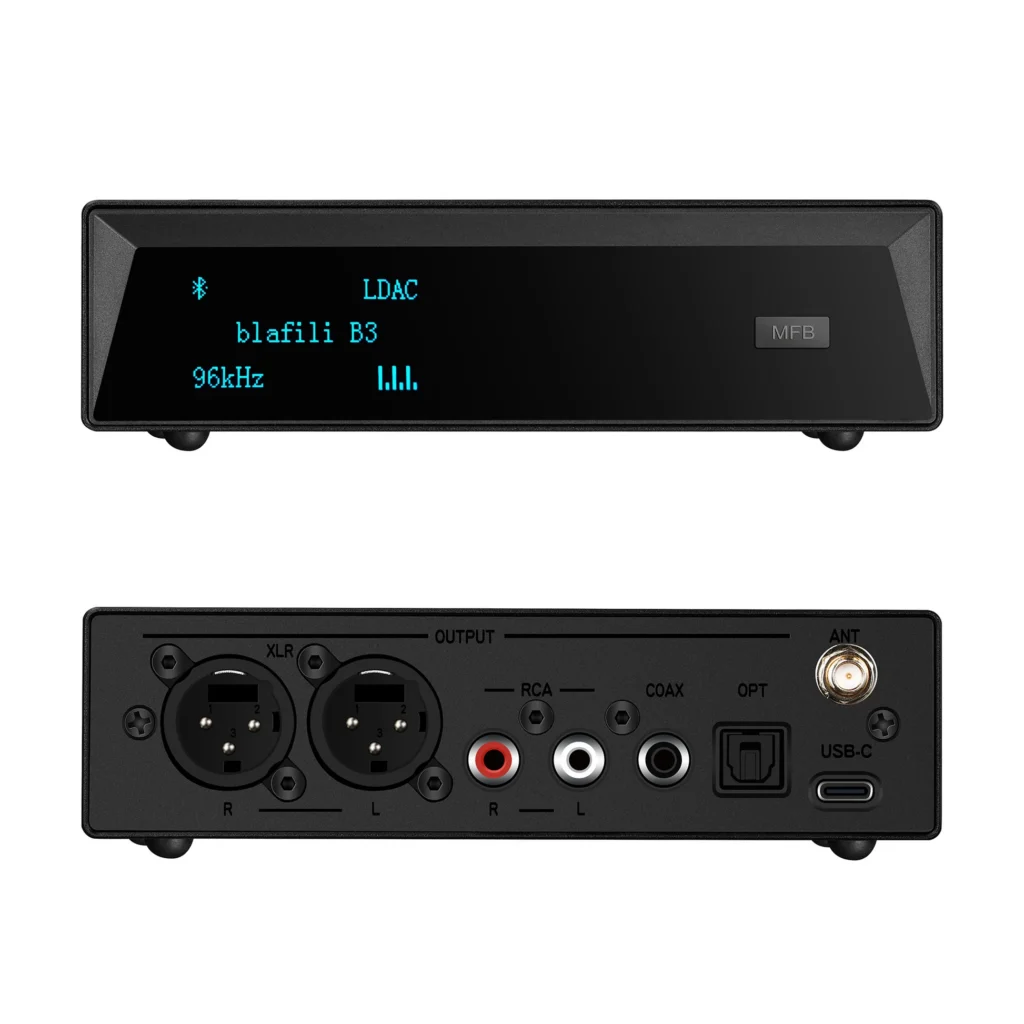
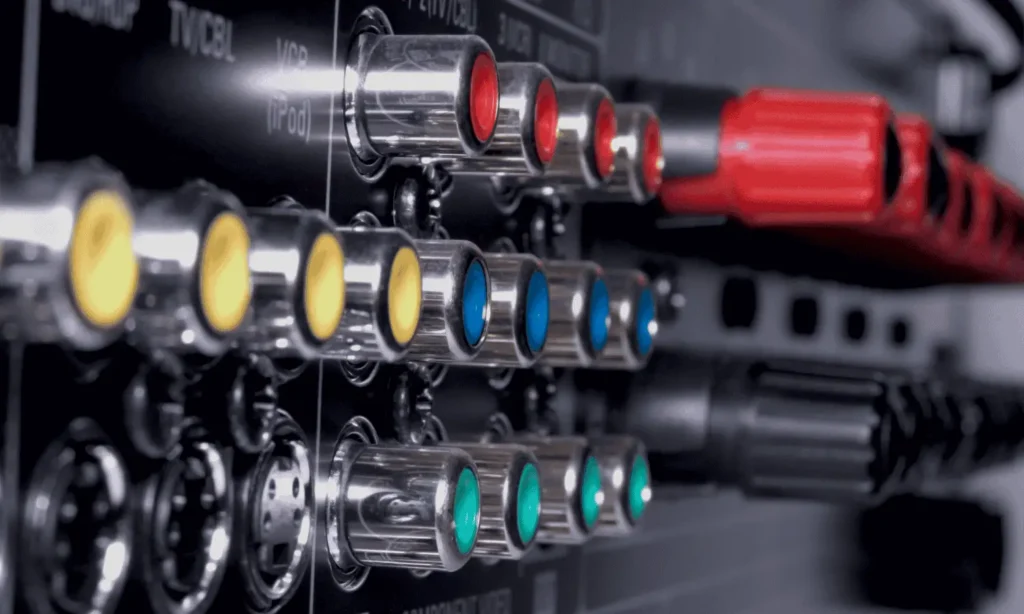
Before purchasing an adapter, check your stereo’s input ports (RCA, AUX, or optical) and ensure the adapter supports these connections. This ensures hassle-free setup and operation.
Optimal Placement of the RCA Bluetooth Adapter to Minimize Interference
Position the adapter away from electronic devices that could cause signal interference, such as Wi-Fi routers or microwaves. Maintaining a clear line of sight between the adapter and the paired device improves connection stability.
How to Connect and Configure the Adapter Correctly
- Plug the adapter into your stereo’s RCA or AUX ports.
- Power on the adapter and enable pairing mode.
- Pair your Bluetooth device by selecting the adapter from its Bluetooth menu.
- Test the setup by playing music and adjusting volume levels for optimal sound.
Maximizing Audio Quality
Tips for Choosing the Right Codec: AAC, aptX, etc.
- AAC: Best for Apple devices, offering superior sound quality.
- aptX HD: Designed for audiophiles, providing near-CD quality sound.
- SBC: A baseline codec suitable for general use but with lower fidelity.
Selecting an adapter with codec support matching your device ensures optimal performance.
Adjusting Audio Settings for Clear Sound Quality
Use your stereo’s equalizer settings to fine-tune bass, treble, and mids. Keep your Bluetooth device’s volume at 70-80% to prevent distortion.
Understanding and Minimizing Latency Issues with Live Audio
Latency occurs when there’s a delay between the source and output. Opt for low-latency adapters featuring aptX Low Latency codec to eliminate audio lag, especially for gaming or movie setups.
Troubleshooting Common Problems
How to Fix Poor Sound Quality or Static Noise
- Ensure the adapter is within the recommended range of your device.
- Check for loose connections or damaged cables.
- Reset the adapter to factory settings if persistent issues occur.
Troubleshooting Connectivity Issues and Dropped Calls
- Remove interference-causing devices from the vicinity.
- Unpair and re-pair your device with the adapter.
- Update the adapter’s firmware for improved connectivity.
Tips for Updating Firmware to Improve Performance
Visit the manufacturer’s website for firmware updates. Regular updates enhance features, improve stability, and fix bugs, ensuring the best user experience.
Advanced Tips for Achieving Superior Audio Performance
Pairing RCA Bluetooth Adapters with High-End Speakers
High-end speakers make the most of an advanced adapter, rendering detail that smaller speakers miss. Ensure the adapter supports the necessary power output and audio codecs to maximize performance.
Extending Range and Stability with Signal Boosters
For larger spaces, consider a Bluetooth signal booster to increase range and reduce dropouts. This ensures uninterrupted streaming across rooms or even outdoors.
Integrating the Adapter with Smart Home Audio Systems
Modern adapters can sync with smart systems like Alexa or Google Home, allowing you to control playback and volume through voice commands. This integration enhances convenience and usability.
Recommended Products
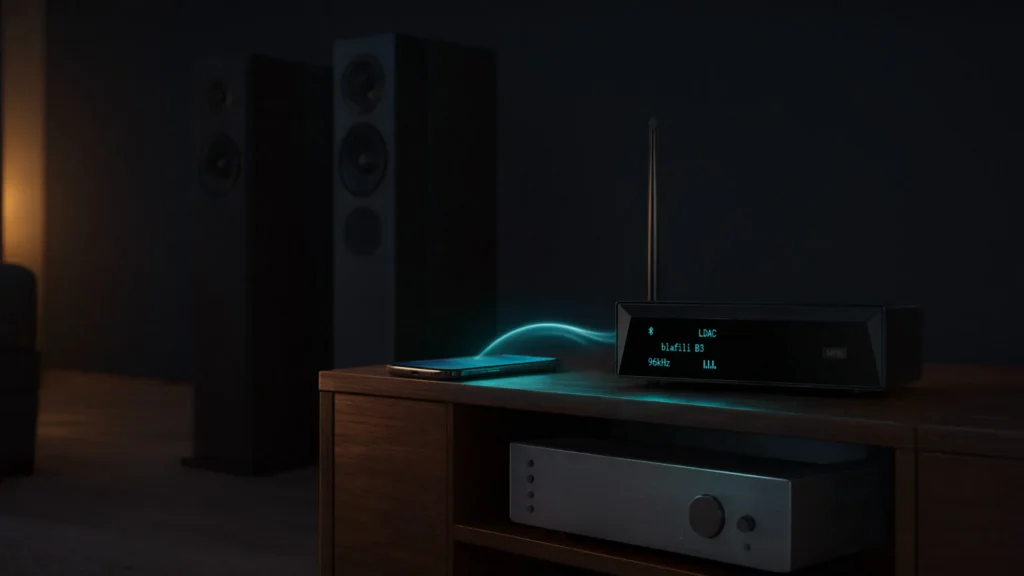
blafili B3: Offers aptX support and multipoint connectivity, so it can stay paired with two devices at once.
blafili AMP: Designed for audiophiles, this adapter boasts an integrated amplifier and extended Bluetooth range.
Summarizing
Summarizing the Basic Tips for Achieving Audio Excellence
Achieving superior audio with an RCA Bluetooth adapter involves selecting the right product, optimizing its placement, and fine-tuning settings for clarity.
Why Investing in the Right RCA Bluetooth Adapter Makes a Difference
The right adapter enhances your stereo’s capabilities, blending timeless audio quality with modern wireless convenience.
Encouraging Experimentation and Exploring New Audio Possibilities
Try different codecs and placements before settling: switch between AAC and aptX if your devices support both, and move the adapter if the signal drops. Small adjustments like these fix most setup problems.