

The Evolution of Stereo Systems and Wireless Audio
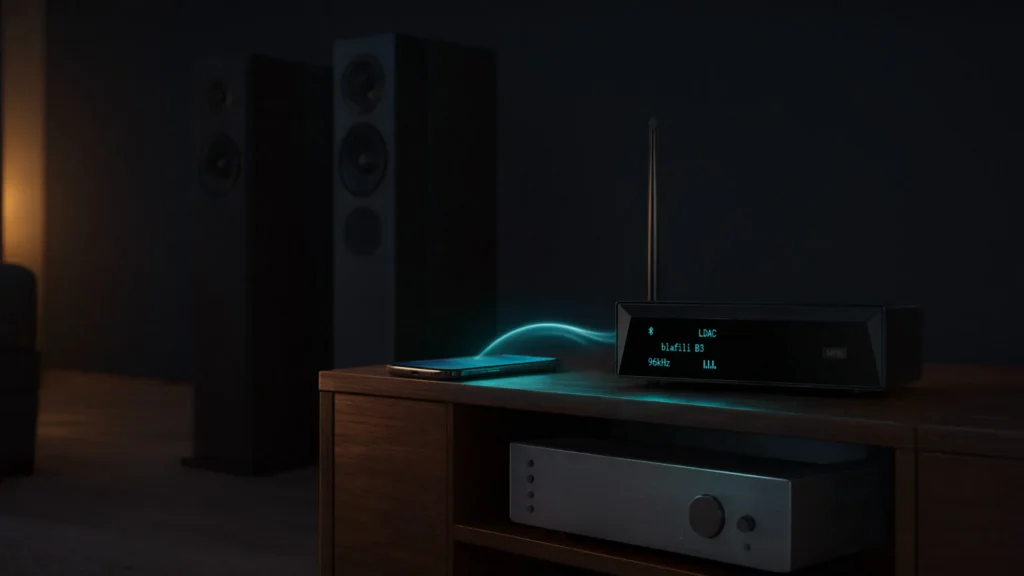
Stereo systems have slimmed down over the past decade, and many newer models now ship with wireless streaming built in. Playing music from a phone no longer requires running a cable across the room to the amplifier. Bluetooth removed that cable run: a small adapter receives the stream and hands it to the stereo’s input.
Bluetooth, in particular, has become the universal standard for wireless audio. Today, Bluetooth adapters are an essential tool for anyone looking to integrate their traditional stereo systems with the latest wireless devices. The switch to wireless mainly buys convenience: any phone or tablet in the house can play through the stereo. This article covers how a Bluetooth adapter adds wireless streaming to a stereo system and what to check when choosing one.
Why You Need a Bluetooth Adapter for Your Stereo
The Convenience of Wireless Audio
One of the primary reasons to opt for a Bluetooth adapter is the convenience it provides. With a Bluetooth adapter for your stereo, you can instantly stream music from your smartphone, tablet, or computer—without needing to fumble with wires or plugs. Simply pair your devices, and enjoy uninterrupted music or podcasts from the comfort of your couch. Whether you’re hosting a party or relaxing at home, wireless audio lets you control your music remotely, giving you an effortless listening experience.
Compatibility with Modern Devices
In today’s world, most smartphones and laptops come equipped with Bluetooth functionality. This makes it easier than ever to pair your favorite streaming device directly to your stereo system. However, many traditional stereo systems still lack built-in Bluetooth compatibility. A Bluetooth adapter solves this problem: it plugs into an input on the stereo and receives the stream from your phone or tablet.
Eliminate Tangled Cables and Improve Aesthetic
Wired connections are not only cumbersome but can also disrupt the clean, minimalist aesthetic of your home entertainment area. With a Bluetooth adapter, you can eliminate the mess of tangled cables that clutter your living space. The wireless freedom it provides not only enhances the visual appeal of your setup but also frees you from the limitations of short or tangled cords.
How Bluetooth Adapters Improve Audio Experience
Crystal-Clear Sound Quality
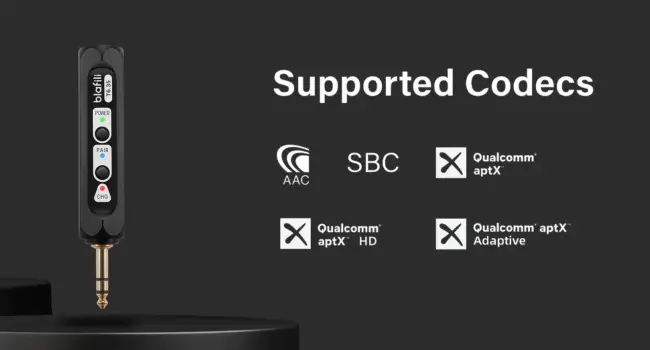
Sound quality is the first thing to check when choosing audio equipment. Bluetooth adapters deliver sound with remarkable clarity, maintaining the integrity of the original audio signal. Modern Bluetooth adapters utilize high-definition codecs like aptX and AAC, which provide superior sound quality compared to older, more basic versions of Bluetooth. This ensures that you get a rich, detailed sound without the loss of audio fidelity often associated with wireless streaming.
Minimizing Signal Interference
Bluetooth technology has advanced significantly over the years. The latest Bluetooth adapters are designed to minimize interference, even in environments where multiple devices are competing for bandwidth. With robust transmission capabilities and a reliable connection, Bluetooth adapters ensure a stable and consistent audio experience without annoying drops or glitches.
Enhancing Audio Versatility
Bluetooth adapters offer a new level of flexibility for your stereo system. In the past, you were restricted to playing music from physical sources like CDs, vinyl records, or cassettes. Now, with the addition of Bluetooth, you can wirelessly connect to an array of streaming platforms, podcasts, and online music services. This versatility opens up a whole new world of audio entertainment, allowing you to access a vast library of content directly from your phone or laptop.
Choosing the Right Bluetooth Adapter for Your Stereo
Key Features to Look For
When selecting a Bluetooth adapter for your stereo system, several key features should influence your decision. Start with the range of the Bluetooth connection. A longer range is crucial if you plan to control the stereo from a different room. Next, check the adapter’s compatibility with high-definition codecs like aptX or AAC for superior sound quality. Also, look for an adapter with a stable and low-latency connection to avoid audio lag, especially if you plan on using it for watching movies or gaming.
Different Types of Bluetooth Adapters for Stereos
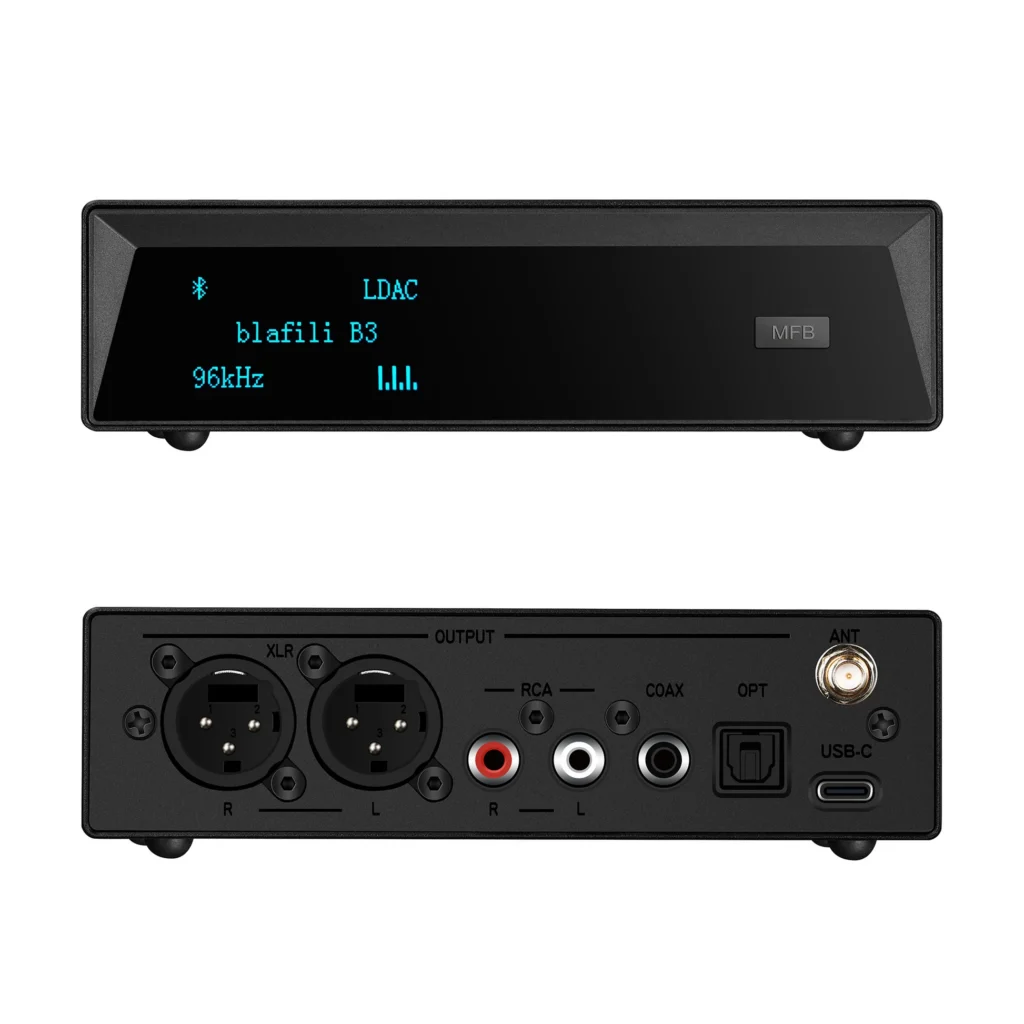
There are a variety of Bluetooth adapters available, each designed for specific needs. Some adapters plug directly into the stereo’s AUX or RCA input, while others connect through optical inputs or even a dedicated Bluetooth receiver. Depending on your stereo system’s input options, choose an adapter that best fits your setup. Some Bluetooth adapters also come with integrated amplifiers, which can drive passive speakers directly.
Factors Influencing Performance
The performance of your Bluetooth adapter can be influenced by several factors, including the version of Bluetooth it supports (e.g., Bluetooth 4.0, 4.1, 5.0) and the environment in which it’s used. For instance, Bluetooth 5.0 offers better range and data transfer speeds compared to older versions. Ensure that your adapter supports the latest Bluetooth standards for the best performance and future-proofing.
Step-by-Step Guide: Installing a Bluetooth Adapter on Your Stereo
Preparation and Necessary Tools
Before you begin the installation process, gather all necessary tools and ensure you have a Bluetooth adapter compatible with your stereo system. Most Bluetooth adapters come with clear instructions, but it’s best to double-check compatibility with your audio setup. You will typically need an AUX, RCA, or optical cable (depending on your adapter and stereo inputs).
Installation Process
- Plug in the Bluetooth Adapter: Insert the Bluetooth adapter into the appropriate input (AUX, RCA, or optical) on your stereo system. If the adapter requires power, connect it to a power source using the provided USB cable or power adapter.
- Pairing Your Device: Activate Bluetooth on your smartphone, tablet, or computer. Then, put the Bluetooth adapter into pairing mode, typically indicated by a blinking light. Select the adapter from the list of available devices on your phone or laptop to complete the pairing.
- Test the Connection: Play music or audio through your paired device to ensure the connection is successful. Adjust the volume on both the stereo and connected device for optimal sound.
Common Troubleshooting Tips
If you experience issues, try the following steps:
- Ensure your Bluetooth adapter is in pairing mode.
- Verify that the adapter is compatible with your stereo inputs.
- Restart both the Bluetooth device and the stereo system to reset the connection.
- Move devices closer together to reduce potential interference.
Future-Proofing Your Stereo System
As audio technology continues to advance, integrating Bluetooth connectivity into your stereo system is a forward-thinking solution that ensures you’re ready for the future. Bluetooth adapters are a smart, long-term investment that not only simplifies your audio setup but also enhances the overall listening experience. With their ease of use, flexibility, and high-quality sound, Bluetooth adapters are an essential tool for modernizing your stereo system and staying ahead of the curve in an increasingly wireless world.
When choosing an adapter, match it to your stereo’s inputs (AUX, RCA, or optical), check codec support on both the adapter and your phone, and confirm the Bluetooth version fits your range needs. An adapter that covers those three points will bring streaming to almost any stereo built in the last few decades.