

If you’ve ever struggled with tangled wires or laggy audio, an A2DP Bluetooth receiver might just be your new best friend. Short for Advanced Audio Distribution Profile, A2DP is the magic behind high-quality wireless audio streaming. Unlike basic Bluetooth devices, A2DP ensures your music, podcasts, or calls are transmitted in stereo sound without annoying delays.
So, why does this matter? Imagine hosting a party where your playlist syncs flawlessly to speakers across the room—or binge-watching a show without the audio trailing behind the video. That’s the power of A2DP. It’s not just about cutting cords; it’s about elevating your listening experience to studio-grade clarity.
How A2DP Technology Enhances Wireless Audio Quality
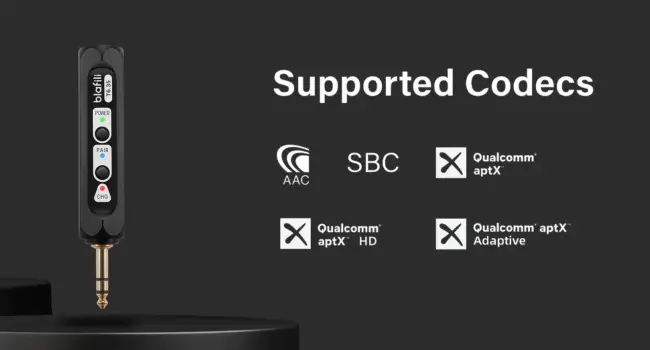
Let’s geek out for a second. A2DP uses advanced codecs like aptX, AAC, and SBC to compress and transmit audio efficiently. Think of these codecs as “language translators” that ensure your music retains its richness during wireless transfer. For example, aptX reduces latency to under 40ms—so fast that even gamers won’t notice a lag.
But here’s the kicker: not all A2DP Bluetooth receivers support every codec. If you’re an iPhone user, prioritize devices with AAC compatibility. Android fans? Stick with aptX for the best results.

Top 5 A2DP Bluetooth Receivers for Crisp, Lag-Free Sound
| Product | Key Features | Battery Life | Price Range |
|---|---|---|---|
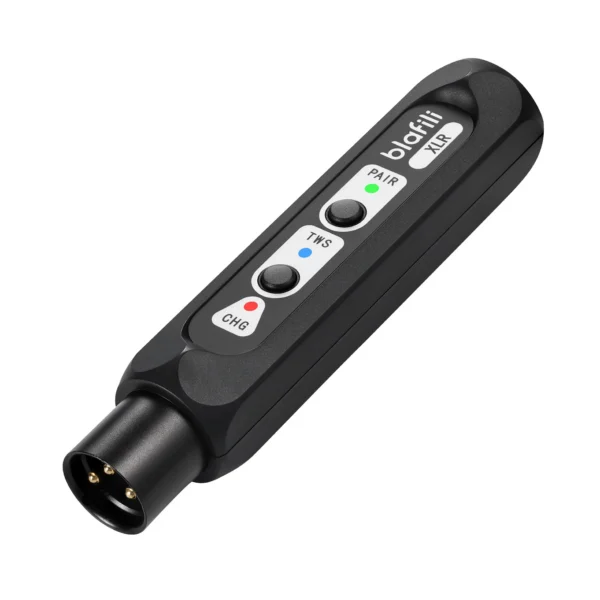
| blafili XLR | aptX HD, AAC, SBC, XLR output, 16-hour playtime | 16 hours | $45-$60 |
| TaoTronics TT-BA09 | Dual pairing, NFC, USB-C charging | 15 hours | $25-$35 |
| Avantree Orbit | Low latency (40ms), optical/aux output | 8 hours | $50-$70 |
| FiiO BTR5 | Hi-Res audio, LDAC support, app customization | 9 hours | $120-$150 |
| Nulaxy KM18 | Car-friendly, FM transmitter, voice assistant | 12 hours | $30-$40 |
From budget gems like the blafili XLR to audiophile favorites like the FiiO BTR5, there’s an A2DP receiver for every wallet.

Budget vs. Premium: Which A2DP Receiver Fits Your Needs?
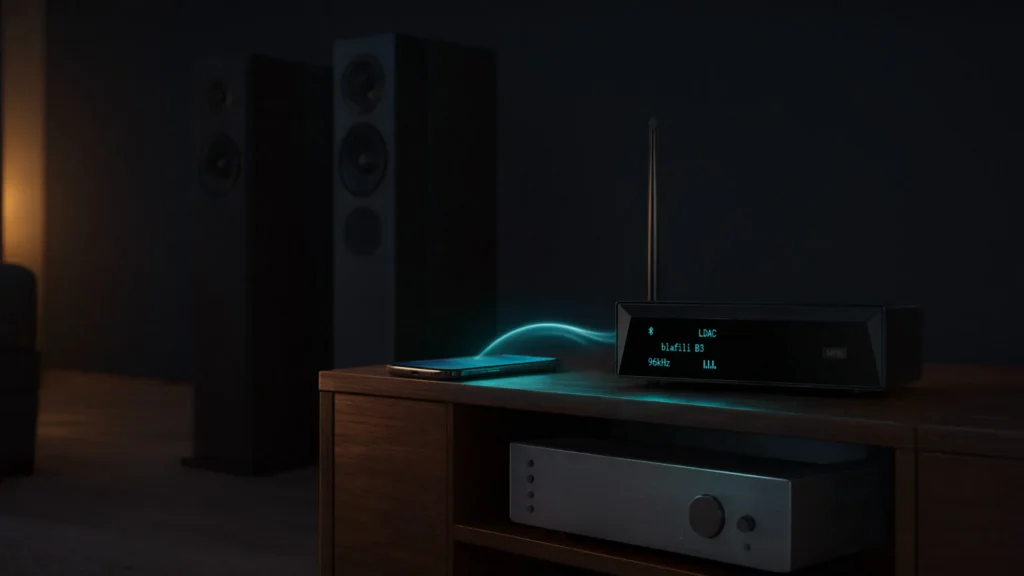
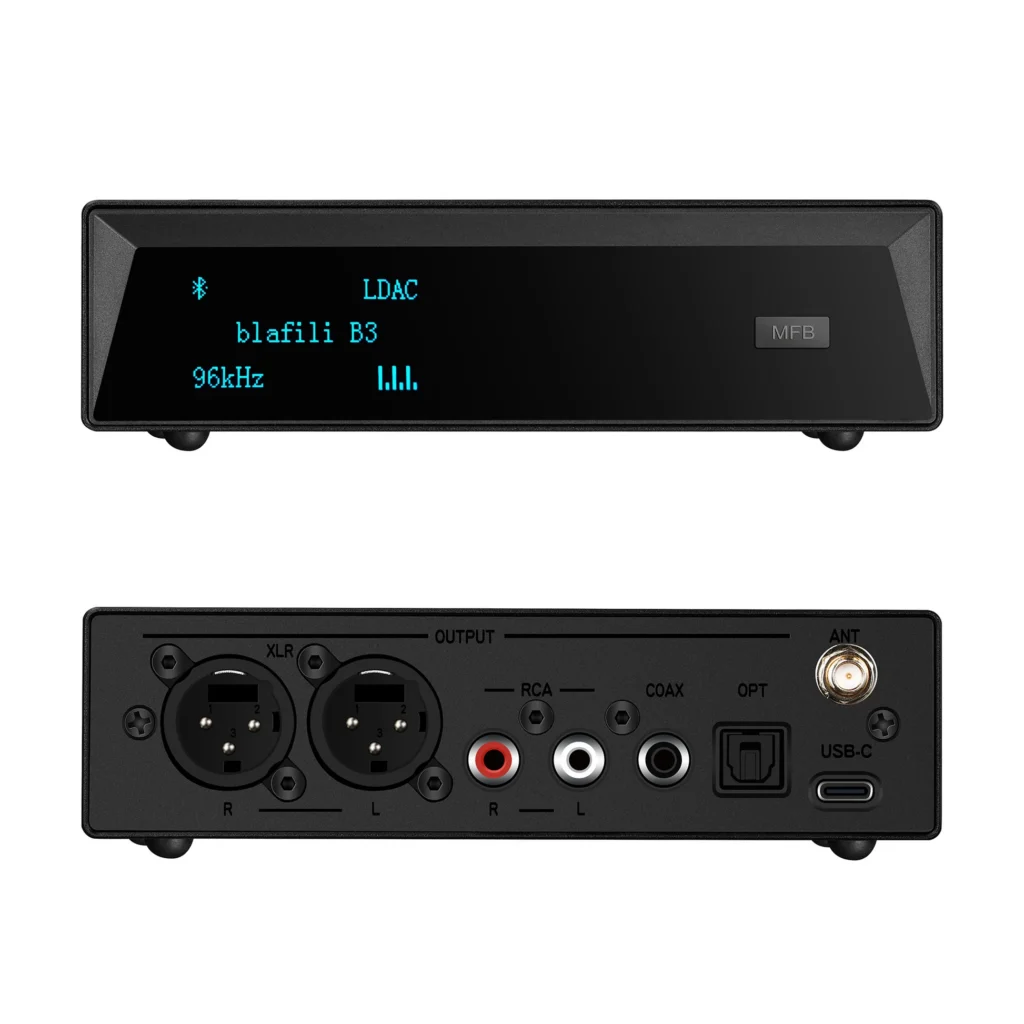
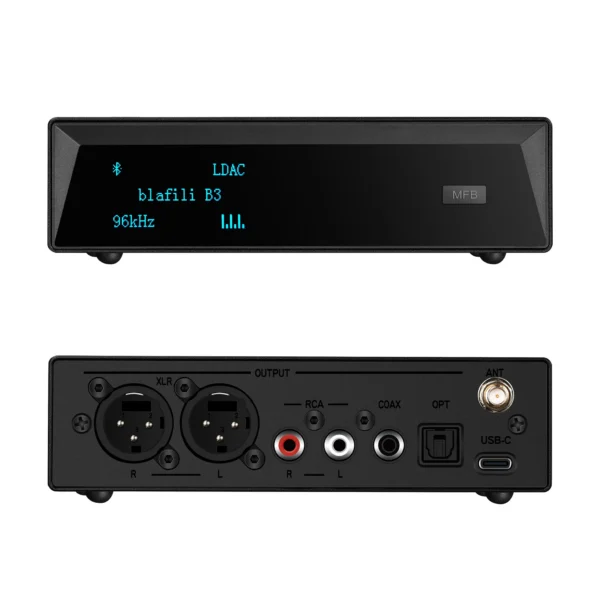
Splurging on a premium model isn’t always necessary. If you just want to stream podcasts to an old stereo, a $25 TaoTronics does the job. But for lossless music lovers, the blafili B3’s Hi-Res certification and LDAC codec are worth every penny.
Pro tip: Check if your existing devices (e.g., speakers, headphones) support the same codecs as your receiver. Mismatched tech can lead to downgraded audio!
Step-by-Step Guide to Setting Up Your A2DP Bluetooth Receiver
- Charge It Up: Most receivers need a full charge before first use.
- Enable Pairing Mode: Hold the power button until the LED blinks rapidly.
- Connect via Bluetooth Settings: On your phone, select the receiver’s name.
- Test the Audio: Play a song and adjust volume on both devices.
Struggling? Try resetting the receiver or updating its firmware.

Troubleshooting Common A2DP Connectivity Issues
“My audio keeps cutting out!”
- Move closer to the receiver (Bluetooth range is usually 33 feet).
- Avoid placing it near Wi-Fi routers or microwaves—they’re signal bullies.
“Why does the sound feel flat?”
- Check your source file quality. Spotify’s “Very High” setting or Tidal’s Hi-Fi tier works best.
A2DP Bluetooth Receiver vs. Traditional Adapters: What’s the Difference?
Traditional Bluetooth adapters focus on basic connectivity—think “good enough” for calls. A2DP Bluetooth receivers, however, prioritize audio fidelity. They handle higher bitrates, support multi-device pairing, and often include extras like EQ settings or USB DAC modes.
For example, the Nulaxy KM18 doubles as an FM transmitter for cars—a lifesaver for vintage rides without Bluetooth.

Expert Tips to Maximize Battery Life on Your A2DP Device
- Turn off LED lights: Fancy RGB drains power.
- Use a 5V/1A charger: Fast charging can degrade batteries over time.
- Disable unused features: NFC or dual pairing? Switch ’em off if not needed.

FAQs
How do I know if my phone supports A2DP?
Check your device’s Bluetooth specifications. Most smartphones post-2015 do, but older models may lack aptX/AAC.
Can I use an A2DP receiver with my TV?
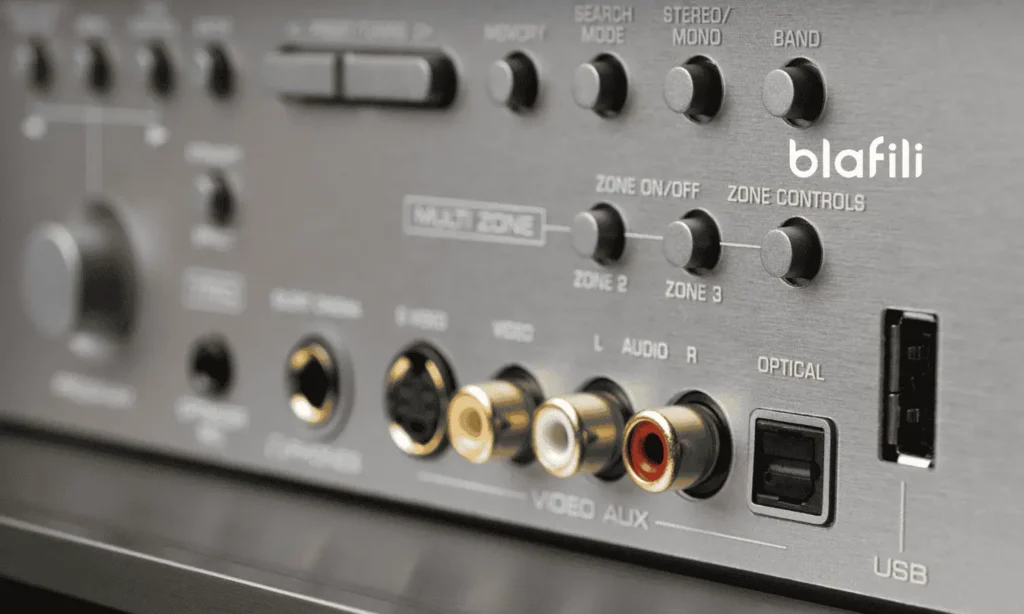
Absolutely! Connect it via optical/aux cable for wireless headphones during late-night Netflix binges.
Why is there a slight delay in audio?
Lower-quality codecs (like SBC) add latency. Upgrade to an aptX-enabled receiver for near-instant sync.
Do A2DP receivers work with iOS and Android?
Yes, but ensure the receiver supports AAC for iPhones or aptX for Androids.
Can I pair two headphones to one receiver?
Only if the receiver supports dual pairing, like the TaoTronics TT-BA09.
What’s the average range of an A2DP receiver?
Most work within 30 feet, but walls or interference can shorten this.

Conclusion
An A2DP Bluetooth receiver isn’t just a gadget—it’s a gateway to wireless freedom without sacrificing sound quality. Whether you’re reviving an old stereo or upgrading your car audio, the right receiver can make all the difference. Ready to cut the cord? Your ears will thank you.
External Link: For more on Bluetooth standards, visit the Bluetooth Technology Website.
On sale products
-
Sale!
 Original price was: $149.00.$109.00Current price is: $109.00.
Add to cart
-
Sale!
 Original price was: $59.99.$40.99Current price is: $40.99.
Add to cart
-
Sale!
 Original price was: $29.99.$21.99Current price is: $21.99.
Add to cart
-
Sale!
 Original price was: $59.99.$44.99Current price is: $44.99.
Add to cart