

Overview of Bluetooth Audio Adapters and Their Benefits
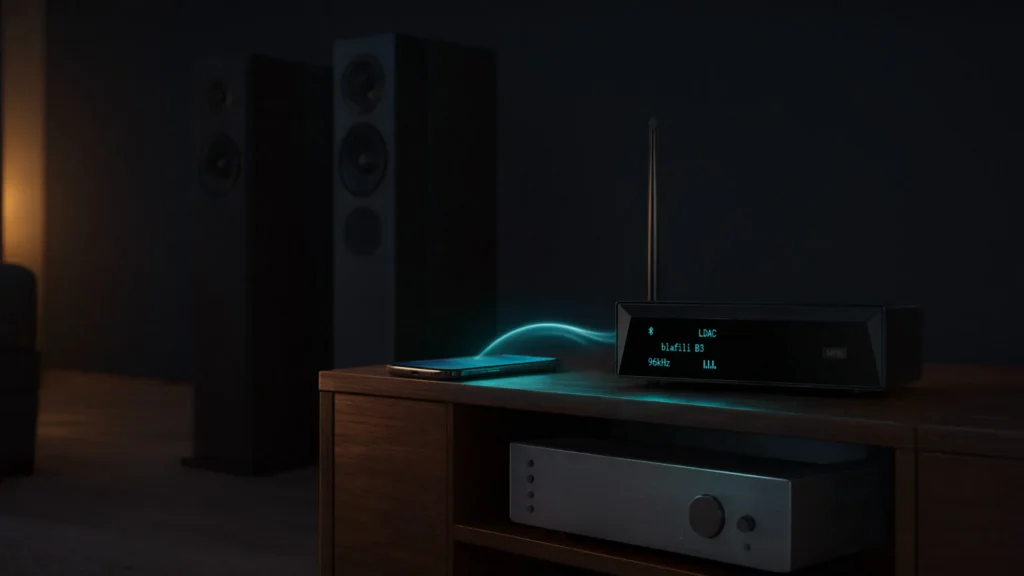
A Bluetooth audio adapter links audio devices, such as speakers, headphones, or a home theater system, to your phone, tablet, or computer without a cable. This small yet mighty device eliminates the need for cumbersome cables, offering convenience, flexibility, and enhanced mobility. It takes the audio signal from your source device and transmits it over Bluetooth to the paired speaker or receiver.
The key benefit of using a Bluetooth audio adapter is its ability to turn virtually any non-Bluetooth-enabled audio system into a modern wireless setup. Whether you’re looking to upgrade your home sound system or add Bluetooth capabilities to your car’s audio system, a Bluetooth adapter makes it possible to enjoy crisp, high-fidelity sound without the physical constraints of wired connections.
How a Bluetooth Audio Adapter Can Improve Your Audio Experience
A Bluetooth audio adapter does more than remove a cable; it can noticeably improve day-to-day listening. By removing the need for wires, it creates a cleaner, more organized space while delivering uninterrupted music streaming. Whether the playlist is running through bookshelf speakers or a surround system, the adapter keeps the source device in your hand instead of tethered to the rack.
The benefits go beyond sound quality. With Bluetooth adapters, you have the flexibility to connect multiple devices simultaneously, allowing you to switch between phones, tablets, and laptops effortlessly. The absence of tangled cords offers a more streamlined, efficient environment, particularly for those with limited space or home entertainment setups.

Why Setting Up a Bluetooth Audio Adapter is Essential for Modern Listening
As technology evolves, traditional wired connections become increasingly outdated. Modern audio setups demand more flexibility, convenience, and efficiency, all of which can be achieved through the setup of a Bluetooth audio adapter. With no cable to route and no fixed listening spot, the Bluetooth link covers the whole room.
Setting up a Bluetooth audio adapter is essential for staying at the forefront of the latest audio trends. It enables high-quality wireless connections, making it an integral component for anyone looking to create a future-proof audio system that supports modern streaming devices, wireless speakers, and multi-room systems. Simply put, a Bluetooth audio adapter ensures your setup is compatible with today’s wireless technology.
Choosing the Right Bluetooth Audio Adapter for Your Needs

Different Types of Bluetooth Audio Adapters (Transmitter vs. Receiver)
When selecting a Bluetooth audio adapter, it’s important to understand the two primary types: transmitters and receivers. Each serves a distinct purpose depending on the direction of the signal.
- Bluetooth Transmitter: This type of adapter is used when you need to send audio from a non-Bluetooth device, such as a TV, computer, or older stereo system, to a Bluetooth-enabled speaker or headphones. It transmits the audio signal wirelessly to a Bluetooth-enabled receiver.
- Bluetooth Receiver: A Bluetooth receiver is used to enable audio devices that do not have Bluetooth capabilities, such as wired speakers or home theater systems, to receive audio wirelessly from Bluetooth-enabled devices. It’s a straightforward way to upgrade older equipment.
Knowing which type you need is crucial for achieving the desired outcome, whether you’re upgrading your current system or building a new one from scratch.
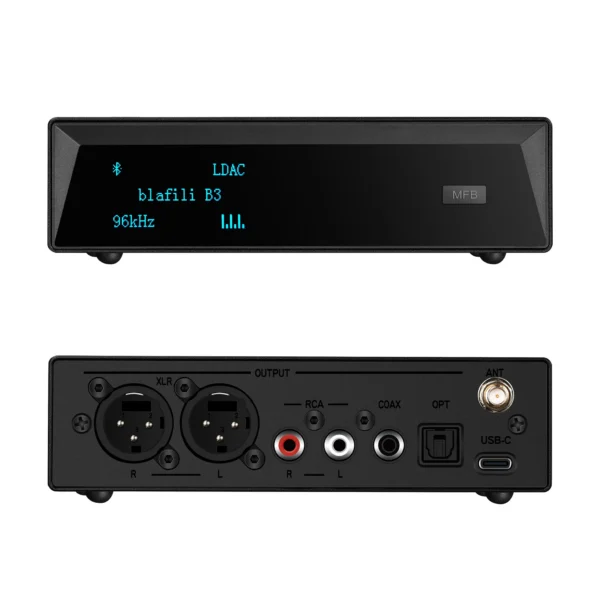
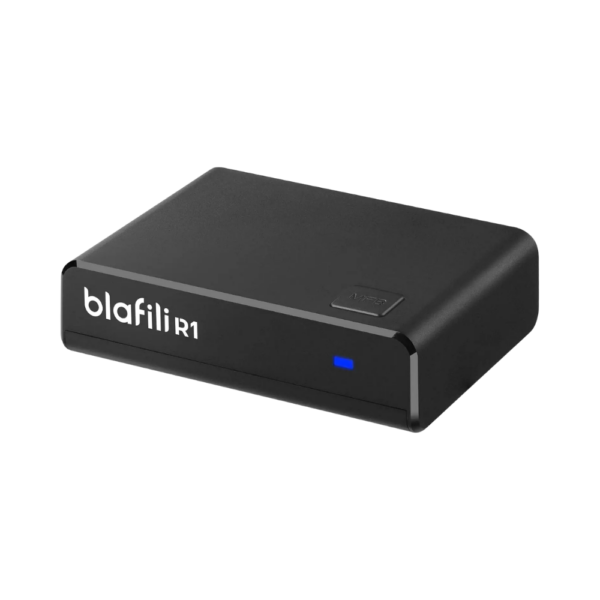
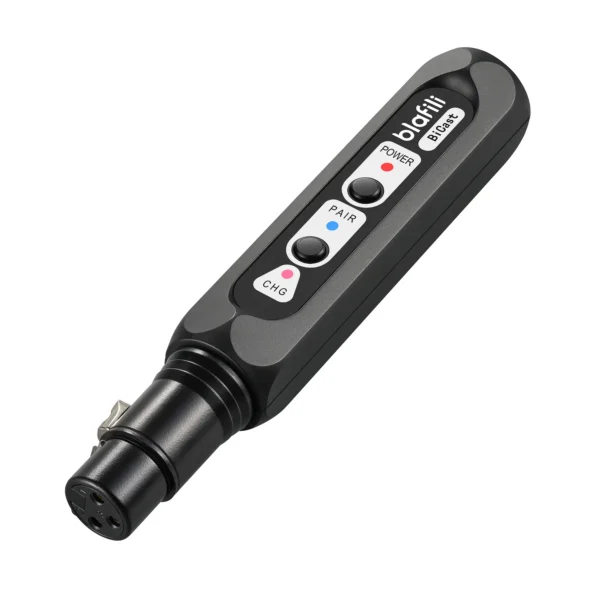
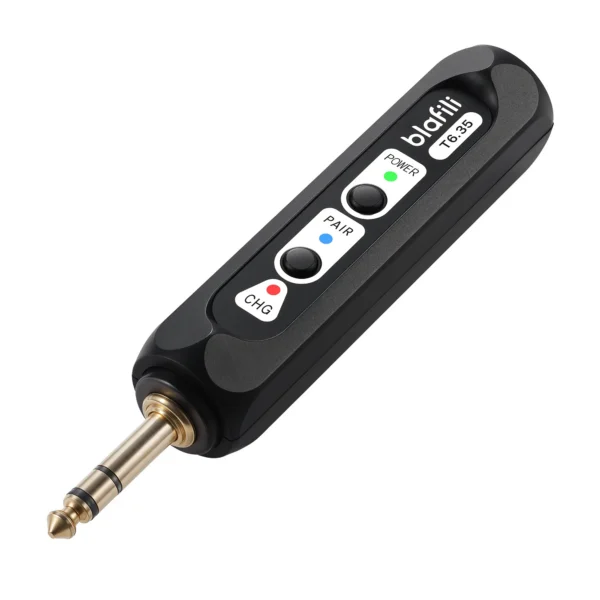
Best selling products
Factors to Consider When Selecting the Best Bluetooth Audio Adapter
Choosing the right Bluetooth audio adapter can be overwhelming, but focusing on a few key factors will help guide your decision:
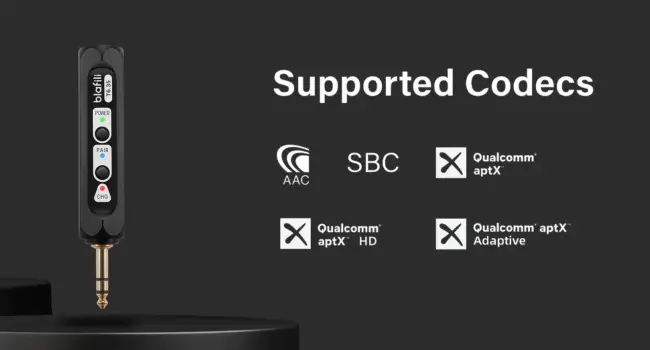
- Audio Quality: Look for adapters that support high-quality audio formats such as aptX HD or AAC for lossless audio transmission. The higher the codec quality, the better your listening experience will be.
- Range: The range of a Bluetooth adapter determines how far away you can be from the connected device. For larger rooms or outdoor use, consider adapters with a longer range (e.g., 100 feet or more).
- Multi-Device Pairing: If you plan to connect multiple devices at once, look for an adapter that supports multi-pairing. With it, you can switch between devices without pairing again.
- Ease of Use: Choose an adapter with simple setup and user-friendly controls. A device that connects quickly and is easy to operate will enhance the overall experience.
Understanding Compatibility with Your Audio Devices and Systems
Before purchasing a Bluetooth audio adapter, ensure it’s compatible with your existing audio devices. Check whether your speakers or headphones support the necessary Bluetooth profiles, and verify the input/output connections on your audio systems. Compatibility is key to achieving optimal performance and avoiding connection issues.
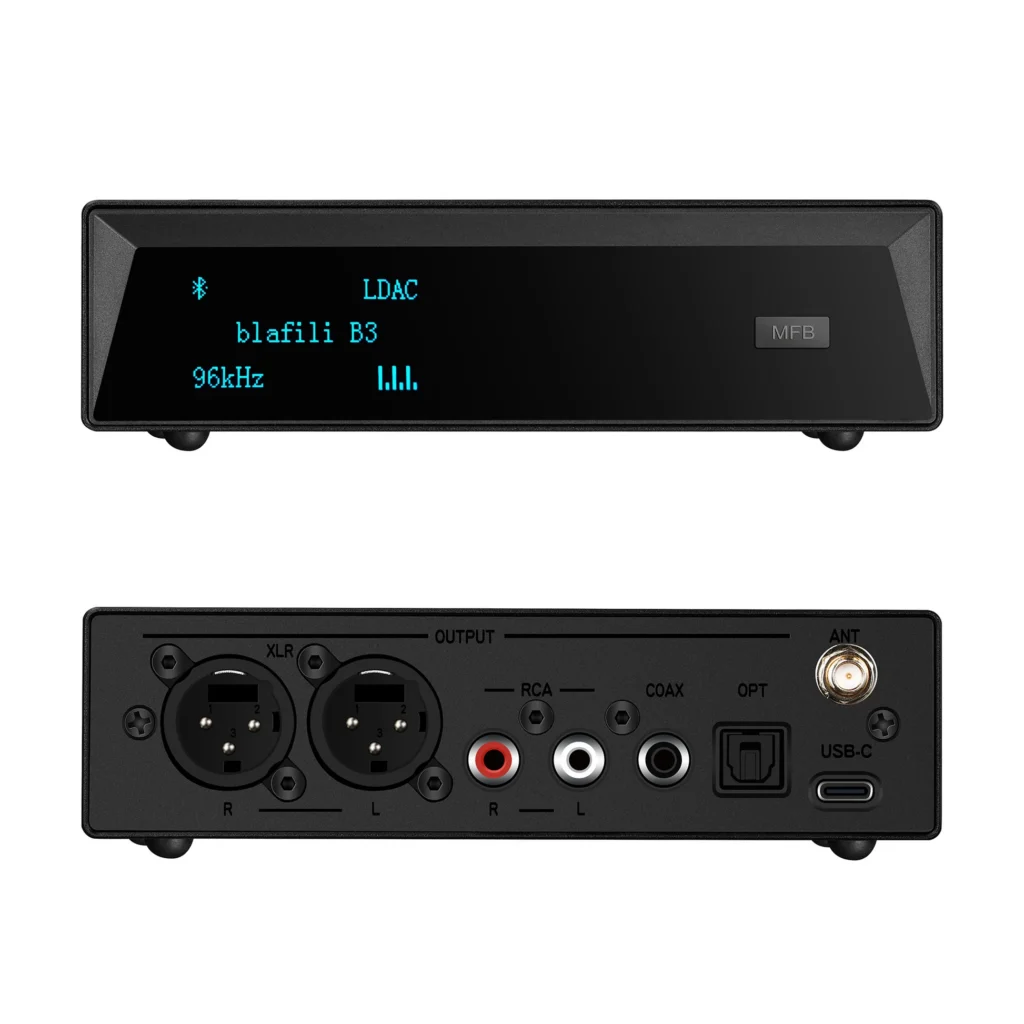
Make sure your adapter supports the necessary ports, such as RCA, 3.5mm auxiliary, or optical outputs, depending on your audio setup. Also check that it matches the Bluetooth version (e.g., Bluetooth 4.0, 4.1, or 5.0) on your devices so the connection stays stable.

Step-by-Step Guide to Bluetooth Audio Adapter Setup
Preparing Your Audio Devices for Setup
Before diving into the setup process, ensure that all your audio devices are powered on and ready to be paired. This includes your Bluetooth-enabled devices (smartphone, tablet, or computer) and the speakers or headphones you plan to connect to. Keep the adapter and your devices within reach, with all power sources connected.
Unboxing and Connecting Your Bluetooth Audio Adapter
Once your Bluetooth audio adapter arrives, carefully unbox it and inspect all components, including any included cables. Most adapters come with basic instructions on how to set up the device, but following these steps will streamline the process:
- Plug the adapter into the appropriate input port (typically an auxiliary input, RCA port, or optical input).
- Connect the audio system or speakers you intend to use with the adapter.
- Power on the adapter and wait for the indicator light to flash, signaling that it’s ready to pair.
Pairing the Bluetooth Adapter with Your Device: A Simple Walkthrough
Now that the Bluetooth audio adapter is connected to your audio system, proceed with pairing it to your source device (smartphone, tablet, or computer):
- Turn on Bluetooth on your device and search for available Bluetooth devices.
- Locate your adapter in the list of available devices and select it.
- Once paired, confirm that audio is playing through your connected speakers or headphones.
If needed, adjust the volume on both the source device and the Bluetooth-connected device to ensure optimal sound levels.
Adjusting Audio Settings for Optimal Sound Quality
After pairing, take a moment to tweak the audio settings for the best sound quality. Many Bluetooth audio adapters have equalizer adjustments; check also that the correct audio codec is selected. Fine-tuning these settings can help eliminate distortion and improve clarity.

Troubleshooting Common Bluetooth Audio Adapter Issues
Connection Problems: How to Fix Pairing Failures
Occasionally, Bluetooth audio adapters may fail to pair with devices. This is often caused by interference, incorrect settings, or outdated firmware. Try restarting both devices and ensuring they are within pairing range. Check as well whether the adapter’s firmware needs an update.
Dealing with Audio Lag or Delays During Streaming
If you notice a delay between the audio and video while streaming, this is typically due to the codec used or a weak Bluetooth connection. To minimize lag, ensure your adapter supports low-latency codecs such as aptX Low Latency or AAC, and try reducing the distance between devices.
Maximizing Signal Strength and Reducing Interference
Bluetooth signal interference can be caused by other wireless devices or physical obstructions. To reduce interference, place the Bluetooth adapter in a clear, open space and move other electronics that could affect the signal. Adapters using Bluetooth 5.0 can also improve range and signal stability.
Resolving Sound Quality Issues: Crackling, Distortion, and More
Crackling or distortion in the audio signal can be caused by a variety of issues, such as faulty cables or low-quality adapters. Try re-pairing your devices, switching to a different input, or using a higher-quality Bluetooth audio adapter to ensure clear sound without interruptions.

Advanced Tips for Optimizing Your Bluetooth Audio Setup
Enhancing Range and Coverage for Better Sound Delivery
If your Bluetooth signal is weak, you can enhance its range by investing in adapters with better coverage or using Bluetooth extenders. These keep the connection stable at longer distances, which helps in larger rooms or outdoor spaces.
Upgrading Your Audio Setup with Additional Accessories
Consider adding additional accessories like a Bluetooth amplifier or high-quality cables to boost your audio experience. These upgrades add power and clarity to the sound from your Bluetooth audio adapter.
Integrating Your Bluetooth Audio Adapter with Multi-Room Systems
For those who want audio throughout the home, connecting your Bluetooth audio adapter to a multi-room sound system extends the music to every room. Ensure your adapter supports multi-device pairing or consider a Bluetooth hub to sync multiple speakers across various rooms.
Maintaining and Caring for Your Bluetooth Audio Adapter
To keep your Bluetooth audio adapter in top condition, clean it regularly and check for firmware updates. Proper care will prolong its lifespan and ensure it continues to deliver optimal performance.

Conclusion and Final Thoughts on Bluetooth Audio Adapter Setup
Why Proper Setup Makes a Difference in Audio Quality
Properly setting up your Bluetooth audio adapter ensures you enjoy clear, high-quality sound without interference or technical glitches. Follow the steps outlined and choose the right adapter, and the setup will deliver solid sound with few complications.
Recap of Key Steps to Ensure a Smooth Bluetooth Audio Experience
From selecting the right adapter to troubleshooting, each step keeps your Bluetooth audio adapter setup running smoothly. With the right equipment and a little setup time, the wireless link will carry your music cleanly.
Final Tips for Long-Term Performance and Enjoyment
Remember to keep your Bluetooth audio adapter up-to-date, free from dust, and in a good location for optimal performance. With proper care, your setup will provide years of exceptional sound quality.