

Introduction: Bringing Your Classic Stereo into the Wireless Age
Dust Off That Hi-Fi: Why Your Stereo Deserves a Bluetooth Upgrade
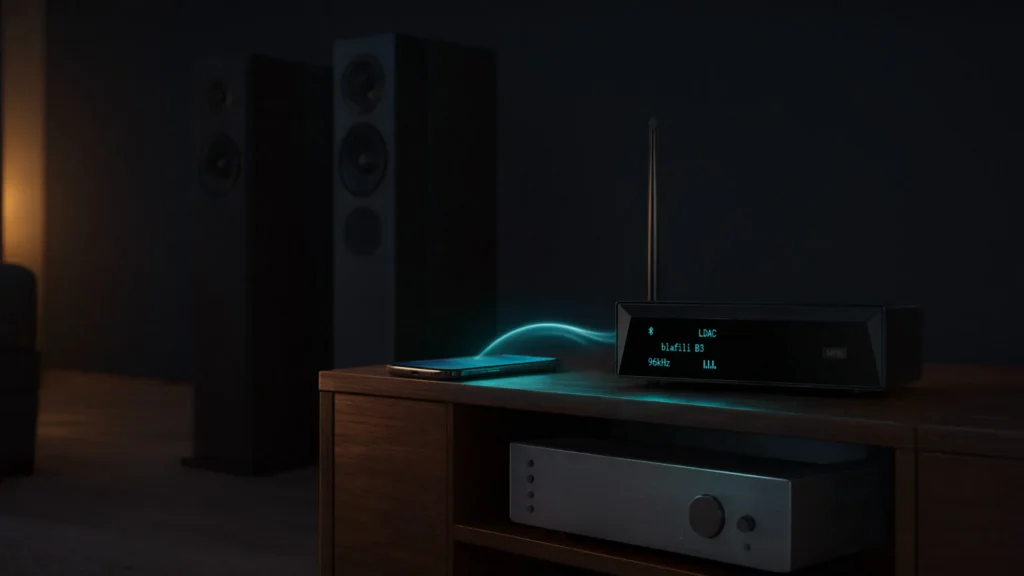
Your vintage stereo system still delivers a rich, powerful sound, but it can feel outdated in the age of wireless connectivity. But there’s no reason to let it collect dust. By adding a Bluetooth receiver, you can connect your modern devices to your existing audio equipment and give it wireless streaming. Whether you’re streaming your favorite playlist, listening to podcasts, or enjoying a movie soundtrack, a Bluetooth receiver will bring a fresh, new dimension to your stereo system.
Cut the Cords: The Freedom of Wireless Audio Streaming
Tangled cables and clunky wired setups are no longer something you have to live with. With a Bluetooth receiver, you can stream audio from your phone, tablet, or computer to your stereo system without the hassle of cables. This freedom of movement means no more limiting yourself to a fixed position in the room. You can enjoy your tunes from anywhere within range, be it lounging on the couch or dancing in the kitchen. The convenience is unmatched, allowing you to embrace a wireless lifestyle while maintaining the high-quality sound your stereo provides.
Finding the Perfect Match: What This Guide Covers
This guide walks through Bluetooth receivers for stereo systems so you can pick the right one for your needs. We’ll break down the features that matter most, highlight some of the top receivers in various categories, and provide setup tips for smooth, hassle-free connectivity. Whether you’re an audiophile seeking the ultimate sound quality or someone who just wants to cut the cords, this guide will assist you in selecting the right solution for your stereo.

What Exactly Are Bluetooth Receivers for Stereo Systems?
Bridging the Gap: How These Gadgets Work
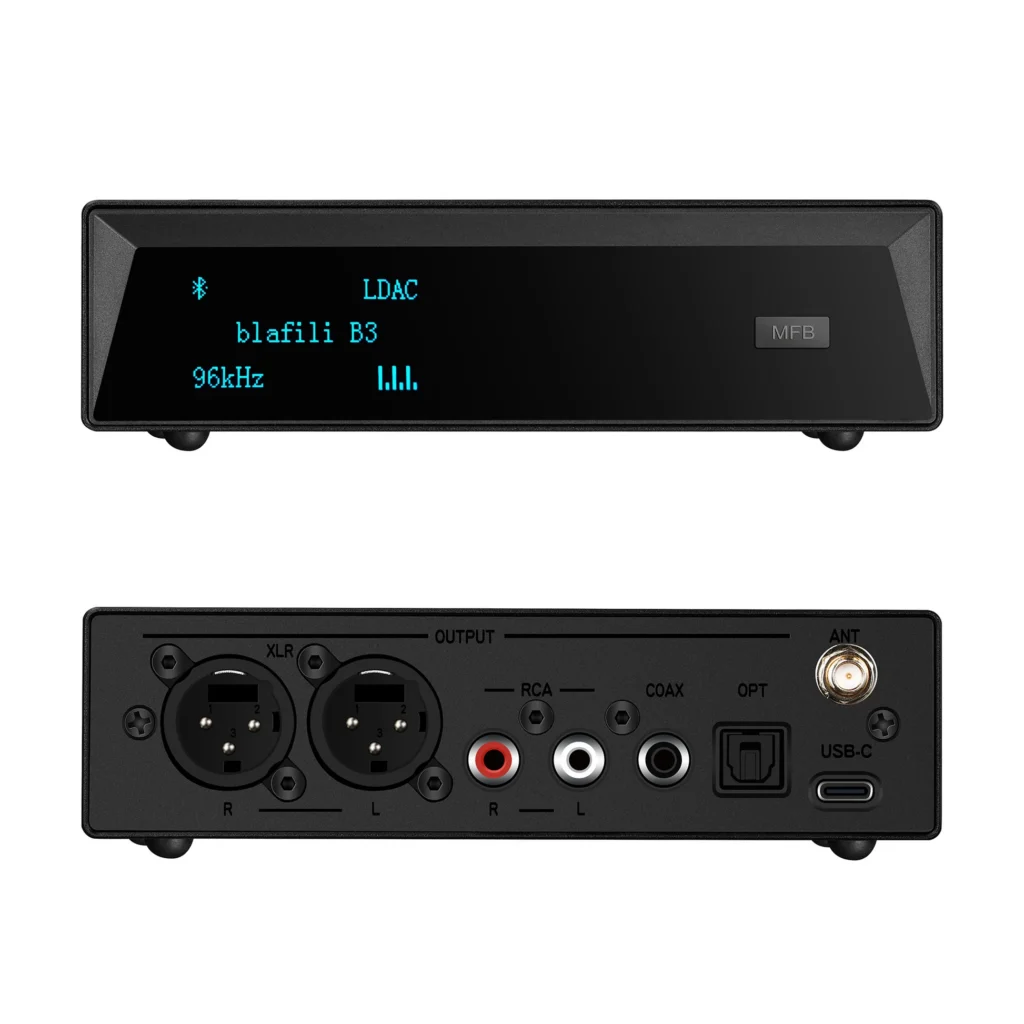
A Bluetooth receiver is a small device that connects wirelessly to your phone, tablet, or computer, converting the Bluetooth signal into a wired audio output that your stereo can understand. In essence, it acts as a bridge between your modern devices and your classic stereo equipment, allowing you to stream music, podcasts, or other audio directly to your speakers. The receiver connects to your stereo’s input (usually via RCA, 3.5mm, or optical), making it an incredibly versatile and easy-to-use addition to your sound setup.
Not Just for Speakers: Connecting to Amps, Receivers, and More
Bluetooth receivers are not limited to just speakers. They can be used to connect to any audio equipment with an appropriate input. For example, you can connect a Bluetooth receiver to your amplifier, AV receiver, or home theater system, expanding your options and enhancing the functionality of your existing setup. This flexibility ensures you can enjoy wireless audio across a variety of devices, making the receiver an invaluable tool in a modernized stereo system.
Simple Solution, Big Impact: The Core Benefit
The beauty of a Bluetooth receiver lies in its simplicity. There’s no need for extensive installation or complex configuration. Once connected, it starts streaming wireless audio with high-quality sound output. For most users, this means connecting a smartphone or tablet and streaming music from a wide range of platforms. The small, straightforward nature of the device offers a big impact, turning your traditional stereo system into a modern, wireless music hub.

Essential Features: What Makes a Bluetooth Receiver Best?
Audio Fidelity First: Understanding Codecs like aptX HD and LDAC
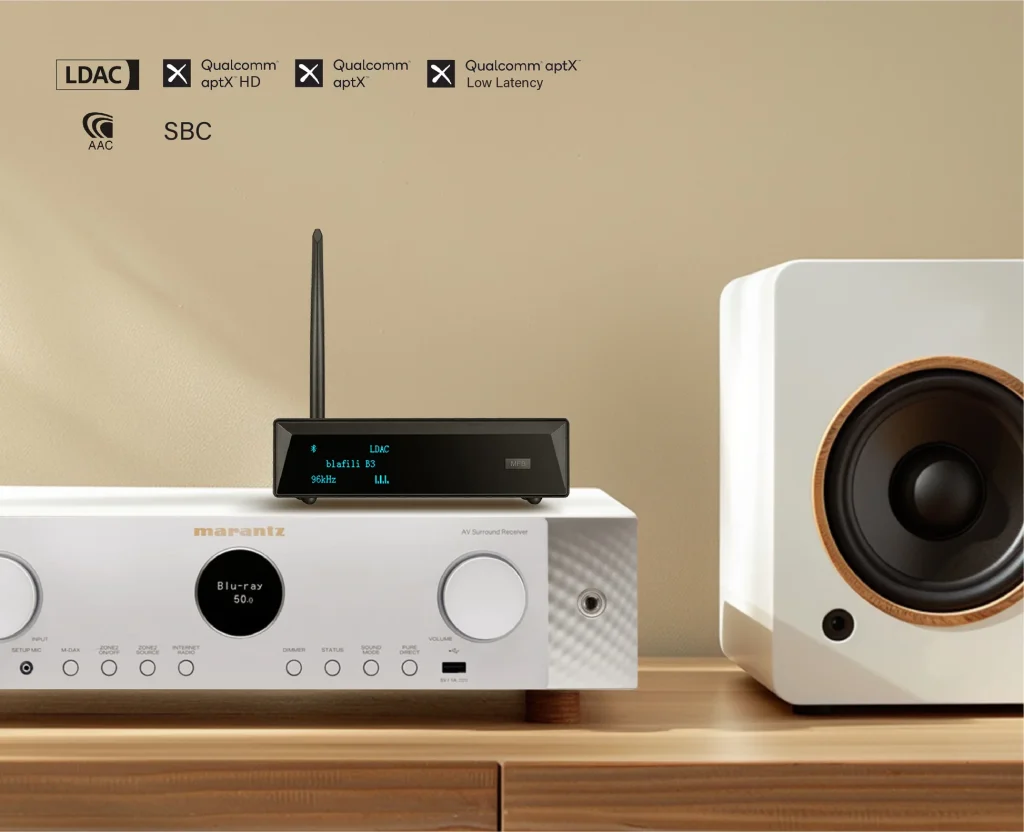
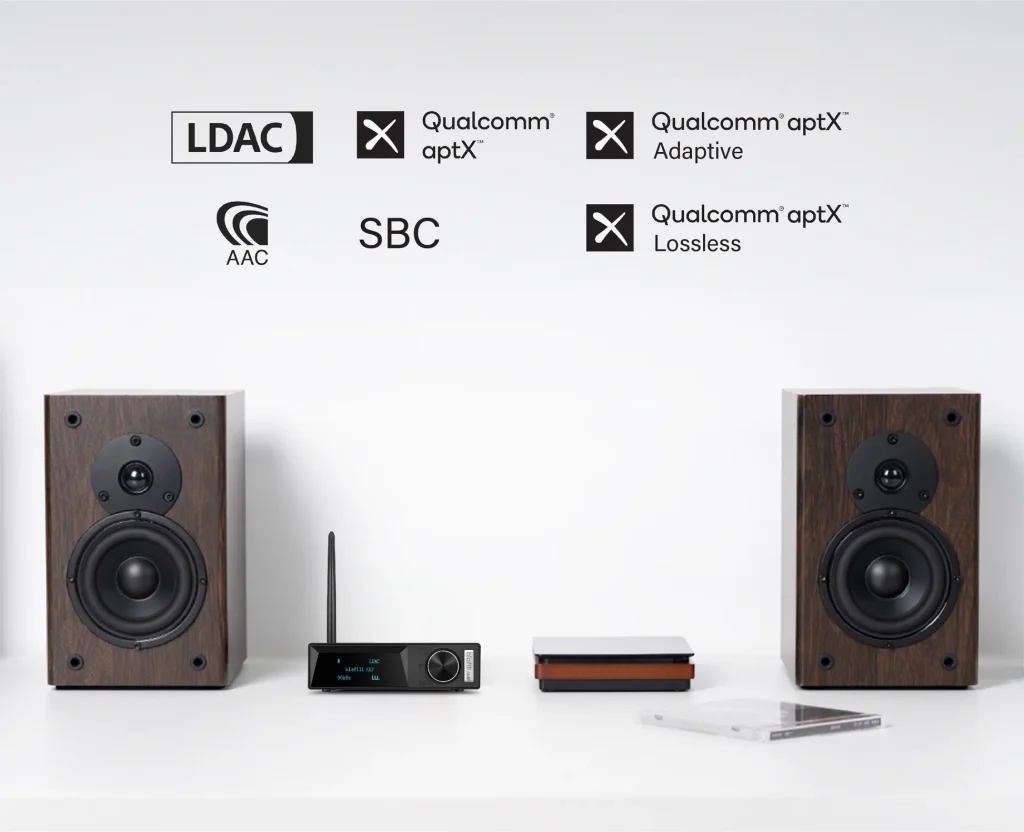
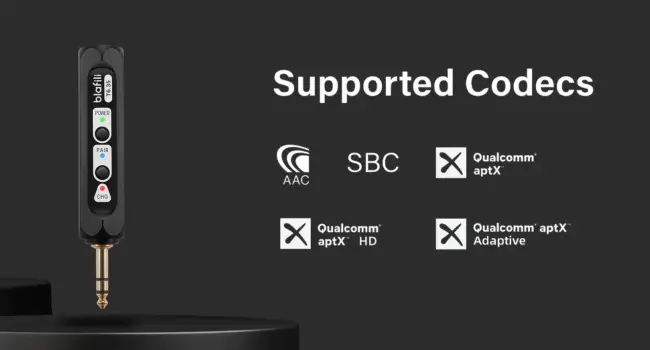
One of the most important factors to consider when choosing a Bluetooth receiver is audio quality. While many Bluetooth devices use the standard SBC codec, some receivers offer advanced codecs like aptX HD and LDAC, which support high-resolution audio. aptX HD delivers 24-bit/48kHz audio, providing a crisper, more detailed sound experience that’s closer to wired audio quality. Meanwhile, LDAC offers similar high-fidelity capabilities, especially for Android users, allowing you to enjoy lossless quality audio over Bluetooth.
Reach Out and Stream: The Importance of Bluetooth Range and Stability
Bluetooth range can make or break your wireless audio experience. Look for a Bluetooth receiver that offers a robust signal with a reliable connection range—preferably up to 30 feet (or more) for maximum flexibility. A solid, stable connection is essential to prevent dropouts, interference, or inconsistent audio streaming, especially in larger spaces or areas with many competing signals.

Connectivity Options: RCA, Optical, Coaxial – What You Need
When selecting a Bluetooth receiver, pay attention to the available connectivity options. RCA is the most common connection type, but if your stereo system has an optical or coaxial input, you may want to opt for a receiver that offers those options as well. These digital outputs can provide superior sound quality, especially when connected to high-end equipment. Make sure the receiver you choose has the inputs compatible with your setup to ensure optimal audio performance.
Powering Up: USB, AC Adapters, and Battery Options
Bluetooth receivers can be powered in a variety of ways. USB-powered receivers are convenient for devices that offer USB ports, like computers or TVs. AC adapters are common for more powerful or stationary setups, and they provide consistent, uninterrupted power. If portability is important, consider battery-powered receivers, which offer the freedom to move your setup without being tied to a power outlet.
Design and Durability: Finding a Receiver That Fits Your Space
Design matters too. A Bluetooth receiver should fit in with your existing stereo system in terms of both aesthetics and functionality. Choose one that’s compact and durable, with a design that suits your room’s décor. Consider whether you need a sleek, inconspicuous receiver that blends into the background or one that stands out as a centerpiece of your setup.

Our Top Picks: The Best Bluetooth Receivers for Stereo Systems
Audiophile Approved: Receivers for Uncompromising Sound Quality
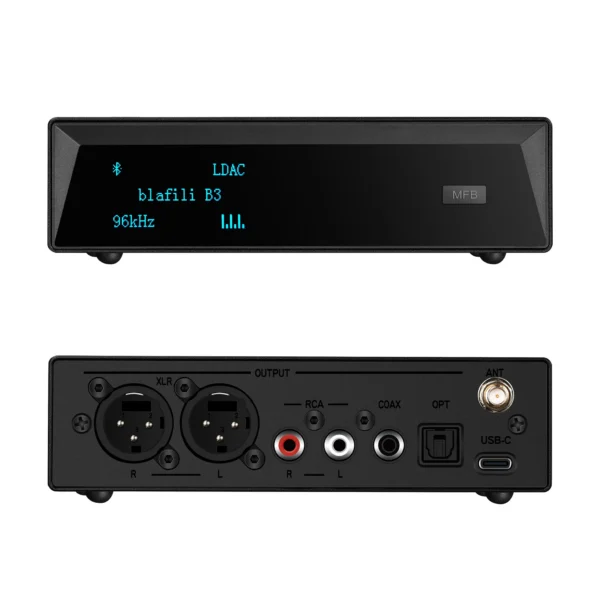
For those who won’t settle for anything less than perfection, the Audioengine B1 and blafili B3 are top choices. Both offer support for aptX HD and LDAC, which lets your stereo system deliver high-fidelity sound that stands comparison with wired connections. These devices come with premium build quality, and their wide compatibility ensures they can easily pair with a variety of audio devices.
Budget-Friendly Gems: Great Performance That Won’t Break the Bank
For those on a budget, the TaoTronics Bluetooth 5.0 Receiver and the Bludento BLT-HD Bluetooth Audio Receiver offer great performance at a fraction of the cost. Despite their lower price points, these receivers still deliver excellent sound quality with aptX support and stable Bluetooth connections. They suit anyone who wants to cut the cords without breaking the bank.
Maximum Range, Minimum Hassle: Solutions for Larger Spaces
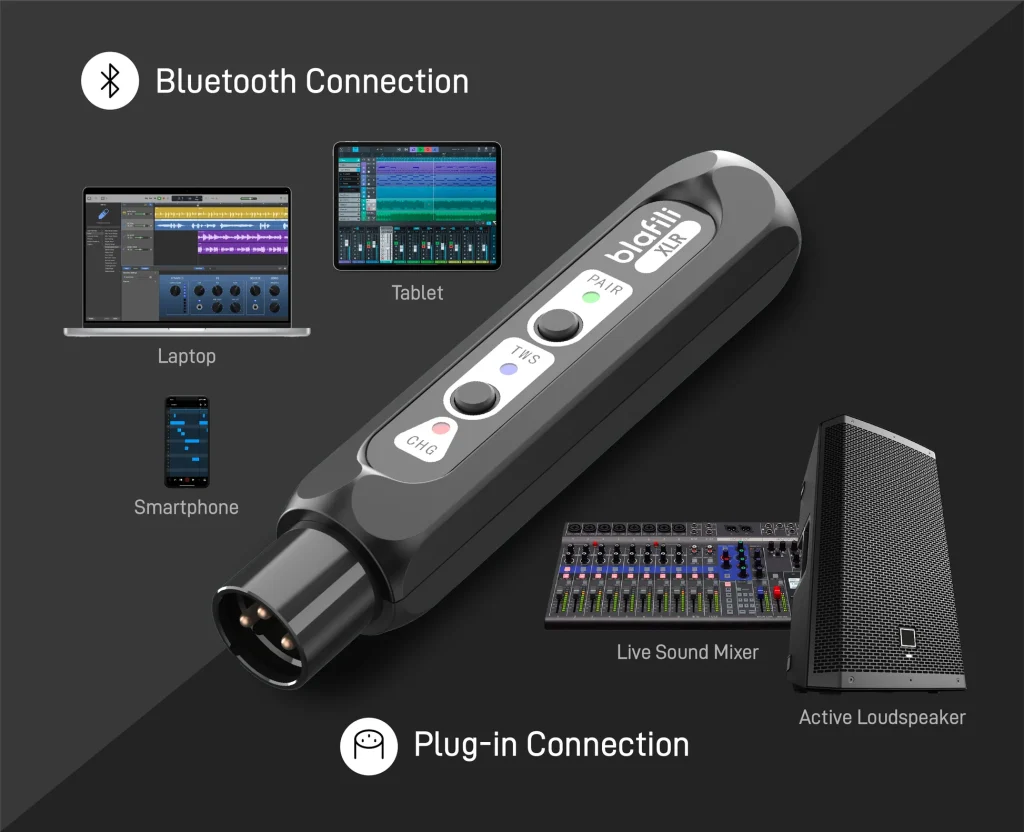
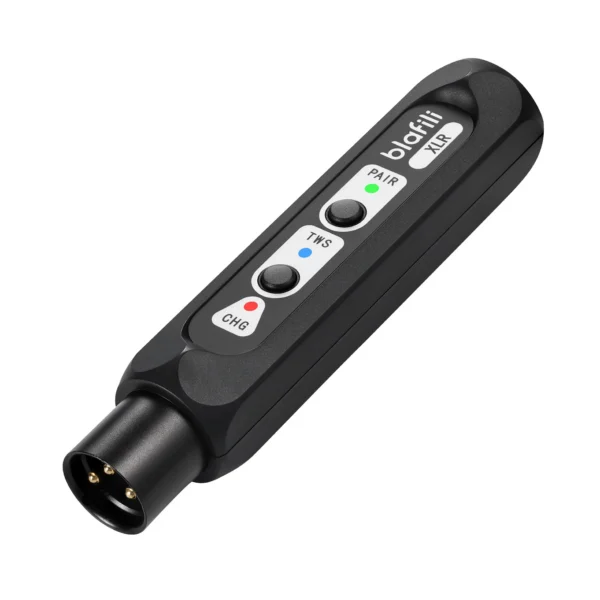
If you have a larger space or multiple devices to connect to, the blafili XLR is a fantastic choice. This receiver boasts long-range connectivity (up to 100 feet) and supports both aptX Low Latency and aptX HD. It works well for people streaming audio across multiple rooms or areas, with fewer connection issues.
Sleek and Simple: Easy-to-Use Receivers for Anyone
If simplicity is key, the Logitech Bluetooth Audio Adapter is a strong pick. Its user-friendly interface and plug-and-play setup suit anyone who just wants to get their music streaming with minimal fuss. With RCA and 3.5mm outputs, it’s versatile enough for most stereo systems, offering quality sound at an accessible price.
Hidden Wonders: Compact Designs That Disappear
For a truly minimalist experience, the 1Mii BTD800XL is a great option. This compact and sleek Bluetooth receiver connects easily to any audio system and offers aptX HD support for crystal-clear audio. Its small footprint makes it easy to hide, providing maximum functionality with minimal visibility.

Getting Connected: Setting Up Your New Bluetooth Receiver
Step-by-Step Setup: From Unboxing to Streaming
Setting up your Bluetooth receiver is straightforward. Here’s a quick guide:
- Unbox your receiver and ensure it comes with the necessary cables (RCA, optical, USB, etc.).
- Plug the receiver into the corresponding input on your stereo system.
- Power up the receiver and enable Bluetooth on your smartphone, tablet, or computer.
- Pair your device with the receiver. You may need to enter a pairing code if prompted.
- Start streaming your favorite music, and adjust settings to suit your preference.
Pairing Prowess: Connecting Your Devices with Ease
Pairing your Bluetooth device with the receiver is simple:
- Make sure both devices are within range.
- Go to your Bluetooth settings and select the receiver from the list of available devices.
- Confirm the connection, and your stereo system will be ready to stream.
Troubleshooting Common Issues: No Sound? Connection Drops? We Can Help.
If you experience issues, check the following:
- Ensure both devices are within range and free of obstacles.
- Verify that the Bluetooth codec of your device is compatible with the receiver.
- Try rebooting both devices to reset the connection.
- Make sure your receiver is properly powered.
-
Sale!
 Original price was: $149.00.$109.00Current price is: $109.00.
Add to cart
-
Sale!
 Original price was: $59.99.$40.99Current price is: $40.99.
Add to cart
-
Sale!
 Original price was: $29.99.$21.99Current price is: $21.99.
Add to cart
-
Sale!
 Original price was: $59.99.$44.99Current price is: $44.99.
Add to cart
Making the Final Decision: Choosing Your Ideal Bluetooth Receiver
Matching Receiver to System: Compatibility is Key
When choosing a Bluetooth receiver, compatibility with your stereo system comes first. Ensure the device supports the correct input connections (RCA, optical, etc.) and offers the codec support you need for high-quality sound.
Considering Your Needs: Prioritizing Features for Your Listening Habits
Think about your listening environment. If you have a large space, prioritize long-range receivers. If sound quality is most important, go for one that supports aptX HD or LDAC. For easy setup and portability, choose a simple, plug-and-play solution.
The Verdict: Finding the Best Value and Performance
The best Bluetooth receiver for your stereo system is one that balances performance, compatibility, and price. While high-end receivers offer the best sound, many budget options still deliver exceptional value. Focus on your specific needs, and you’ll find the perfect match.
Conclusion: Enjoying Your Revitalized Stereo System
Wireless Bliss: The Joy of Easy Music Streaming
With your new Bluetooth receiver, the days of tangled cords and limited connectivity are over. You can now enjoy the freedom of wireless audio streaming, with the high-fidelity sound your stereo system was meant to deliver.
Future-Proof Your Audio: A Simple Upgrade for Years to Come
A Bluetooth receiver is a simple upgrade that will keep your stereo system in use for years to come. As streaming codecs improve, a receiver with current codec support keeps your setup up to date.
Share Your Experience: Join the Conversation
Have you upgraded your stereo with a Bluetooth receiver? Share your experiences and thoughts with others looking to make the switch.
Ready to Stream? Take the Plunge!
It’s time to bring your stereo system into the wireless age. With the right Bluetooth receiver, you can enjoy stable, high-quality audio streaming from your favorite devices. Happy listening!