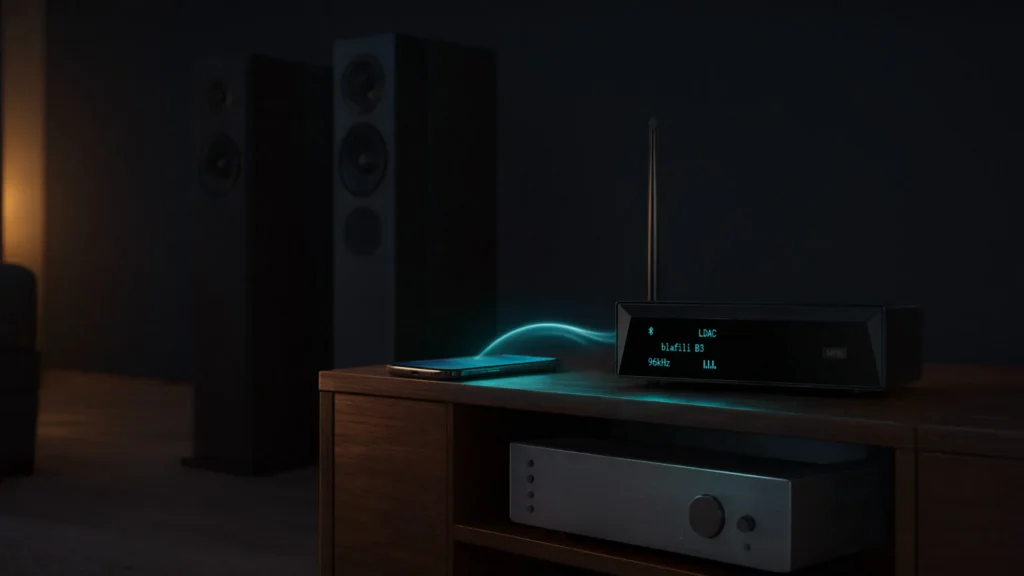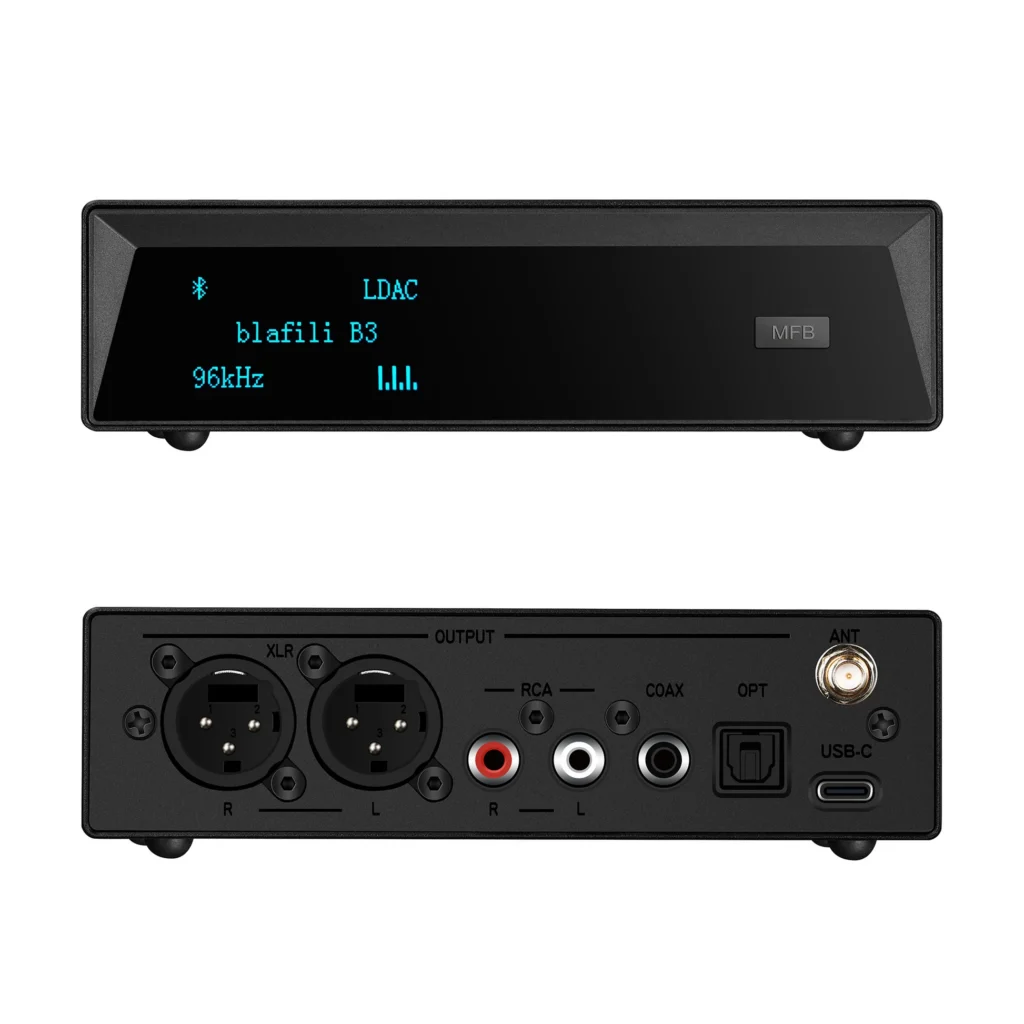



The Convenience of Transmitting Audio Wirelessly
In recent years, the demand for wireless audio solutions has surged as more individuals seek freedom from cables and cumbersome connections. Listeners use it for music on the go, for home theater rooms where new cabling is impractical, and for clearing the clutter of cords behind a rack. Bluetooth and Wi-Fi carry most of that traffic today, and with current codecs the sound quality holds up for everyday listening.
The Rise of Wireless Audio: Why It’s More Popular Than Ever
The shift toward wireless audio has been driven by convenience, with many people preferring to eliminate the mess of tangled wires. As smartphones, laptops, and streaming devices have become increasingly mobile, users have looked for ways to wirelessly connect their devices to speakers, headphones, and other audio equipment. Bluetooth and Wi-Fi now cover most of these cases, and both connect devices without running cable between rooms.
The growing popularity of wireless audio also coincides with the rise of smart home technology. Streaming services, portable speakers, and current Bluetooth devices make it easy to play music anywhere within reach, while Wi-Fi-based systems carry multi-room audio and home theaters. With these technologies, you can have sound wherever you are, whether you’re lounging on the couch, enjoying a workout, or entertaining guests.

How Bluetooth and Wi-Fi Have Changed Audio Streaming
Both Bluetooth and Wi-Fi changed how audio reaches the listener: one over short point-to-point links, the other over the home network. Bluetooth enables fast, wireless communication over short distances, allowing users to pair their smartphones, tablets, or computers with compatible speakers or headphones. It has evolved from its early limitations in terms of range and quality to now deliver impressive audio experiences, even supporting high-fidelity formats in some cases.
Wi-Fi has more bandwidth to work with, so it can stream high-resolution audio and serve multiple devices around the house. From multi-room sound systems to high-definition music streaming, Wi-Fi has proven itself as a powerhouse for audiophiles and casual listeners alike. As wireless solutions continue to improve, Bluetooth and Wi-Fi are making high-quality, on-demand music streaming more accessible than ever.
Key Benefits of Wireless Audio: Freedom, Flexibility, and Quality
The most obvious benefit of wireless audio is freedom. No more dealing with tangled cables or being restricted by the length of your cords. Bluetooth and Wi-Fi give you the flexibility to move around your home, office, or even outdoors while still enjoying crystal-clear sound. Wireless audio also promotes convenience, allowing easy pairing and quick setup without the need for complex wiring. Whether you’re in your living room, kitchen, or backyard, you can stream your favorite tunes with ease.
But perhaps the most important benefit of wireless audio is the quality. Modern wireless technologies have advanced far beyond the static-filled days of early Bluetooth. Many wireless audio devices now support high-fidelity sound through codecs like aptX HD and LDAC, so going wireless no longer means a big drop in quality.

Understanding Bluetooth and Wi-Fi for Audio Transmission
Bluetooth and Wi-Fi take different approaches to wireless audio transmission, so it helps to know how each one works. To make the right choice for your needs, it’s important to understand how each technology works and the unique advantages they bring.
What is Bluetooth Audio and How Does It Work?
Bluetooth is a wireless technology that allows devices to communicate over short distances using radio waves. For audio transmission, Bluetooth enables devices like smartphones, laptops, or tablets to send signals to Bluetooth-enabled audio equipment, such as speakers or headphones. Bluetooth audio typically operates in the 2.4 GHz frequency range, which makes it compatible with a wide variety of devices.
Bluetooth Low Energy vs Classic Bluetooth: What’s the Difference?
The main difference between Bluetooth Low Energy (BLE) and Classic Bluetooth lies in power consumption. BLE, as the name suggests, runs on very little power, which suits small battery-operated devices like smartwatches and fitness trackers. Classic Bluetooth transfers more data per second, which is why speakers and headphones use it for music streaming.
Range and Compatibility of Bluetooth Audio Devices
Bluetooth devices typically have a range of about 30 feet (10 meters) under ideal conditions, though this can be affected by walls, obstacles, or interference from other devices. One of Bluetooth’s key strengths is its broad compatibility, allowing it to connect with a wide range of audio equipment, from portable speakers to car stereo systems and everything in between.
The Role of Wi-Fi in Wireless Audio Transmission
Wi-Fi carries audio over the local network instead, which gives it more bandwidth and steadier connections than Bluetooth typically manages. Unlike Bluetooth, which is limited in range and data transmission speed, Wi-Fi can stream audio over longer distances and deliver higher quality sound without sacrificing performance.
Wi-Fi vs Bluetooth: When to Choose Each Technology
The decision to use Bluetooth or Wi-Fi largely depends on the specific application. Bluetooth is best for personal audio devices (e.g., headphones, portable speakers) where the user is close to the audio source. Wi-Fi, however, excels in situations where long-range transmission, multi-room audio, or high-definition audio is required. Wi-Fi fits home audio systems, home theaters, and setups that span several devices.
How Wi-Fi Enhances Audio Quality and Streaming Stability
Wi-Fi offers superior stability and bandwidth compared to Bluetooth, making it a better choice for lossless audio streaming and applications requiring minimal latency. It supports high-resolution audio formats like FLAC, allowing users to enjoy superior sound quality without worrying about the limitations of Bluetooth’s compressed audio.

How to Transmit Audio Wirelessly with Bluetooth
Setting up a wireless audio system with Bluetooth is easier than ever. The key steps are choosing the right Bluetooth transmitter and receiver, pairing them correctly, and fixing the common issues that come up.
Setting Up Bluetooth Audio: The Step-by-Step Process
- Choose the Right Bluetooth Transmitter and Receiver: Ensure compatibility between your audio source and receiving device. Many Bluetooth transmitters can plug into any audio output, while Bluetooth receivers are often built into speakers or amplifiers.
- Pairing Devices for Stable Audio Streaming: Pair your audio source with the Bluetooth receiver by activating Bluetooth on both devices and following the pairing instructions. Most modern Bluetooth receivers are easy to pair with your phone or laptop, making setup quick and straightforward.
- Troubleshooting Common Bluetooth Audio Issues: Ensure both devices are within range and that no interference is obstructing the signal. If you experience delays, distortion, or loss of connection, resetting the Bluetooth devices and re-pairing them often resolves the issue.
Best Practices for Optimizing Bluetooth Audio Transmission
To get the best performance out of your Bluetooth audio system, you should maximize range and reduce potential interference. For optimal Bluetooth range, avoid placing devices behind walls or metal objects. Choosing a high-quality Bluetooth audio receiver with modern codecs (like aptX HD) can significantly enhance sound quality.

Transmitting Audio Wirelessly Using Wi-Fi
Wi-Fi is a fantastic option when you need high-fidelity sound or are working within a multi-room audio setup. Here’s how to get started with Wi-Fi-based audio transmission.
Exploring Wi-Fi Audio Streaming: Devices and Platforms
Wi-Fi speakers, audio receivers, and multi-room systems offer robust and reliable streaming solutions. Platforms like AirPlay and Spotify Connect stream to compatible devices on the network, while platforms like Sonos sync multiple speakers to play music in various rooms.
How to Set Up Wi-Fi Audio in Your Home or Office
- Connecting Your Audio System to Your Wi-Fi Network: Ensure that your speakers or audio receivers are connected to the same Wi-Fi network as your audio source (smartphone, computer, or tablet). Follow the setup instructions to pair the devices with your Wi-Fi router.
- Best Wi-Fi Audio Devices for High-Quality Sound: Look for Wi-Fi speakers or receivers that support high-resolution audio for the best sound quality. Brands like Sonos, Bose, and Amazon Echo offer some of the top choices for Wi-Fi audio streaming.

Comparing Bluetooth and Wi-Fi for Audio Transmission
Both Bluetooth and Wi-Fi have advantages depending on your needs. Here’s a breakdown of their strengths and weaknesses.
Audio Quality: Which Offers the Best Sound?
While Bluetooth audio has improved significantly, Wi-Fi typically offers better sound quality, especially when streaming high-resolution audio. Wi-Fi’s larger bandwidth allows for lossless streaming, making it the preferred option for audiophiles.
Cost and Convenience: Which Solution is More Practical for You?
Bluetooth is typically more cost-effective and convenient for casual listeners, as it’s simpler to set up and requires no special infrastructure. Wi-Fi gear costs more and takes longer to set up, but it delivers better sound quality and handles home theaters and multi-room audio systems well.

Real-World Applications of Wireless Audio Transmission
Wireless audio is incredibly versatile, whether you’re at home, in the car, or outdoors.
Using Bluetooth and Wi-Fi for Home Audio Systems
For home use, Bluetooth handles quick, short-range streaming to a speaker, while Wi-Fi carries high-quality, multi-room configurations. Imagine streaming music or podcasts throughout your home with Wi-Fi speakers or enhancing your TV’s sound system with wireless surround sound.
Wireless Audio for On-the-Go: Car Audio and Portable Speakers
Bluetooth is the obvious choice for wireless in-car audio, allowing you to stream music from your phone to your car’s audio system without the hassle of cables. For outdoor activities, portable Bluetooth speakers deliver excellent sound on the go.
Potential Challenges and Solutions in Wireless Audio Transmission
While wireless audio is incredibly convenient, there are a few challenges to keep in mind.
Common Issues with Bluetooth and Wi-Fi Audio Transmission
Common issues include connection drops, signal interference, and audio latency. In the case of Bluetooth, this can often be resolved by reducing the distance between devices or eliminating obstacles. For Wi-Fi, a router placed in the open, near the speakers, usually restores a strong and stable connection.
How to Improve Wireless Audio Performance
Better performance comes from three things: decent hardware, a Wi-Fi router placed centrally, and less interference from other electronics. For Bluetooth, use advanced codecs like aptX or AAC to improve sound clarity.

The Future of Wireless Audio Transmission
Both Bluetooth and Wi-Fi keep improving with each generation, and together they cover most listening situations, from a single pair of headphones to speakers in every room. Match the technology to the job before buying: Bluetooth for short-range streaming from a phone, Wi-Fi where range, multiple rooms, or maximum sound quality matter. Check which codecs your phone and receiver share, keep devices within range, and set up one room first before expanding. That order of decisions settles most wireless audio setups.