

Introduction: Bridging the Audio Divide – From Wired to Wireless Wonder
The audio world is evolving rapidly, shifting from traditional wired connections to modern, convenient wireless setups. The desire for cleaner setups and the increasing demand for effortless connections across multiple devices drive this transition. The RCA Connect: Bluetooth Adapter sits right in this transition: it receives Bluetooth streams and feeds them into your gear’s analog RCA inputs.
Unearthing the Legacy: Why RCA Still Matters in a Wireless World
Despite the rise of wireless technology, the humble RCA connection remains a staple in many home audio systems. RCA connectors, which have been around for decades, offer unmatched simplicity and reliability, particularly in older systems. These devices are often found in legacy audio equipment such as stereo systems, turntables, and television sets. However, as wireless technology becomes the norm, many people are looking for ways to modernize their setups without sacrificing the quality or value of their existing gear. Enter the Bluetooth adapter, a small yet powerful tool that bridges the gap between traditional RCA connections and Bluetooth-enabled devices.

The Bluetooth Boom: Why Every Audio Setup Needs Wireless Capability
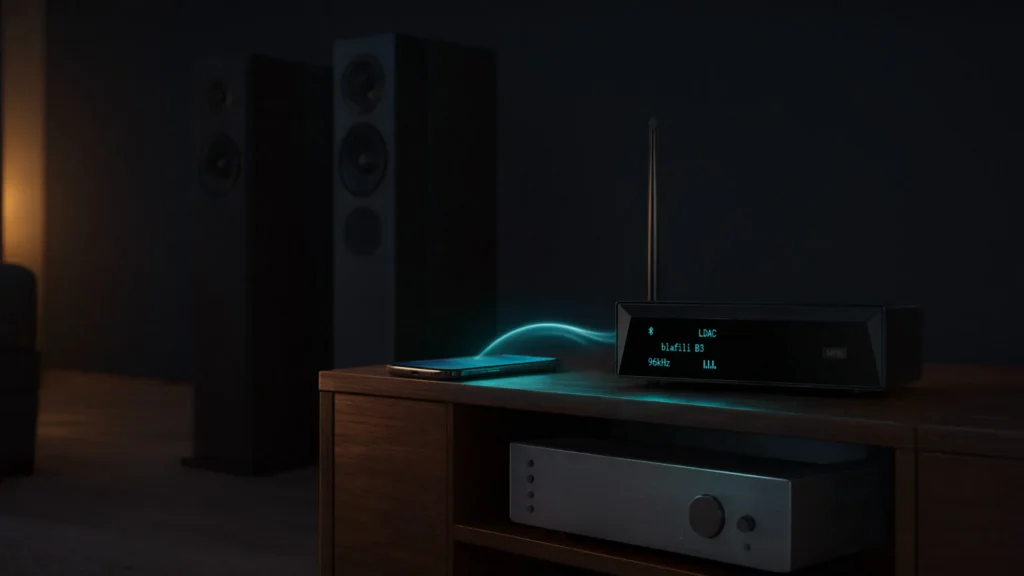
Wireless audio solutions have seen a dramatic surge in popularity, mainly due to the rise of smartphones, tablets, and streaming services. Bluetooth technology allows users to enjoy audio content without the hassle of tangled wires or the limitations of fixed connections. Streaming music, podcasts, or movies straight from a phone to any speaker in the room is now what most people expect from their gear. RCA Connect: Bluetooth Adapters make it possible to keep your classic gear while upgrading to the convenience of wireless audio.
Decoding the Adapter: What This Magical Device Does
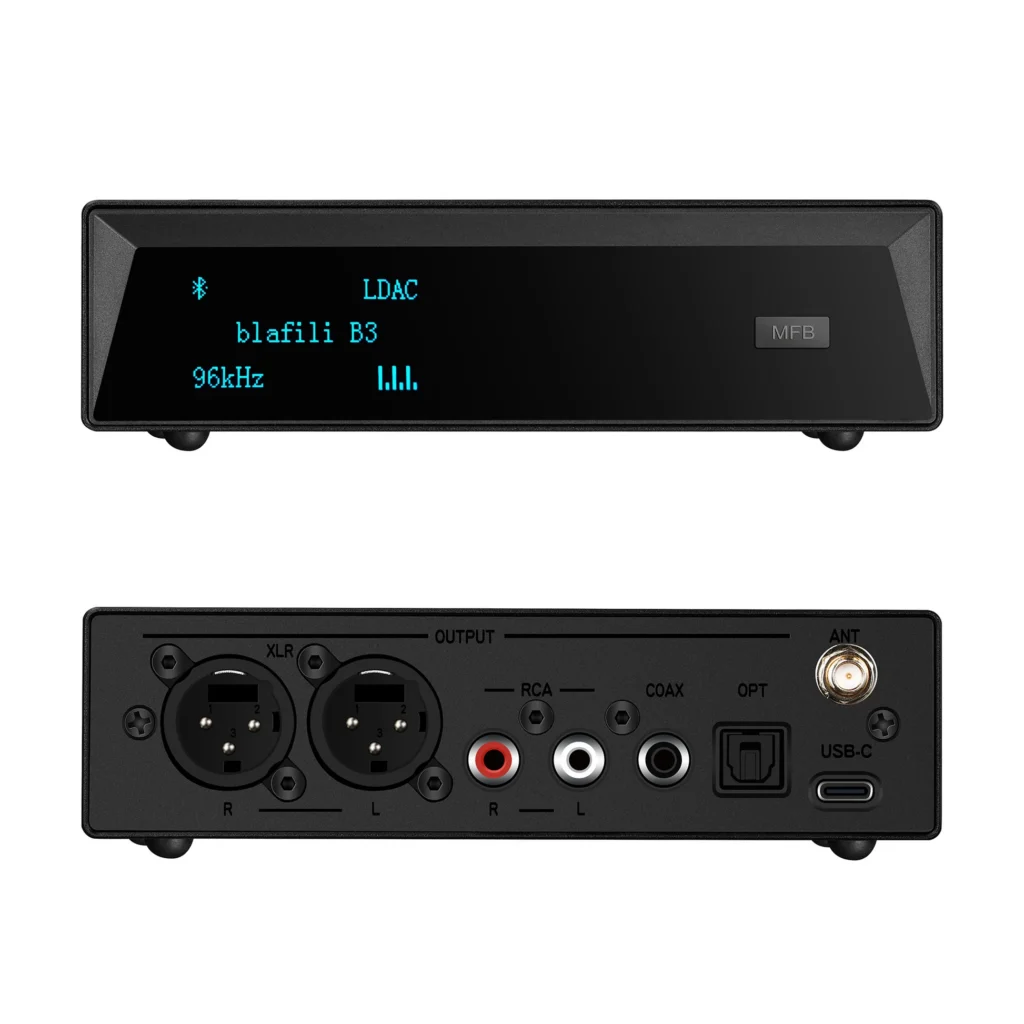
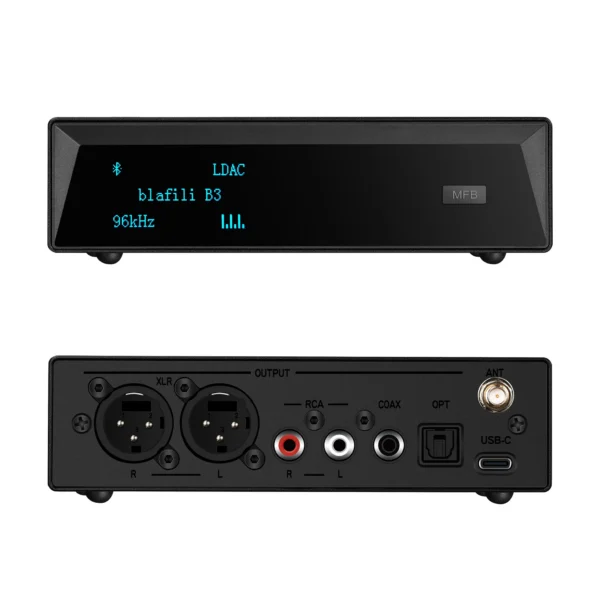
An RCA Connect: Bluetooth Adapter is a compact device that adds Bluetooth capability to any audio system equipped with RCA inputs and outputs. You can stream music directly from your smartphone, tablet, or any other Bluetooth-enabled device by plugging the adapter into your existing RCA ports. Essentially, this adapter converts your traditional wired setup into a wireless one, allowing you to use modern technology without replacing your trusted audio equipment.
Your Audio Upgrade Awaits: Setting the Stage for a Stable Connection
Upgrading to Bluetooth doesn’t require an overhaul of your entire audio setup. With the correct Bluetooth adapter, the switch takes only a few simple steps. The RCA Connect: Bluetooth Adapter is the ideal solution for those who want to enhance their listening experience without breaking the bank or tossing out excellent equipment. Here is how to select the correct adapter and get the most out of it.
Choosing Your Audio Ally: Selecting the Right Bluetooth to RCA Adapter
Not all Bluetooth adapters are created equal. When choosing an adapter, you need to consider several key factors that can affect both the quality of your sound and the ease of use.
Codec Crusaders: Understanding Audio Codecs and Their Impact
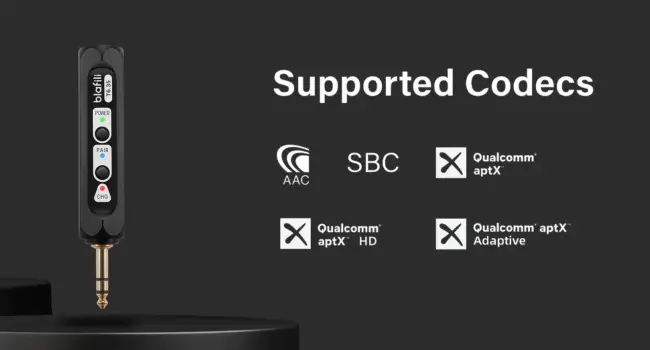
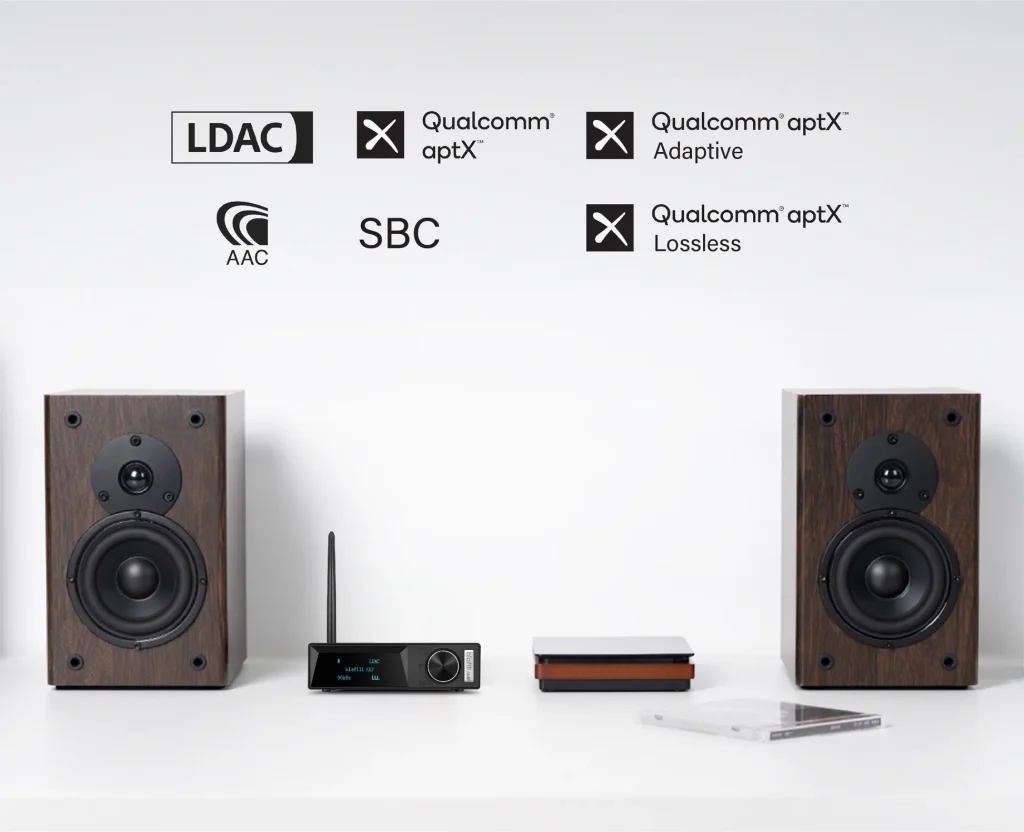
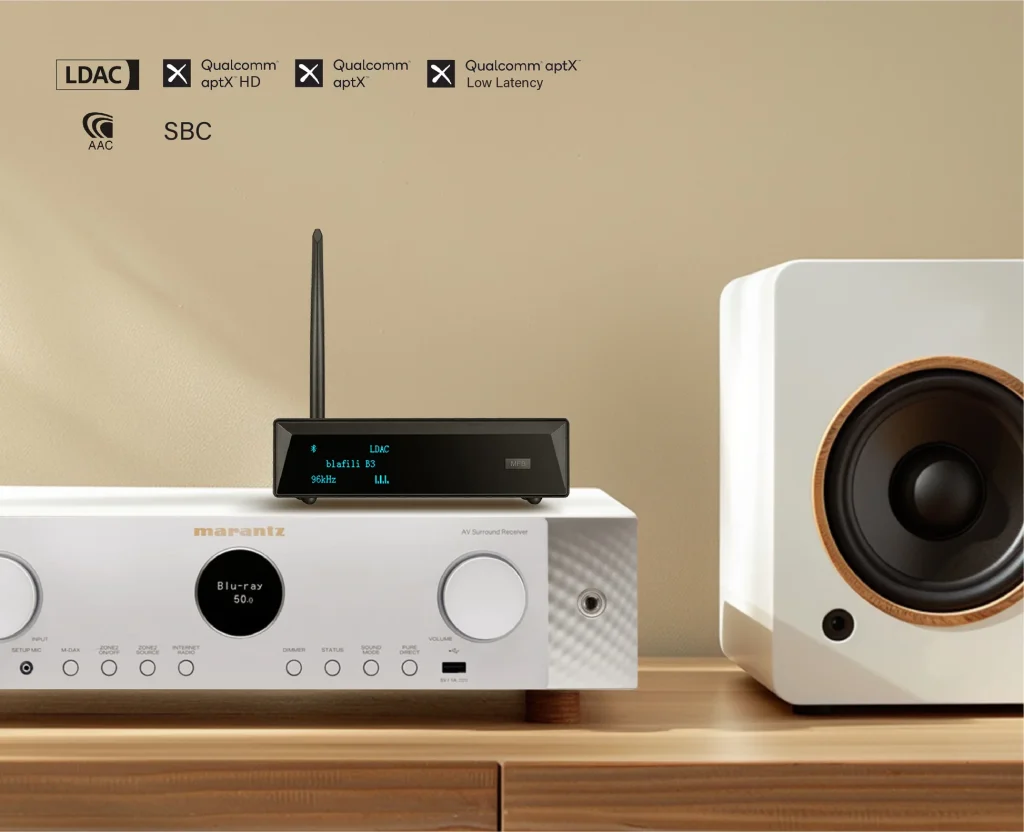
The codec is the heart of audio quality in any Bluetooth connection. It determines how efficiently the sound is compressed and transmitted. AAC, aptX, and SBC are the most common audio codecs. If sound quality comes first, pick an adapter that supports aptX or AAC for high-fidelity audio with lower latency. For those who enjoy lossless sound, looking for aptX HD or LDAC compatibility can offer a superior listening experience.
Range Renegades: Finding an Adapter That Goes the Distance
Not all Bluetooth adapters provide the same range. If you’re setting up your audio system in a large room or need to connect devices across the house, ensure that the adapter offers a long-range, typically between 30 and 100 feet. Remember that obstacles, such as walls or metal structures, can decrease the effective range of Bluetooth signals.

Power Play: AC vs. USB – Which Power Source Reigns Supreme?
Bluetooth adapters come in two standard power options: AC-powered and USB-powered. AC adapters often offer more power and can be more suitable for long-term, continuous use. USB-powered adapters are compact, easy to use, and a good fit for portable setups. Choose an adapter based on your setup’s flexibility and whether you need a stationary or portable solution.
Feature Frenzy: Beyond Basic – Exploring Advanced Adapter Features
When shopping for your Bluetooth to RCA adapter, consider additional features that may enhance your experience. Some adapters come with multi-device pairing, enabling you to connect several devices at once. Others include aptX Low Latency for minimal lag during streaming or built-in amplifiers to boost audio quality.
Budget Battles: Balancing Cost and Quality in Your Adapter Choice
The market for Bluetooth to RCA adapters offers products at various price points. While it’s tempting to go for the cheapest option, investing a little more can provide superior sound quality and a better user experience. Be sure to evaluate the balance between price and features—cheaper models may work for casual use. Still, higher-end adapters often offer better build quality, superior codecs, and additional functionality.

Connecting the Classics: Step-by-Step Guide to RCA to Bluetooth Adapter Brilliance
Now that you’ve chosen the correct adapter, it’s time to connect your system and enjoy the magic of wireless audio.
Preparation Prime: Gathering Your Gear and Setting the Stage
Before starting, make sure you have all the necessary equipment:
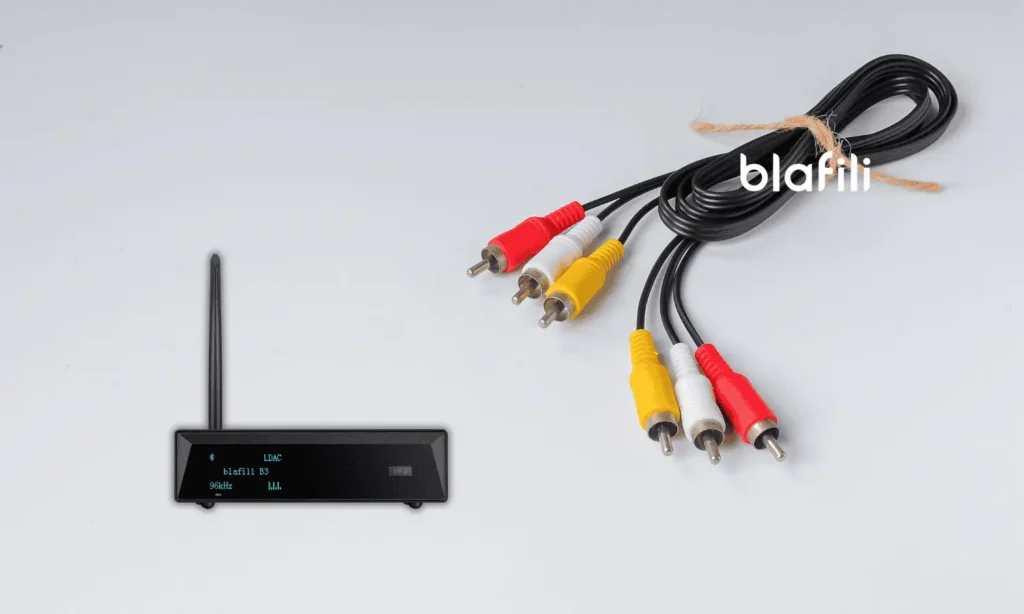
- RCA cables (if not included with the adapter)
- Bluetooth device (smartphone, tablet, laptop)
- RCA Connect: Bluetooth Adapter
Ensure your audio system is powered on and ready to accept an RCA input.
Plug and Play: The Simple Steps to Connecting Your Adapter
- Connect the adapter to your audio equipment’s RCA input or output ports.
- Depending on your model, plug the power source into the adapter via AC or USB.
- Please turn on the adapter; it should enter pairing mode automatically.
- Select the correct input on your audio system (e.g., AUX or Audio In).

Pairing Power: Syncing Your Bluetooth Device with the Adapter
- Enable Bluetooth on your device and search for nearby devices.
- Select the name of your adapter from the list of available devices.
- Wait for the connection to complete; your system can stream audio wirelessly.
Troubleshooting Titans: Conquering Common Connection Challenges
- No sound? Check the volume levels on both your audio system and the paired device.
- Pairing issues? Ensure the adapter is in pairing mode, and verify that Bluetooth is enabled on your device.
- Connection drops? Check for interference or too much distance between the devices.
Fine Tuning Your Sound: Optimizing Audio Settings for Peak Performance
For the best possible sound, ensure that:
- Your Bluetooth device is set to output the highest-quality audio.
- Any equalizer settings on your system are optimized for your preferences.
- You’re not using multiple devices that could create signal congestion.

Beyond Basic Hookups: Getting the Most Out of Your Adapter
Once you’ve successfully set up your RCA Connect: Bluetooth Adapter, there are plenty of ways to enhance your audio experience.
Multi-Device Mastery: Connecting Multiple Bluetooth Sources
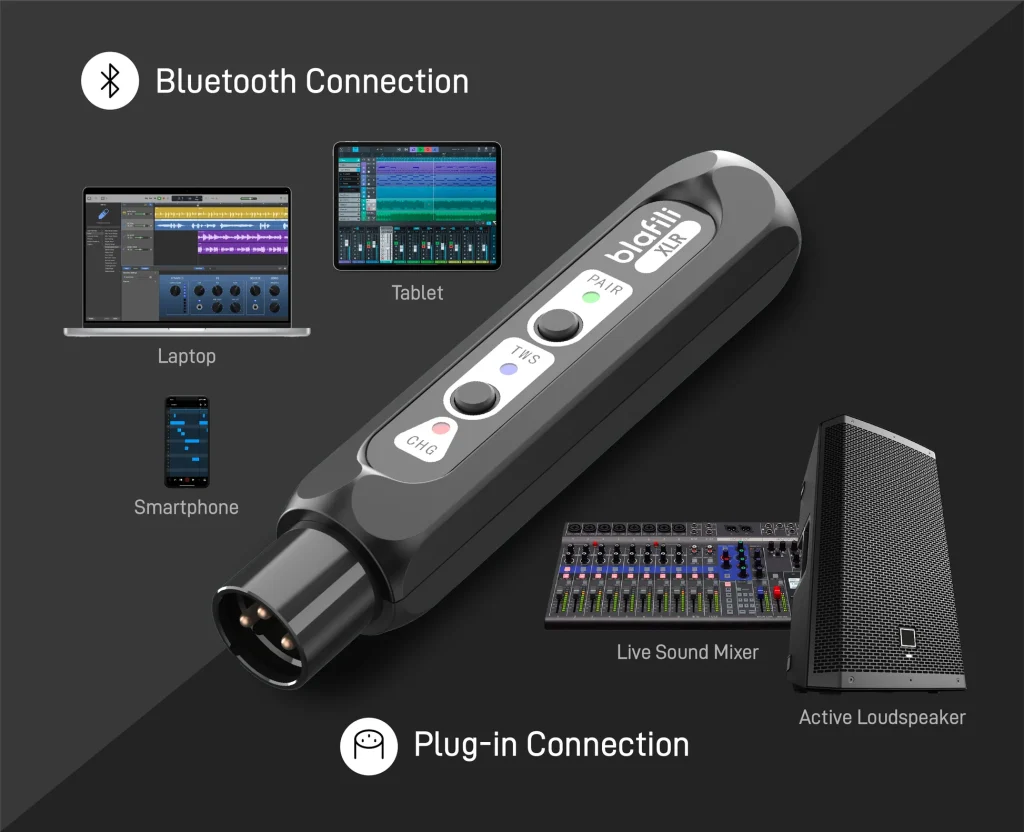
Some advanced adapters can pair multiple devices at once, typically two. You can easily switch between streaming music from your phone, laptop, or tablet without disconnecting and reconnecting each time.
Home Theater Harmony: Integrating the Adapter into Your Surround Sound Setup
Suppose you have a home theater system with RCA inputs. In that case, the Bluetooth adapter can also become a critical part of your multimedia setup. Stream movies, music, or TV shows directly to your speakers, enhancing your home entertainment experience.

Portable Powerhouse: Using the Adapter for On-the-Go Audio
When traveling or moving, use your Bluetooth adapter to connect to portable speakers or car stereos that rely on RCA inputs. Your streaming library then travels with you, from the car to a hotel speaker.
DIY Audio Upgrades: Creative Ways to Maximize Your Adapter’s Use
Explore creative ways to use your Bluetooth adapter. Beyond speakers, the adapter also works with old-school radio systems and retro gaming consoles.
Future Proofing Your Audio: Ensuring Compatibility with Evolving Tech
As technology evolves, ensure your Bluetooth adapter can keep pace. Look for upgradable models that support the latest Bluetooth standards and ensure compatibility with new devices.

Troubleshooting and Triumphs: Conquering Common Adapter Conundrums
No setup is without its challenges, but most issues are quickly resolved with some knowledge and patience.
Signal Snags: Battling Bluetooth Interference and Dropouts
Bluetooth signals can sometimes be interfered with by other wireless devices or physical obstacles. Ensure your adapter is within range and minimize interference by turning off unused Bluetooth devices.
Soundless Solutions: Diagnosing and Fixing Audio Output Issues
If there’s no sound, check the following:
- Volume levels on both your Bluetooth device and audio system.
- Whether the adapter is correctly plugged into the correct RCA ports.
- Regarding the audio codec being used, some devices might not support higher-quality codecs.
-
Sale!
 Original price was: $149.00.$109.00Current price is: $109.00.
Add to cart
-
Sale!
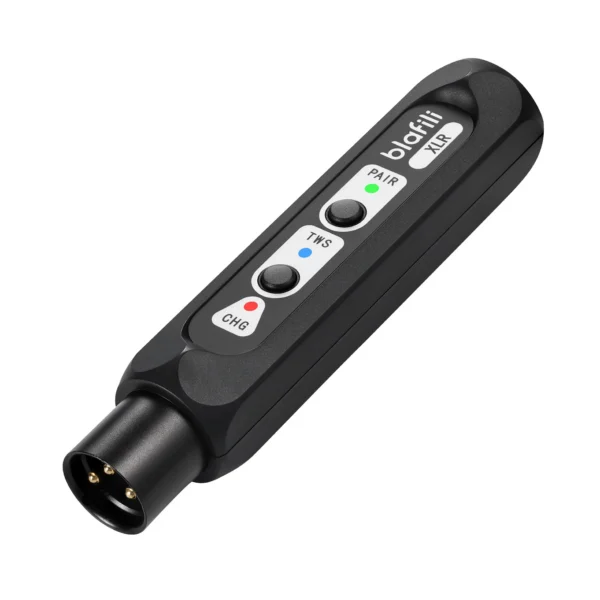 Original price was: $59.99.$40.99Current price is: $40.99.
Add to cart
-
Sale!
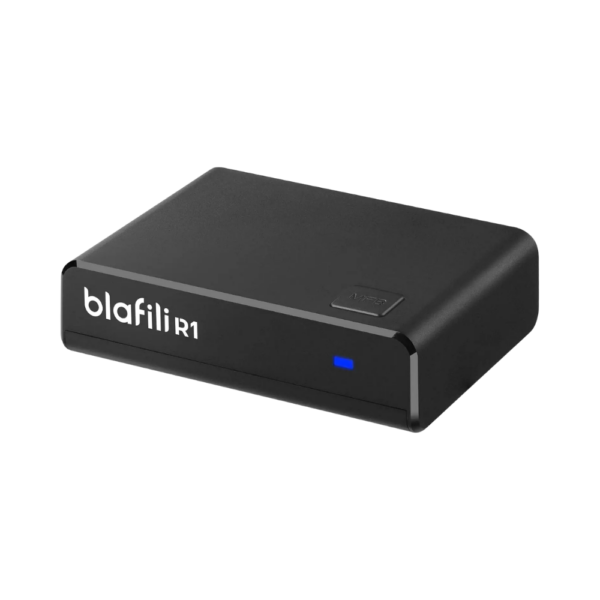 Original price was: $29.99.$21.99Current price is: $21.99.
Add to cart
-
Sale!
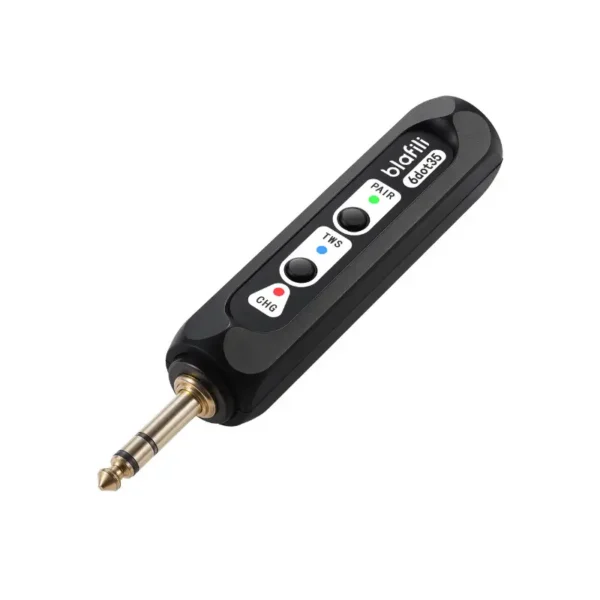 Original price was: $59.99.$44.99Current price is: $44.99.
Add to cart
Pairing Predicaments: Resolving Bluetooth Connection Failures
If your devices don’t pair, ensure that:
- The adapter is in pairing mode.
- Bluetooth is enabled on the source device.
- The adapter is compatible with the device’s Bluetooth version.
Maximizing the Value of Your Setup: The Final Word
Once your RCA Connect: Bluetooth Adapter is up and running, it’s time to explore how to get the most value out of your wireless setup. Connecting the adapter is the easy part; choices in codecs, cables, and placement decide how good the system ends up sounding.
Enhance Your Audio Experience with High-Quality Components
A Bluetooth adapter is only one piece of the puzzle. To achieve the best possible audio quality, consider upgrading other audio system components. For instance:
- Speakers: Even the best Bluetooth adapters can only do so much if your speakers don’t deliver quality sound. Invest in a high-fidelity speaker system that complements your streaming wireless audio.
- Cables: While Bluetooth eliminates the need for many cables, the ones that remain—such as those connecting your adapter to your audio system—should be high-quality. Choose oxygen-free copper cables for superior conductivity and minimal signal loss.
Embrace Multi-Room Audio
With a Bluetooth adapter, you can build a multi-room audio system that plays music in several rooms around your home. Connecting multiple Bluetooth speakers or receivers through compatible adapters will enable you to synchronize music across different areas. That suits a house full of guests as well as a quiet evening alone.
Many home automation systems can link multi-room audio to voice assistants like Alexa or Google Assistant, so you can start or stop the music from any room.
Integrating Bluetooth with Smart Home Devices
As smart home devices become more ubiquitous, the RCA Connect: Bluetooth Adapter can enhance your overall smart home experience. For instance, some Bluetooth adapters can be paired with smart TVs, allowing you to wirelessly send audio to your home theater system. Pairing with smart speakers also adds voice control over your music and sound systems.
Harness the Power of Voice Assistants
Voice control through Alexa or Google Assistant lets you start a playlist without walking over to the stereo. Ask your voice assistant to play your playlist; with the correct adapter, the audio will be streamed to your sound system without lifting a finger. Many Bluetooth adapters now support voice assistant compatibility, allowing easy voice command integration.

Final Thoughts: Future-Proofing and Keeping Your System in Tune
As technology evolves, it is worth checking that your setup stays compatible with newer devices. Here are a few ways to future-proof your audio system:
Stay Updated on Bluetooth Versions
Bluetooth technology constantly improves, with newer versions offering enhanced speed, range, and stability. Be sure to choose an adapter that supports the latest Bluetooth standards, such as Bluetooth 5.0 or Bluetooth 5.1, to ensure compatibility with future devices and longer-lasting connectivity.
Be Ready for High-Resolution Audio
High-resolution audio is gaining popularity as more music services and streaming platforms offer lossless or Hi-Res tracks. If you’re an audiophile or want the best sound possible, look for Bluetooth adapters that support high-resolution audio codecs like apt-X HD or LDAC. With those codecs the wireless link carries high-bitrate audio without adding audible compression.
Maintain Regular Software Updates
Some Bluetooth adapters feature firmware updates that improve compatibility, add features, or fix bugs. To keep your adapter in peak condition, make it a habit to check for updates from the manufacturer’s website or the product’s app. An updated adapter keeps your system working with the latest phones and tablets.
The Value of Versatility
A suitable Bluetooth adapter is not just for connecting to your TV or speakers. It’s a versatile tool that can adapt to various situations, from gaming consoles to portable speakers or even integrating into a car audio system. Don’t limit yourself to one specific application—explore different uses to maximize your investment.

Conclusion: Wireless Freedom Without Sacrificing Quality
In today’s world of constant connectivity, the RCA Connect: Bluetooth Adapter offers a convenient solution to marry old-school audio equipment with modern, wireless streaming capabilities. Whether you’re looking to upgrade a classic stereo system or enhance your home theater setup, this adapter is an invaluable tool that simplifies the transition to wireless audio.
You can choose the correct adapter that fits your needs by understanding the nuances of Bluetooth codecs, range, and power sources. Choosing an adapter with current codec support and firmware updates also keeps the setup working well for years.
No matter where you are in your audio journey, the RCA Connect: Bluetooth Adapter provides a simple yet effective way to stay at the forefront of wireless audio technology while preserving the beloved devices that continue to provide great sound. Cut the cords where they get in the way, keep the RCA gear you already like, and run the rest wirelessly.