
blafili B3 Inputs and Outputs: What Each Port Does
Two inputs, four outputs, one 5V USB-C jack. What each port on the blafili B3 actually does, where it plugs in, and which jacks people mistake for inputs.
Read MoreThe blafili journal
Guides from the blafili workbench: receiver and transmitter buying guides, codec deep-dives and scene-by-scene setup playbooks — everything we know about setting sound free, in plain English.
Bluetooth audio delay runs from roughly 40 ms with aptX Low Latency to several hundred milliseconds on SBC. Codec choice, buffering, and use case decide what you hear.
Read More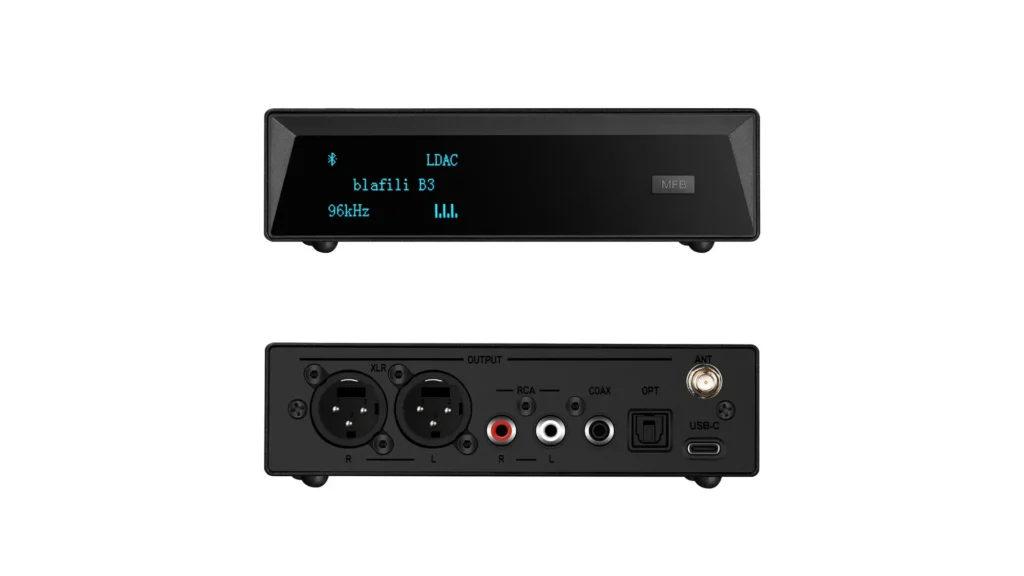 Tips
Two inputs, four outputs, one 5V USB-C jack. What each port on the blafili B3 actually does, where it plugs in, and which jacks people mistake for inputs.
Read More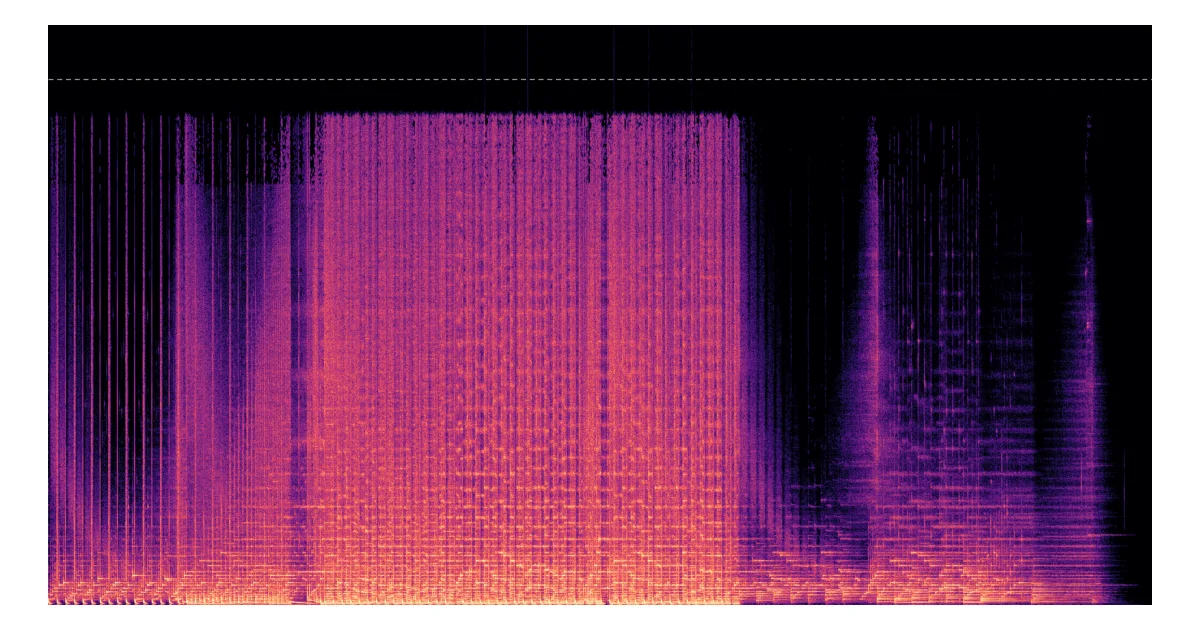 Codecs & technology
Fifteen tracks, nine codec settings each, one level playing field. Switch versions mid-song and judge with your own ears — wired headphones on.
Read More Codecs & technology
AAC vs LDAC compared: LDAC hits 990 kbps on Android, AAC stays near 250 kbps and runs across Apple gear. Compare bitrate, latency and device support.
Read More Codecs & technology
aptX Low Latency holds Bluetooth audio lag near 40 ms, vs. roughly 300 ms on SBC or AAC. See the codec latency table and what both ends need. Learn more.
Read More Codecs & technology
What is Bluetooth? Learn how the 2.4 GHz radio standard hops 79 channels to replace cables, from 1994 origins to Bluetooth 5.4, LE Audio, and LDAC.
Read More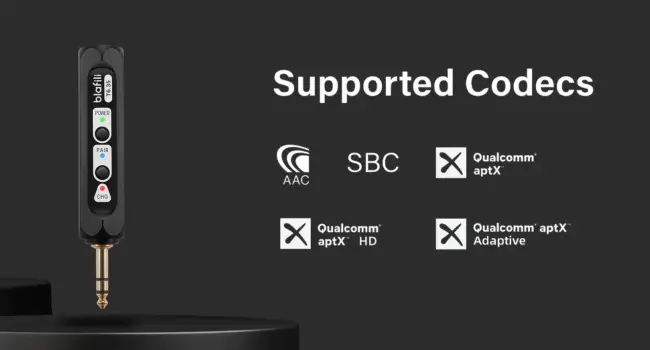 Receiver guides
A 1/4″ (6.35 mm) TRS Bluetooth receiver plugs straight into the jack that guitar amps, PA speakers, powered mixers and studio monitors already have — no adapter chain, no cables. This guide explains where a TRS receiver fits, which inputs it works with, a four-step connect walkthrough for guitar amps, and what to check before buying.
Read More Codecs & technology
A DAC, short for digital-to-analog converter, turns digital audio, a stream of numbers, into the analog voltage that headphones and speakers play. Every playing device contains one: phones, TVs, car stereos, and every Bluetooth receiver all convert numbers to voltage somewhere inside. The numbers that separate good converters from mediocre ones are signal-to-noise ratio near 120 dB, THD+N around -120 dB, and input headroom such as 32-bit/384 kHz. A dedicated DAC earns its place when the built-in one hisses or flattens detail.
Read More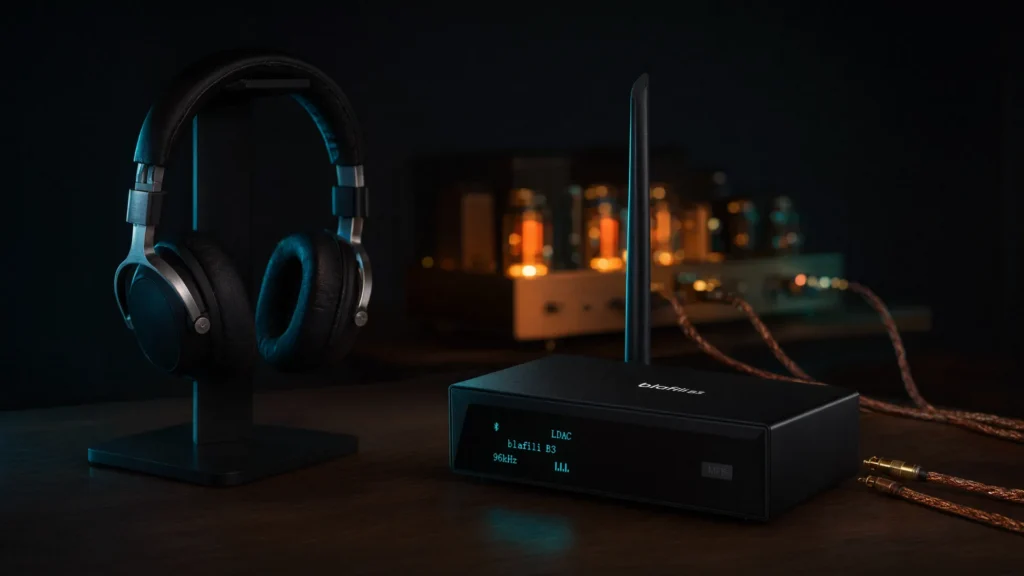 Codecs & technology
A Bluetooth DAC is the digital-to-analog converter inside a wireless receiver, and its quality sets the noise floor of the whole wireless chain. Judge one by published numbers: a named chip such as the ESS ES9018K2M, THD+N near -120 dB, dynamic range near +127 dB, and LDAC feeding it at up to 990 kbps. Then match the outputs, XLR, RCA, or optical, to your system. Capable units run $40.99 to $109.
Read More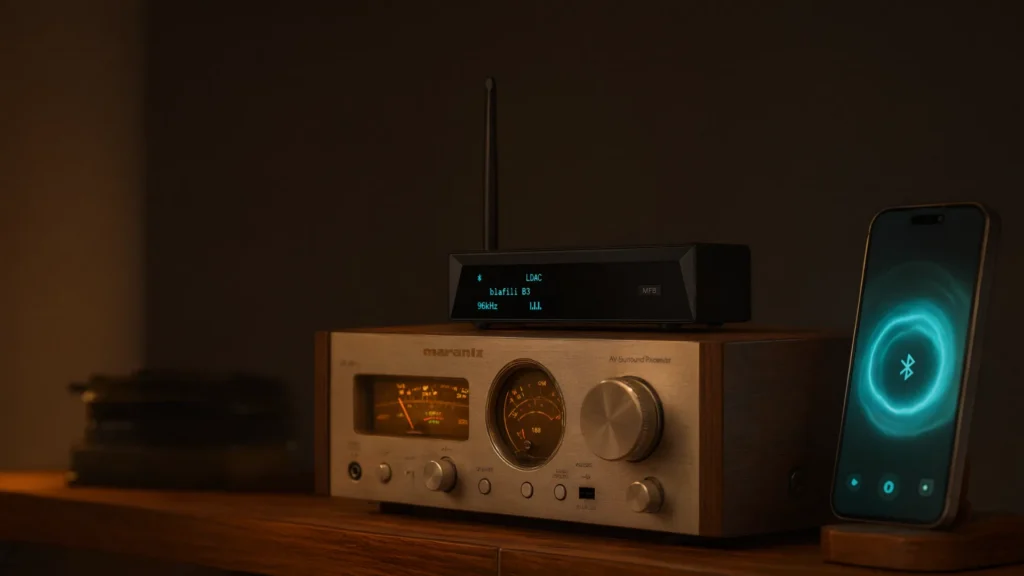 Scenarios & setups
You can add Bluetooth to an old stereo in about ten minutes without touching its electronics: find a free line-level input (AUX, CD, Tape, or Line), connect a Bluetooth receiver’s output to it, power the receiver, and pair your phone. This guide walks the six steps, the input-safety chart (including the phono warning), ground-loop hum fixes, and how to keep the vintage character intact.
Read More