

What Is an XLR Bluetooth Receiver?
An XLR Bluetooth receiver receives audio from your phone over Bluetooth and outputs it through a balanced XLR connection — the three-pin locking connector that professional mixers, powered PA speakers, and studio monitors expect. One small box lets any phone, tablet, or laptop drive gear that was wired for a stage or a studio, no cable across the room required.
It is the pro-audio sibling of the home RCA receiver: same job, different socket. If your destination is a living-room amp, start with our RCA Bluetooth adapter guide; if it has three-pin XLR inputs, read on.
Why XLR: Balanced vs Unbalanced in One Minute
An unbalanced cable (RCA, 3.5 mm) carries the audio on one conductor and a shared shield; any interference that leak in on the way becomes part of the signal. A balanced XLR line carries two copies of the signal, opposite in polarity, and the receiving input amplifies only their difference — noise picked up along the cable arrives on both conductors equally and cancels. That is why XLR runs stay quiet across a stage or a studio where an RCA run would hum.
The trade-offs are exactly what you would expect: XLR sockets and cables cost more than RCA, and they live on pro gear. For the connector physics and when TRS (1/4″ balanced) is equivalent, see XLR vs TRS cables explained.
Where an XLR Bluetooth Receiver Fits
- Mixers — rehearsal rooms and small venues: pair a phone, play backing tracks or intermission music through a spare stereo channel. The full walkthrough is in our Bluetooth receiver for audio mixers guide.
- Powered PA speakers — most active PA cabinets have XLR inputs right next to their volume duck: the receiver plugs straight in, no mixer needed for background playback.
- Studio monitors — reference monitors with balanced XLR inputs take the receiver directly for casual listening and client playback.
- Amplifiers with balanced inputs — hi-fi and install amps with XLR in get the same benefit at home.
What it does not replace: a wireless microphone system. Mic-level signals and phantom power are a different business — see the phantom power note below.
Mic Level, Line Level, and Picking the Right Input
XLR sockets carry two very different signals, and the difference decides whether your receiver sounds right. Mic level is the tiny output of a microphone, meant to be amplified by the channel’s preamp. Line level is the healthy fixed-level signal of playback gear — which is exactly what a Bluetooth receiver outputs. Feed line level into a mic preamp and the channel clips long before the room is loud; that is the “distorted no matter what” complaint in most one-star reviews.
So prefer a dedicated line/stereo input, or a channel with a line switch or a pad. Many modern mixers have combo jacks (XLR hole, 1/4″ center) that accept either connector — the connector fits either way, but the gain architecture is what you are choosing. When in doubt: receiver into line in, channel gain low, fader up.
Setup in Three Steps
- Connect the XLR cable from the receiver’s XLR output to a line-level input on the mixer, speaker, or monitor.
- Power and pair — switch the receiver on, put it in pairing mode, and select it from your phone’s Bluetooth menu.
- Set levels and play — with music running, set the channel gain so the meter breathes with the chorus, then bring up the fader.
The receiver is a line-level source, so treat its output like a mixer’s tape out: keep the phone’s volume high and clean, and do the listening-level work on the desk or the speaker.
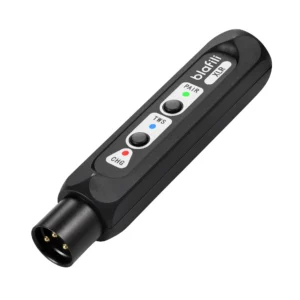
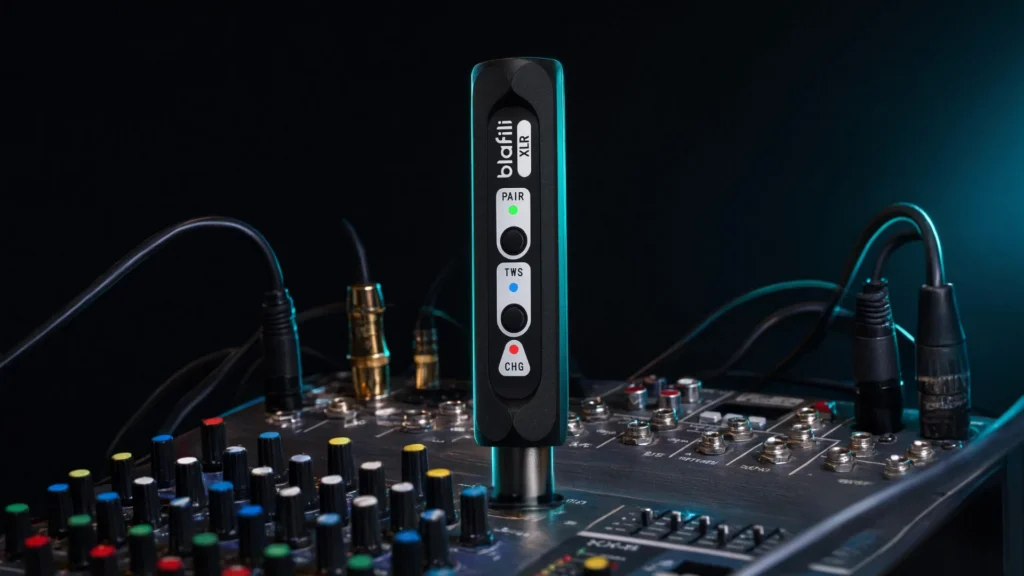
Two speakers, one phone: the blafili XLR’s TWS pairing lets two units link as a stereo set — one on the left monitor, one on the right, both receiving the same phone. Pair the two receivers to each other first, then pair the phone to the pair, and the stage gets true stereo without a splitter cable.
Latency: Where Bluetooth Belongs in a Live Rig
Bluetooth compression and transmission add delay — tens of milliseconds with low-latency codecs, north of 150 ms when a link falls back to plain SBC. For the jobs in this guide that delay is invisible: intermission music, backing tracks, client playback, background sets. Where it is not invisible is any path musicians monitor through — in-ear mixes and time-aligned main arrays need wired or dedicated wireless systems, because even 40 ms of offset reads as an echo against the stage.
Draw the line early and the technology never embarrasses you: Bluetooth carries what the audience hears casually; cable carries what the performers hear themselves. If the room is doing both, the codec table in our Bluetooth codec comparison tells you which link will hold sync for video-content playback.
blafili XLR vs blafili B3: Which Balanced Receiver?
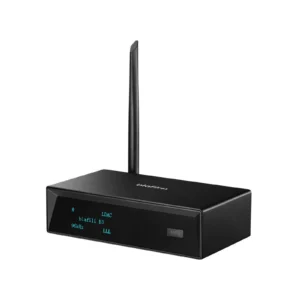
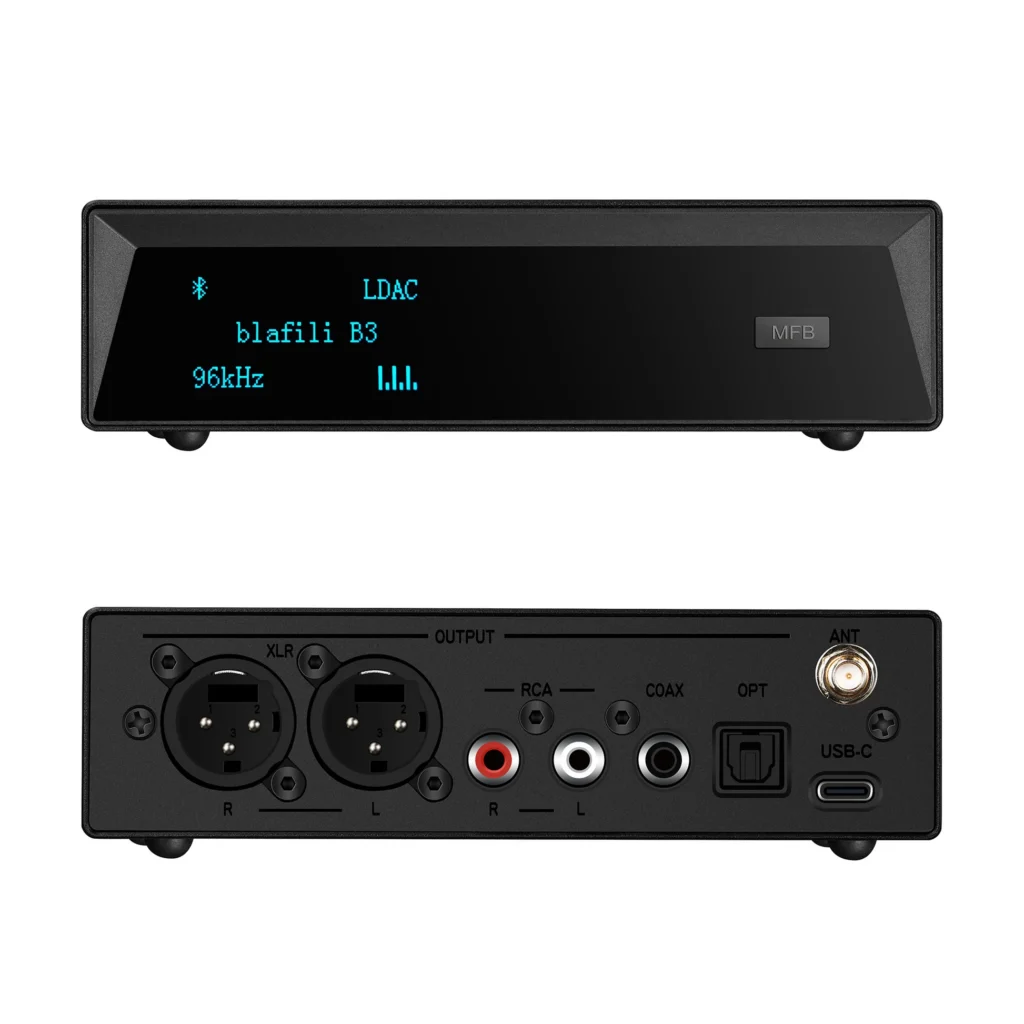
blafili builds two receivers with balanced XLR output — a pocket battery stick and a desktop flagship:
| Spec | blafili XLR | blafili B3 |
|---|---|---|
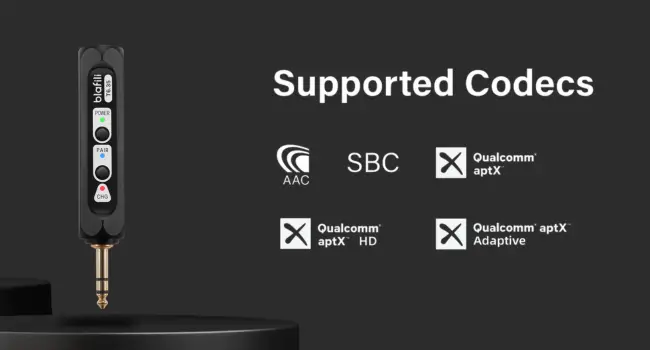
| Codecs | aptX HD, aptX LL, aptX, AAC, SBC | LDAC, aptX HD, aptX LL, aptX, AAC, SBC |
| DAC / audio path | Bluetooth 5.1, 16-bit/48 kHz USB audio | ESS ES9018K2M DAC, 32-bit/384 kHz PCM support |
| Outputs | Balanced XLR male | Balanced XLR male, RCA, optical, coaxial |
| Power | Built-in battery, up to 10 h; USB-C charging | USB powered (5 V), sits on the desk |
| Range | Up to 100 ft (30 m) | Up to 100 ft, removable RP-SMA antenna |
| Extras | 40 g, TWS pairing for stereo/mono setups | OLED display, aluminum body, QCC5125 chipset |
| Price | $40.99 | $109 |
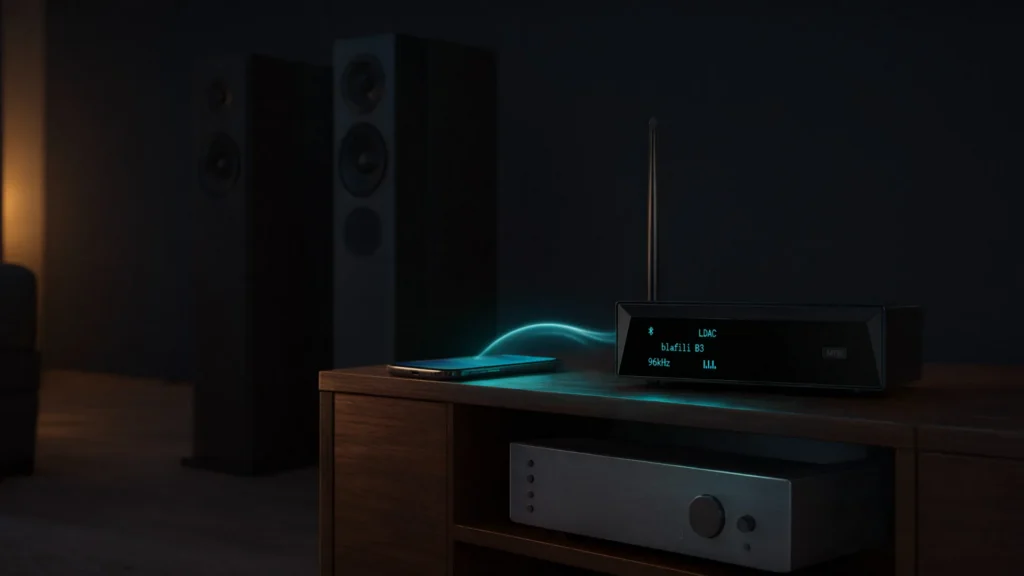
Both put the same balanced signal on the cable; choose the XLR for portable, battery-powered duty and the B3 when you want LDAC and the full DAC treatment at a fixed station. If the job is the reverse direction — sending an XLR output to wireless speakers — that is the blafili Bicast XLR transmitter.
The wired fallback on the same box. Both receivers also accept USB-C digital audio (16-bit/48 kHz) from a computer — so the same unit that serves a phone over Bluetooth can double as a small USB interface for a laptop at a fixed desk, no drivers. It is the cheat code for hybrid desks: meeting audio by Bluetooth from the phone, presentation audio by USB from the laptop, one cable to the monitors.
What Reviewers Say
Independent coverage is the reason this niche is safe to buy into. Pragmatic Audio’s review of the blafili XLR concluded there was “no audible degradation compared to a wired XLR connection — the sound remained detailed, clean, and well-defined,” and noted it is “even cheaper than some XLR cables” (Pragmatic Audio, March 2025). On Head-Fi, the B3’s reviewer called it “rare to get XLR outputs paired with high quality bluetooth codecs from a DAC at this price point” and “one of the first devices where I am happy to use bluetooth without feeling like I am compromising too much on sound quality” (Head-Fi). Video reviews are on YouTube too — e.g. blafili XLR Review.
Phantom Power and Common Problems
Phantom power. +48 V phantom flows from mixer mic inputs to condenser microphones; a Bluetooth receiver is a playback source, not a mic. Feed it into line inputs, or into a mic channel with phantom switched off — it neither needs nor passes phantom power.
Hum and buzz. Power everything from one strip, keep audio lines away from power bricks, and prefer the XLR output for long runs — that is what balanced wiring is for. A persistent loop on the unbalanced legs is cured by an isolator.
Mono or odd stereo. Two XLR receiver units can TWS-pair as a stereo set; if one speaker plays everything, check that TWS pairing rather than the mixer, and confirm pan/polarity settings on the channel.
Thin or distorted level. Line in, not mic in (or pad the channel); raise the phone’s volume before the fader.